41
10/2021
File Playback IPS740 series
Double-click a task and all the les contained in the task are displayed in the left
window. Next double-click an image le, it will be opened full-screen. Video les are
marked with a lm symbol, and are opened with the play icon. Click play to start, as
the video is played back, the progress bar increases.
Front Panel LCD
Front Panel LCD
External Monitor
External Monitor
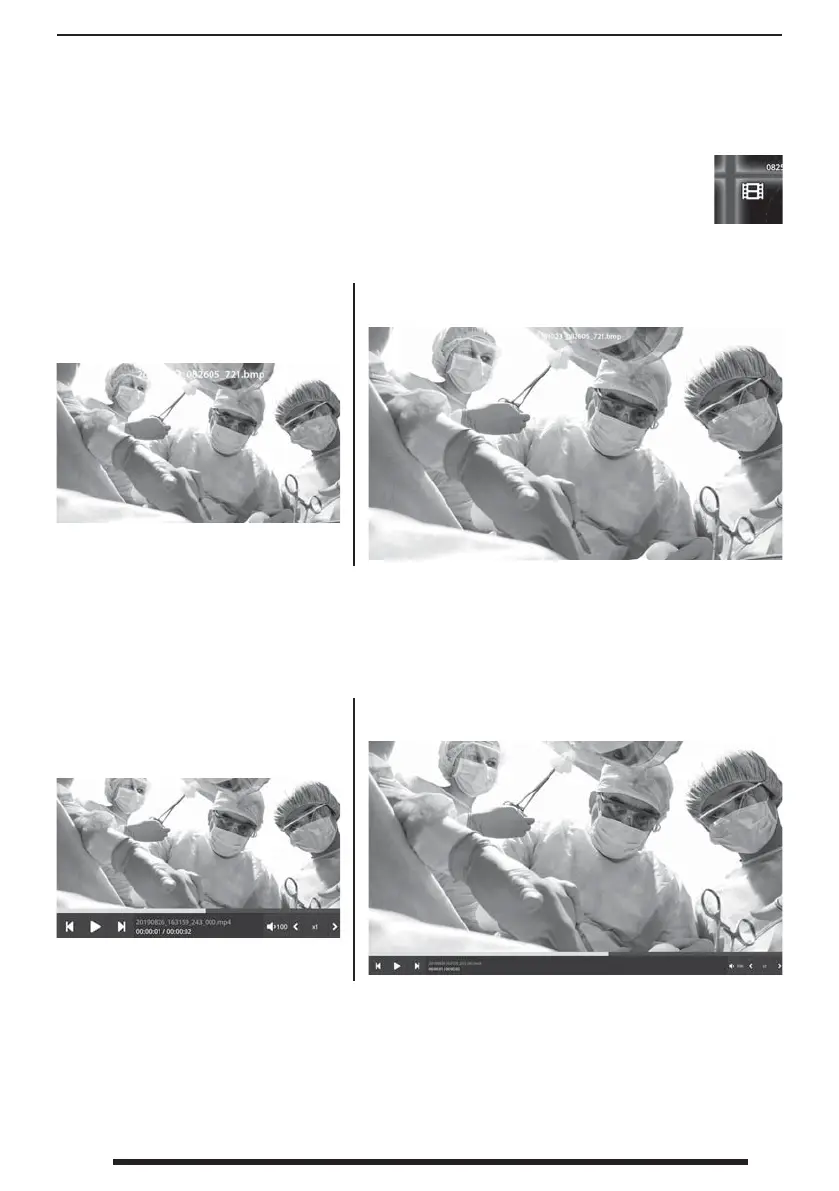
Captured still images are viewed full-screen.
Recorded videos are viewed full-screen with controls at the bottom. Click
play to start, as the video is played back, the progress bar increases.


 To Next Page