8
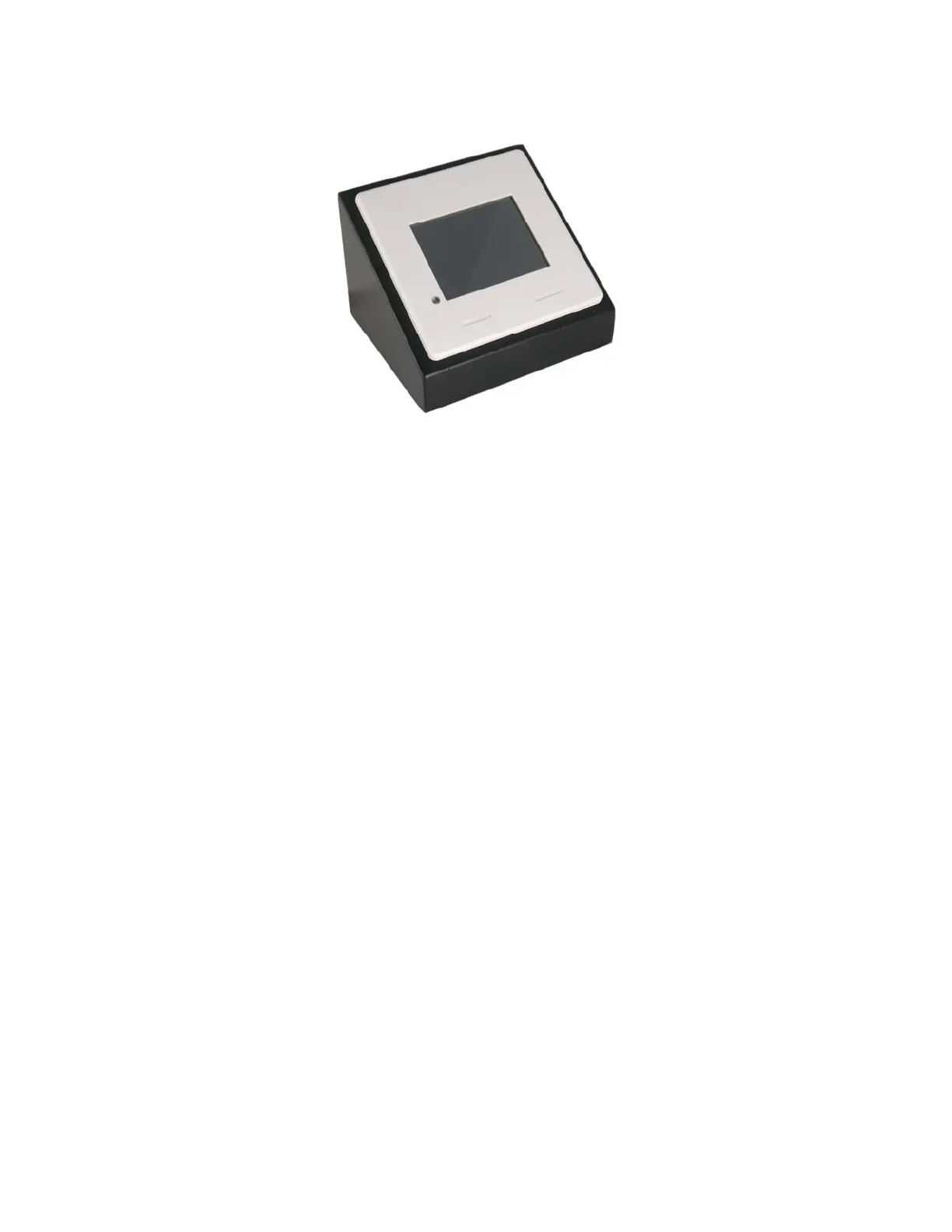
FLEX Mounted in FSR DSKB-2
Check the recommendations on cable requirements and termination for any external
devices connected to the Flex. Use standard approved wiring practices.
The integrity of all cables should be pretested BEFORE they are connected to the FLEX-
LT. This holds true for the external cabling as well. Simply direct connect the various
sources and displays to pretest the cable runs and equipment. All terminations should
have "ID" cable markers to aid in cabling and troubleshooting.
WiringtheFLEX
NOTE:ThewiringfortheFLEXLT200andtheLT300areidentical.TheLT300does
nothaveaseparateserialportforloadingprojects.ConnectcableprovidedinFLEX
ProgrammingKittoSERIAL2asillustratedbelowtoloadprojectstoaFLEXLT300.
Power
TheFLEXcontrolpanelispoweredwitheithera12Vpowersupply(included)or
poweroverEthernet(PoE).
Tousethepowersupplystripbothconductorsback¼”in.andinsertthestriped
wireinthe+receptacleofthepowerconnector.Thepowersupplyhasa9ftcable.
Thepowercablecanbeextendedupto50feetwitha22gauge2‐conductorcable.
TheFLEXsystemalsohasconnectorsfora3VAAAbatterybackup.Anoptional
batteryholderisavailable.Makeallpowerconnectionsasshownbelow.



 To Next Page