PAG.
8
rev 1.0
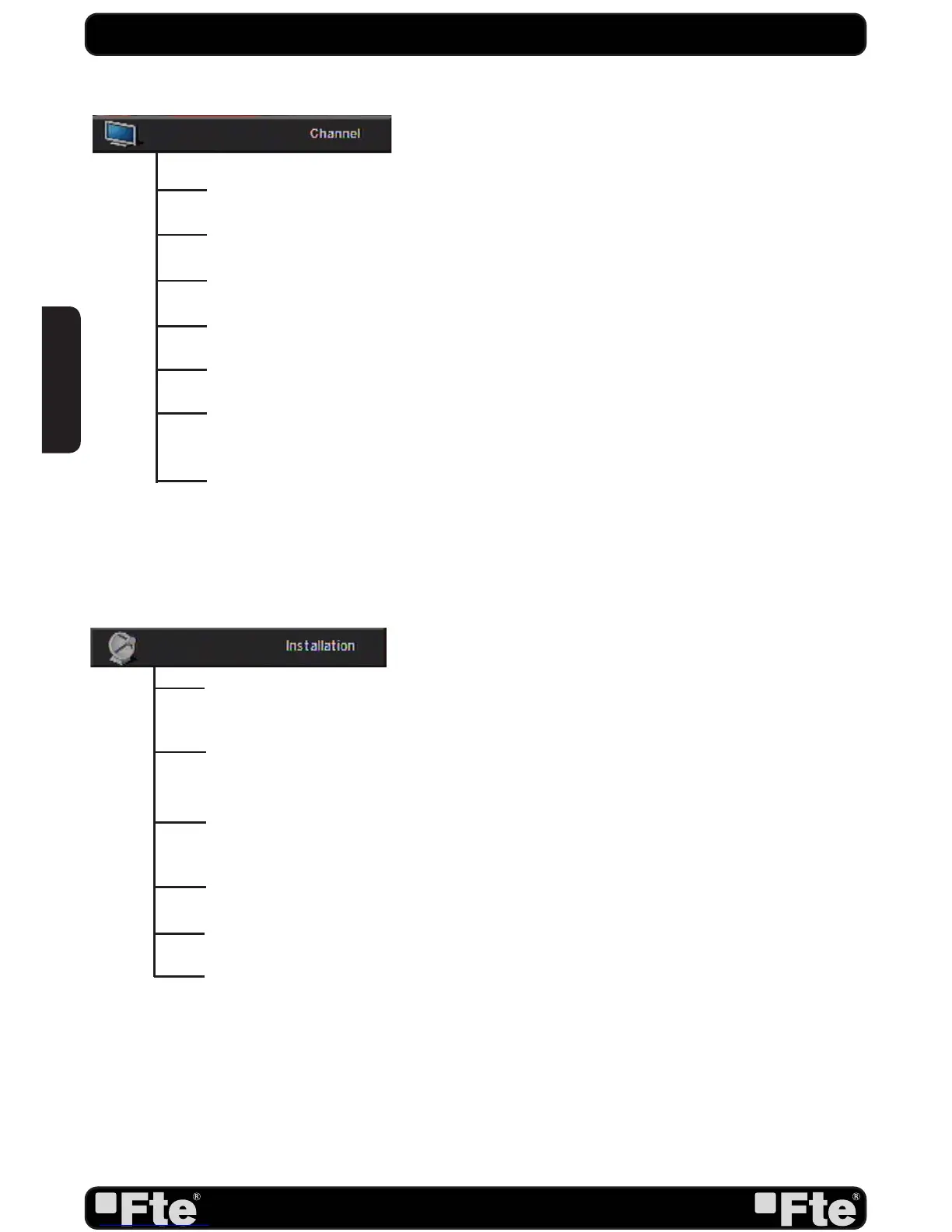
TV Channel List: This option shows the list of TV stored channels.
Radio Channel List: This option shows the list of Radio stored channels.
Channel Setup: This option allows setting the receiver to start in a predefi ned channel.
Favourite Channel List Name: It allows changing the name of the favourite groups.
Delete All: This option deletes all TV and Radio stored channels.
Restore channel list and settings: This option loads the user TV and Radio channel list,
saved previously.
Save channel list and settings: This option makes a backup of the channel list and it will
allow restoring the channel list even thought after a factory default.
Single Search: Once the antenna is confi gured, this option allows search for the channels
of one satellite.
Multi Search: Once the antenna is confi gured, this option allows search for the channels
of various satellites.
TP Search: Once the antenna is confi gured, this option allows search for the channels
of one TP.
Satellite List: This option shows all the stored satellites. This list can be modifi ed.
TP List: This option shows all the stored TP. This list can be modifi ed.
Satellite Guide: After introducing some data, this application allows to know which
orientation and elevation should be the antenna.
QUICK INSTALLATION GUIDE
ENGLISH


 To Next Page