Flluid 1
30
USING YOUR FLLUID
Disorders
Please check:
- Is the power cable connected correctly?
- Are the contacts of the charger and the
battery clean and not damaged or bent?
- Is the battery damaged or defective?
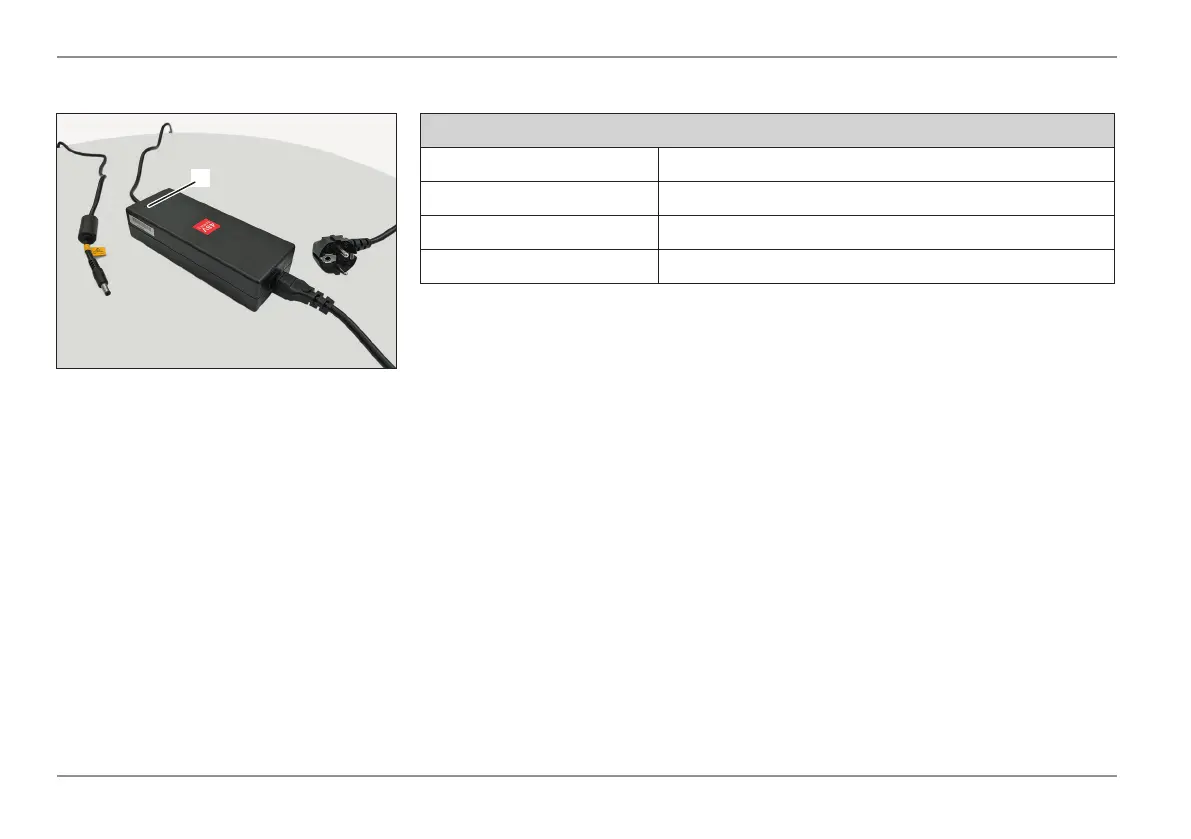
Charger Function
This charger is suitable for Li-Ion batteries.
The LED (1) on the charger keeps you
constantly informed of the operating status.
You will be informed about the status and
charging of the battery at a glance.
Charging cycle and LED indicators for Li-ion battery
LED MODUS
Green Battery not yet connected
Red Charging
Green Charging complete
If the battery does not charge:
- Check whether the outlet charger is
plugged into has power. If not plug into
a different outlet.
- Check if all connectors are fully seated.
- If charging is still not possible, please
have the battery and charger checked
by your nearest service center.
1



 To Next Page