Flluid 1
37
USING YOUR FLLUID
NOTE
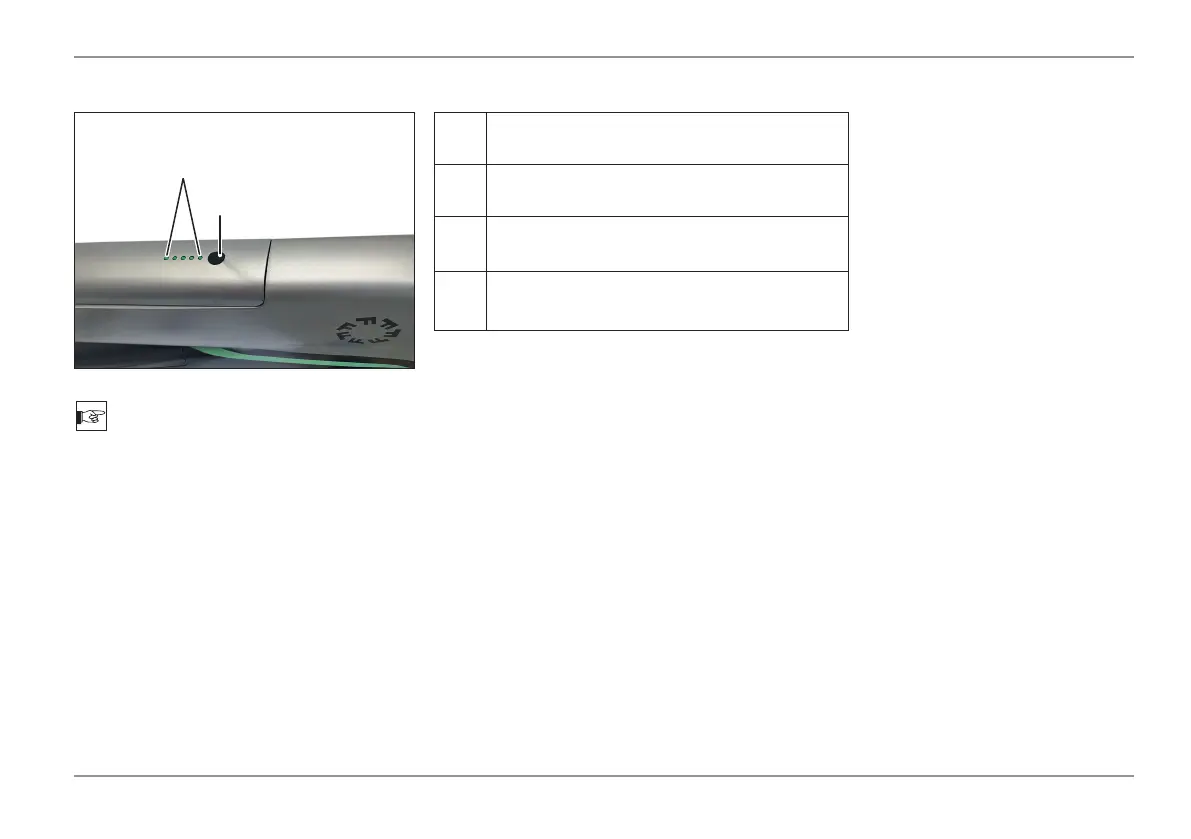
The state of charge can also be checked
with the battery removed.
- When the button (1) is pressed, the LEDs
(2) will light up according to the battery
charge status:
LED
Battery is 100% charged.
LED
Battery is about 75% charged.
LED
Charge soon
Battery is about 50% charged.
LED
Charge immediately Battery is nearly
discharged.
Battery State of Charge
1
2



 To Next Page