Flluid 1
35
USING YOUR FLLUID
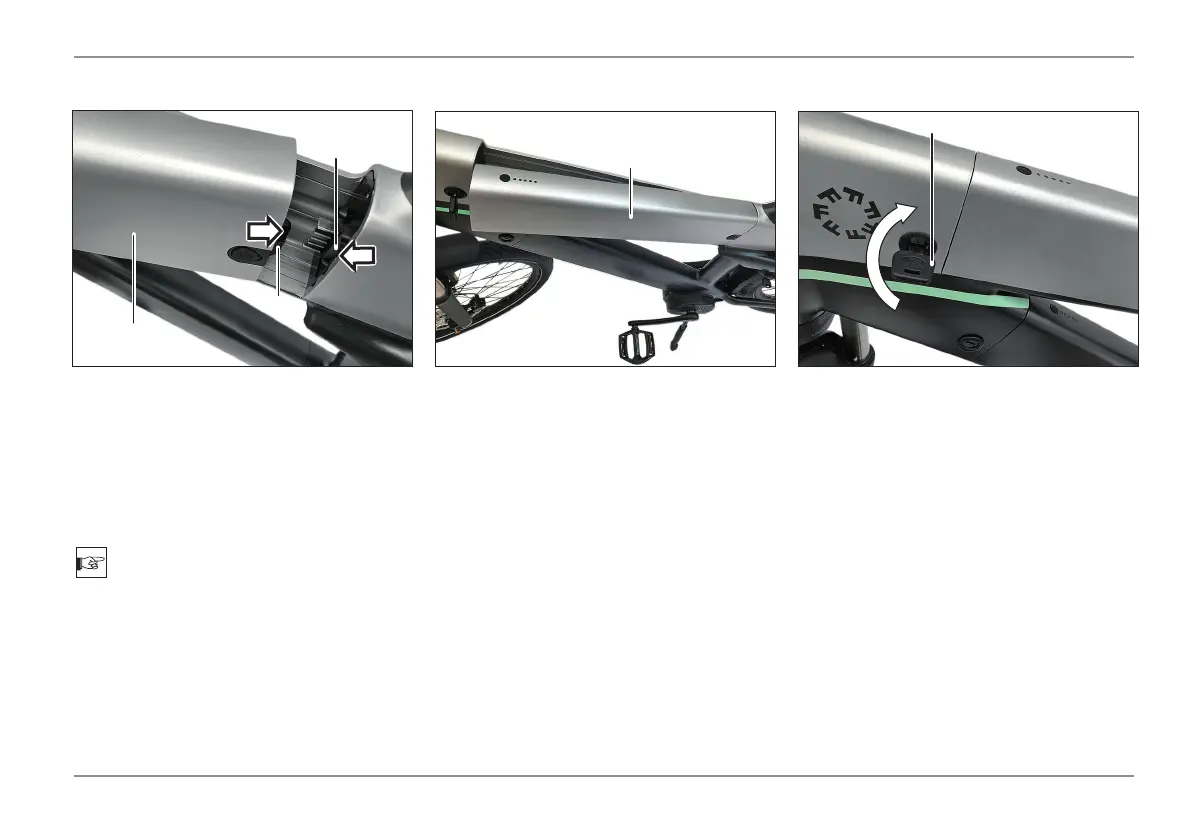
- Insert the battery (1) with the connector
(4) into the receptacle (5).
Installing the Battery
- Turn key (3) clockwise and remove.
- Insert the battery (1) into the frame.
NOTE
Do not attempt to install the battery with the
lock in the locked position.
Damage to both the locking mechanism and
battery may occur.
5
1
4
1
3



 To Next Page