Authentication/Security Settings
285
Tools
5
Set the passcode after setting the system administrator's user ID. You can set the passcode
from 4 to 12 characters.
For more information about [Passcode Entry for Control Panel Login], refer to "Passcode Policy" (P.290).
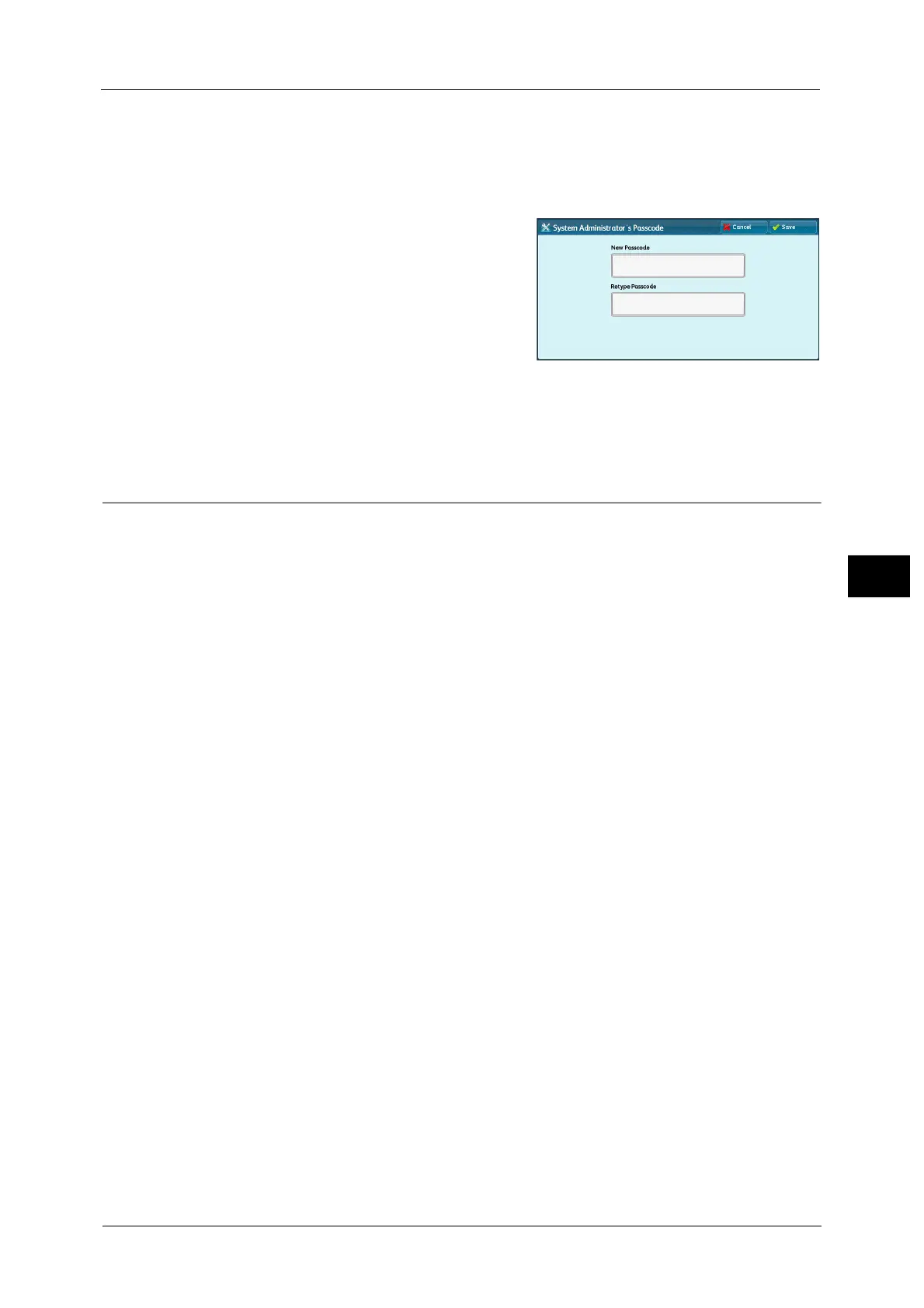
1 Select [System Administrator's Passcode].
2 Select [New Passcode].
3 Enter a new passcode (4 to 12 digits) using the
keyboard displayed, and then select [Save].
Note • If no passcode is set, leave the text boxes
blank and select [Save].
4 Select [Retype Passcode], enter the same
passcode, and then select [Save].
5 Select [Save].
6 A confirmation window appears. Select [Yes] to confirm your entry.
Authentication
In [Authentication], you can set the following items.
The following shows the reference section for each setting.
Login Type......................................................................................................................................................................................285
Access Control ...............................................................................................................................................................................286
Create/View User Accounts .......................................................................................................................................................287
Reset User Accounts ....................................................................................................................................................................287
Create Authorization Groups.....................................................................................................................................................287
User Details Setup........................................................................................................................................................................288
Maximum Login Attempts by System Administrator ..........................................................................................................290
Passcode Policy .............................................................................................................................................................................290
Charge/Private Print Settings....................................................................................................................................................291
Receive Control .............................................................................................................................................................................291
Login Type
Allows you to select a type of authentication.
No Login Required
Does not use the Authentication feature.
Login to Local Accounts
Authenticates users based on the user information registered on the machine.
Note • When [Login to Local Accounts] is selected, the machine enters the Login mode and [Login] is
displayed at the lower left of the Services Home screen.
Login to Remote Accounts (ApeosPort Series Models Only)
Authenticates users based on the user information registered on a remote authentication
server.
Note • When [Login to Remote Accounts] is selected, the machine enters the Login mode and [Login] is
displayed at the lower left of the Services Home screen.



 To Next Page
 Loading...
