Fax/Internet Fax
241
Fax
4
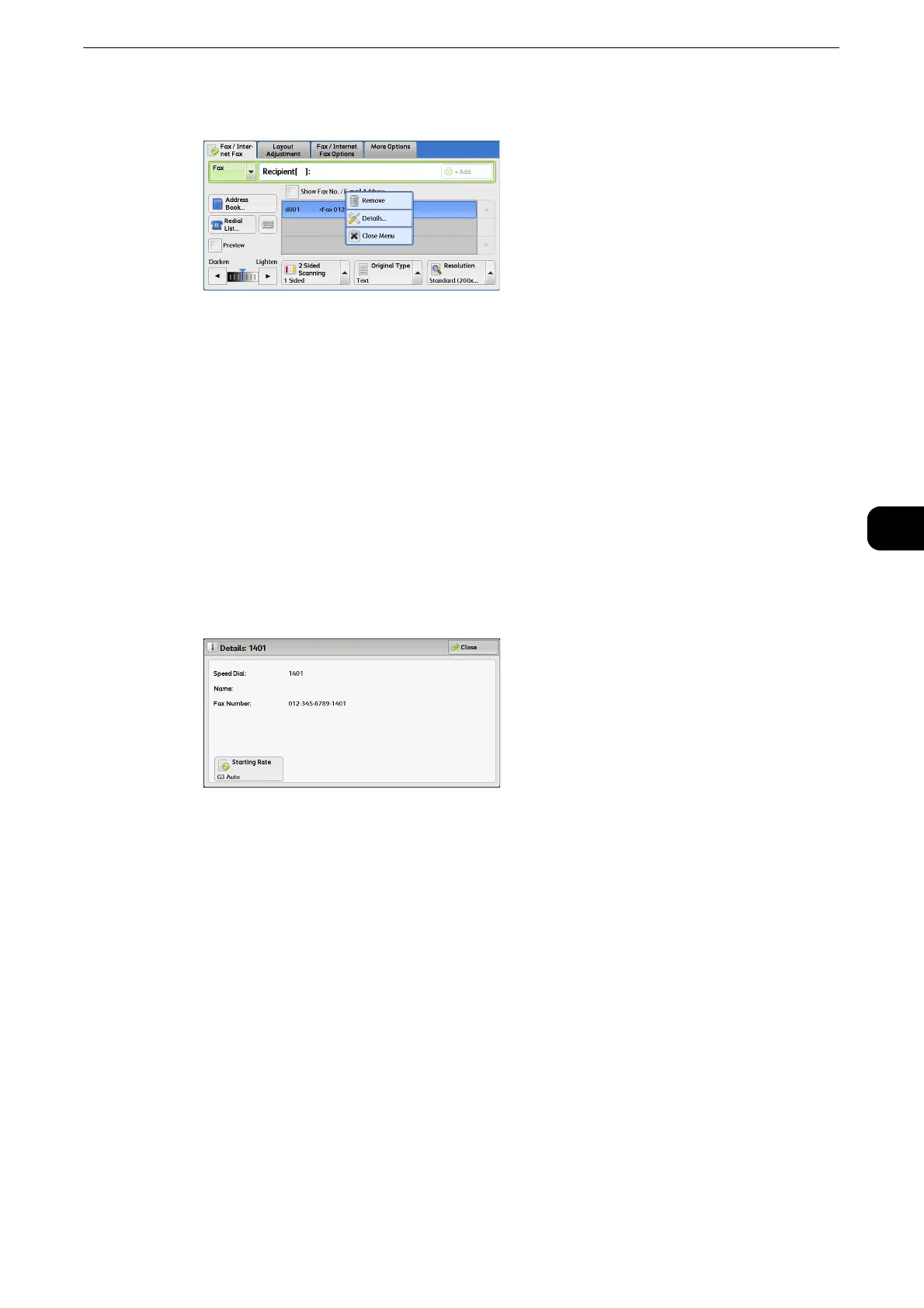
1 Select the recipient to be removed or confirmed from the selected recipients.
2 Select any option from the pop-up menu.
Remove
Removes the recipient.
Details
Displays the [Details] screen. You can confirm recipients or address numbers.
Close Menu
Hides the pop-up menu.
[Details] Screen
This screen allows you to confirm recipients.
Starting Rate
Allows you to select a communication mode according to the features of the recipient.
Previewing the Read Images during a Fax/Internet Fax Job
Before sending a fax, you can preview the read images while reading the next job.



 To Next Page
 Loading...


