Quick Setup Guide
Laser Printer
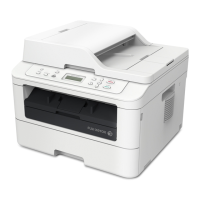
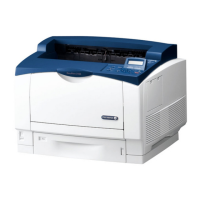
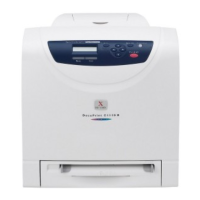
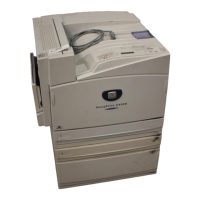
DocuPrint 203A/204A
Read this Quick Setup Guide before using the printer.
Before you can use the printer, you must set up the hardware and install
the driver.
For the latest drivers, visit http://www.fxprinters.com
Keep this Quick Setup Guide and supplied CD-ROM in a convenient place for quick and easy
reference at all times.
Setup is Complete!
How to use the printer, see the User’s Guide in the CD-ROM.
Step 1
Setting Up Your Printer
Step 2
Installing the Print Driver
USB
(for Windows
®
98/Me/2000/XP)
page 10
Parallel
page 12
Network
(for DP 204A)
Peer-to-
Peer
Mac OS
®
9.1 – 9.2
page 21
Mac OS
®
X
10.2.4 or
greater
page 19
Peer-to-
Peer
(NetBIOS)
Network
Shared
Printer
Mac OS
®
X
10.2.4 or
greater
page 16
Mac OS
®
9.1 – 9.2
page 18
Network
(for DP 204A)
USB
Peer-to-
Peer (LPR)
page 13
Peer-to-
Peer
(NetBIOS)
page 13
Network
Shared
Printer
page 15
Setting Up
Your Printer
Windows
®
USB
Windows
®
ParallelWindows
®
NetworkMacintosh
®
USB
Macintosh
®
Network
For
Administrators
Installing the Print Driver
QSG_Eng.book Page I Tuesday, April 26, 2005 11:03 AM

 Need help?
 General




 To Next Page