EasyManua.ls Logo

FujiFilm DS-7 - Compatible Memory Cards; Write Protection; Using a New Card

FujiFilm DS-7
44 pages
Print Icon
To Next Page IconTo Next Page
To Previous Page IconTo Previous Page
Loading...
Image
Memory
Cards
Compatible
Memory
Cards
Use
only
MG-2
Image
Memory
Cards
(SmartMedia).
By
using
the
PC-AD
PC
Card
Adaptor
(sold
separately),
an
MG-2
Image
Memory
Card
can
be
used
as
a
PC
Card
Standard
ATA-compliant
PC
card
(Type
11).
A
IMPORTANT
‘Always
refer
to
the
Manual
for
the
image
memory
card
also.
Write
Protection
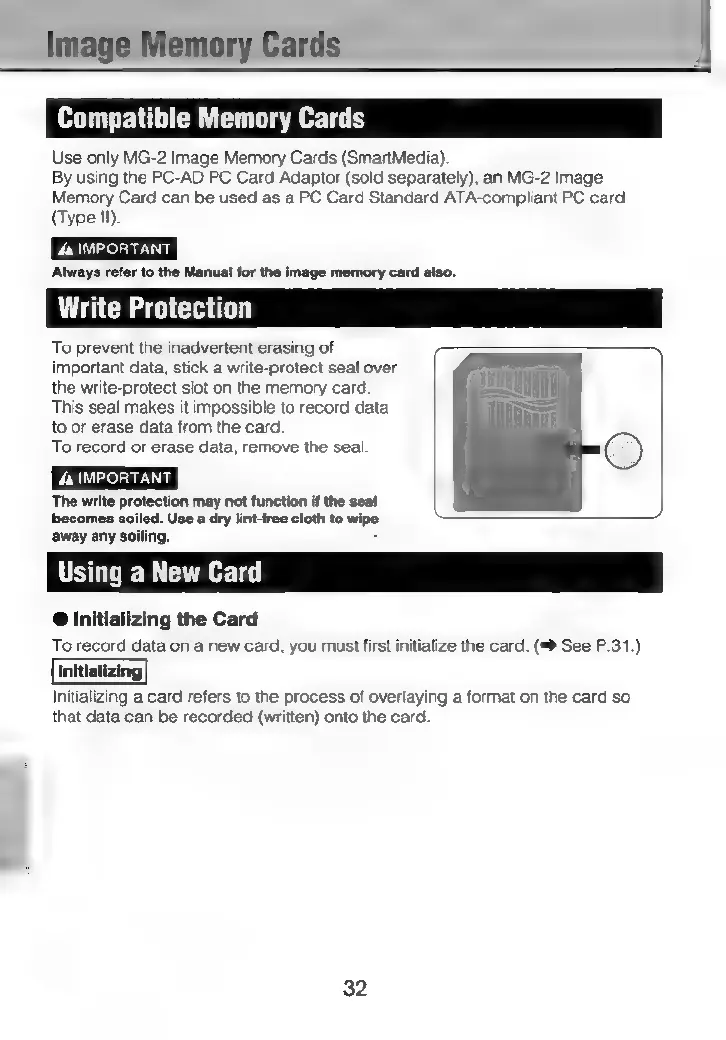
To
prevent
the
inadvertent
erasing
of
important
data,
stick
a
write-protect
seal
over
the
write-protect
slot
on
the
memory
card
CTT
TT]
This
seal
makes
it
impossible
to
record
data
[itt
to
or
erase
data from
the
card.
To
record
or
erase
data,
remove
the
seal
©
A
IMPORTANT
The
write
protection
may
not
function
if
the
seal
becomes
led.
Use
a
dry
lint-free
cloth
to
wipe
away
any
soiling.
:
Using
a
New
Card
@
Initializing
the
Card
To
record
data
on
a
new
card,
you
must
first
initialize
the
card.
(™>
See
P.31.)
Initializing
a
card
refers
to
the
process
of
overlaying
a
format
on
the
card
so
that
data
can
be
recorded
(written)
onto
the
card
32