EasyManua.ls Logo

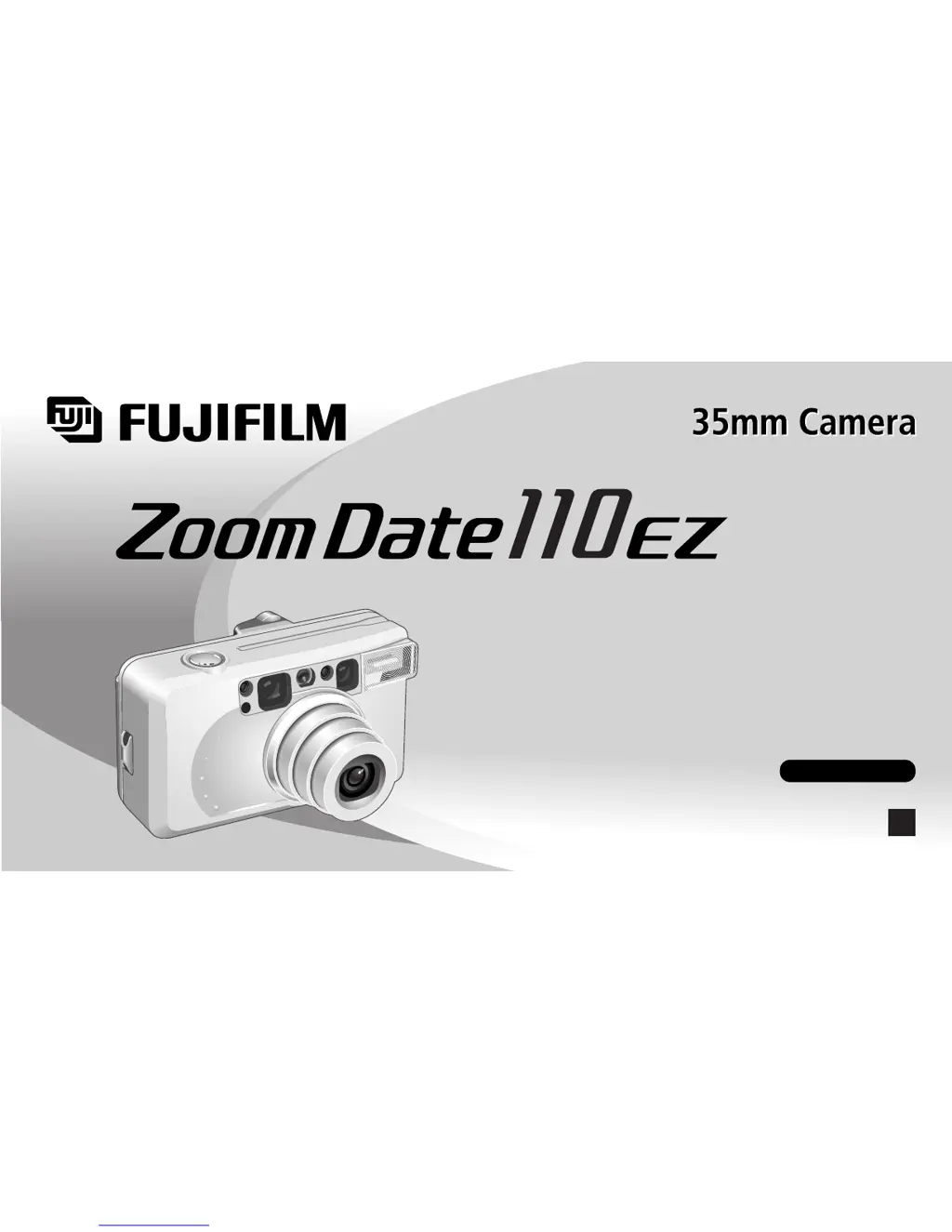
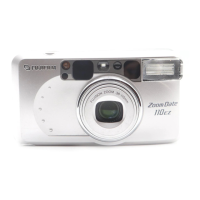
FujiFilm Zoom Date 110ez - User Manual

FujiFilm Zoom Date 110ez
60 pages
Print Icon
To Next Page IconTo Next Page
Loading...
202B10208770
U
OWNER’S MANUAL
MANUAL DE INSTRUCCIONES
ENGLISH/ESPAÑOL
Fujinon 38-110mm Auto Focus Zoom Lens
Sure-loading System with Automatic Pre-winding
Automatic Exposure and Automatic Flash Operation
Date/Time Imprinting
Red-Eye Reduction Flash

Questions and Answers

  • S
    Susan FrederickAug 14, 2025
    Why is my FujiFilm Digital Camera picture too dark?
    • J
      Jimmy CastanedaAug 14, 2025
      If your FujiFilm Digital Camera picture is too dark, it could be due to several reasons. First, ensure that the subject is within the flash's coverage distance, especially in dark environments. Second, make sure your finger isn't covering the flash. Finally, if the subject is backlit, like when near a window, try turning on mode and pressing the shutter release button.
  • K
    Kayla PriceAug 18, 2025
    How to fix a blurry picture on FujiFilm Zoom Date 110ez?
    • J
      John MccoyAug 18, 2025
      If your FujiFilm Digital Camera picture isn't sharp, several factors could be at play. Ensure your fingers aren't covering the AF windows during shooting. Aim the subject properly within the AF frame, or use AF Lock. Check if the lens is dirty and clean it if necessary. Hold the camera firmly, using a tripod for slow shutter speeds, and gently press the shutter release button. Finally, avoid using mode when shooting at close distances; select another mode instead.
  • S
    Sean WilsonAug 21, 2025
    What to do if the shutter release won’t trip on FujiFilm Zoom Date 110ez Digital Camera?
    • C
      crystal77Aug 21, 2025
      If the shutter release on your FujiFilm Digital Camera won’t trip, here are a few things to check: * If the “ ” symbol is blinking, replace the battery with a new one. * Ensure the power switch is on by pressing the POWER button. * If “ ” is blinking on the LCD, the flash is charging; wait until “ ” stops blinking and is displayed (this usually takes about 6 seconds). * If “ ” is lit on the exposure counter, remove the film and load an unexposed film.
  • S
    Stephen GarrettAug 25, 2025
    Why is the date/time wrong on my FujiFilm Digital Camera?
    • V
      Victor BarnettAug 25, 2025
      If the printed date/time on your FujiFilm Digital Camera is incorrect, it's likely because you didn't set the correct date and time after replacing the battery. To resolve this, simply set the date and time again after inserting a new battery.
  • E
    Emily CarterAug 27, 2025
    What to do if exposure counter is not displayed on FujiFilm Zoom Date 110ez Digital Camera?
    • S
      Shelly MillerAug 28, 2025
      If, after loading film and closing the camera back on your FujiFilm Digital Camera, the exposure counter isn't displayed, make sure you pulled the end of the film out to the FILM TIP mark when loading it. If not, pull the film out to the FILM TIP mark and correctly load the film.
  • J
    Jerry RodriguezAug 31, 2025
    Why is the exposure counter blinking on my FujiFilm Zoom Date 110ez Digital Camera?
    • D
      Denise JohnsAug 31, 2025
      If the numerals on the exposure counter of your FujiFilm Digital Camera blink after loading a film and closing the camera back, it's likely because you removed the film without rewinding it after you began photographing. To fix this, remove the film, then remove the battery, press the POWER button, and check that the exposure counter is no longer displayed. Finally, reinsert the battery.
  • H
    Heather BarrSep 3, 2025
    Why did the film rewind while photographing with my FujiFilm Zoom Date 110ez Digital Camera?
    • D
      Donald RossSep 4, 2025
      If the film in your FujiFilm Digital Camera rewound during photographing, it's likely because you moved the camera back lock while a film was loaded. Make sure not to move the camera back lock while film is loaded in the camera. When removing the film, check that the motor has stopped and that “ ” is displayed before opening the camera back.
  • F
    Frances RobertsSep 7, 2025
    Why is the date not printing correctly on my FujiFilm Digital Camera?
    • J
      James HendersonSep 7, 2025
      If the date isn't printing on the front or isn't clear on your FujiFilm Digital Camera, first, ensure that you've selected a date mode other than “- - - - - -” before taking pictures. Second, try to ensure that there is nothing light-colored (white, yellow, orange) where the date appears.
  • M
    Meagan ClarkSep 10, 2025
    How to enable self-timer on FujiFilm Zoom Date 110ez?
    • E
      Erin RodriguezSep 12, 2025
      If the self-timer cannot be set on your FujiFilm Digital Camera, it might be because the date correction mode is active. Cancel the date correction mode to enable the self-timer.

Summary

Preliminary Steps

Attaching the Strap

How to attach the camera carrying strap securely.

Inserting the Battery

Instructions for inserting the 3V lithium battery correctly.

Turning On Your Camera

Steps to power on the camera and open the lens cover.

Checking Your Battery

How to check the battery status indicator on the LCD panel.

Setting the Date and Time

Guide to setting the year, month, day, hour, and minute.

Selecting the Date Imprinting Mode

How to choose the date/time format for imprinting on photos.

Using Your Camera

Loading the Camera

Step-by-step guide to loading 35mm film into the camera.

General Camera Operation

How to hold and operate the camera for taking pictures.

Close-up Photography

Techniques for taking close-up shots and understanding parallax correction.

Advanced Techniques

Selecting the Exposure Mode

Overview of the 6 exposure modes for different photographic situations.

Effective Flash Range

Chart showing flash distance limits based on film speed and lens setting.

Using the Self-Timer

Troubleshooting Camera Issues

Camera Care and Maintenance

Technical Specifications

Important Safety Notice

FujiFilm Zoom Date 110ez Specifications

General IconGeneral
CategoryFilm Camera
Film Format35mm
Focus SystemAutofocus
AutofocusYes
Built-in FlashYes
Exposure ControlAutomatic
Lens38-110mm
Aperture Rangef/4.5-8.5
FlashBuilt-in
BatteryCR123A

Related product manuals