EasyManua.ls Logo

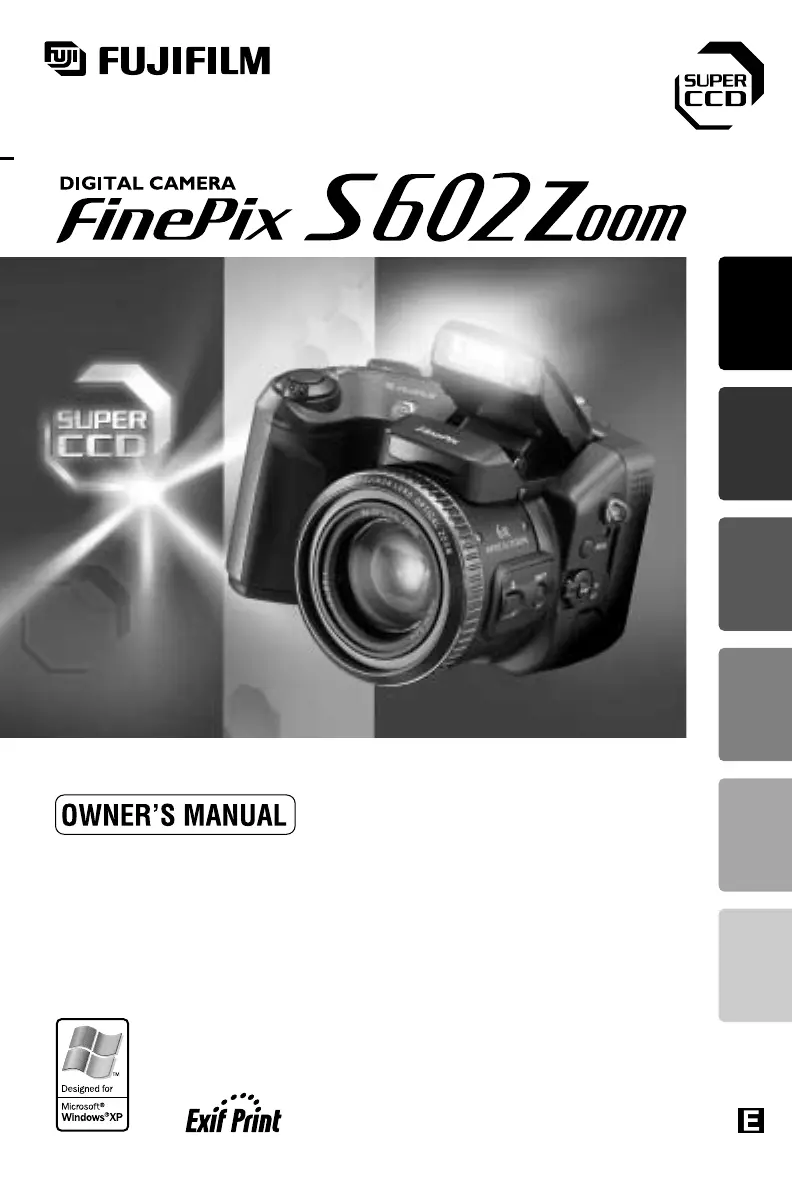
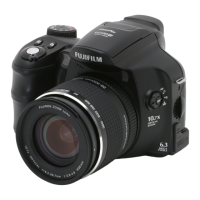
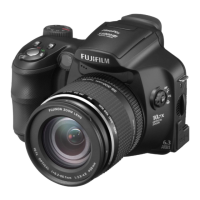
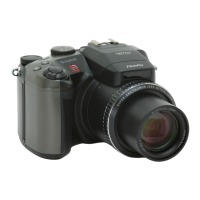
FujiFilm FinePix S602 Zoom - User Manual

FujiFilm FinePix S602 Zoom
92 pages
Print Icon
To Next Page IconTo Next Page
Loading...
This manual will show you how to use your FUJIFILM
DIGITAL CAMERA FinePix S602 ZOOM correctly.
Please follow the instructions carefully.
BL00135-200
(
1
)
Getting Ready
Basic
Photography
Advanced
Features
Photography
Settings Connection
Advanced
Features
Playback

Table of Contents

Other manuals for FujiFilm FinePix S602 Zoom

Questions and Answers

  • M
    Mr. Matthew JenkinsDec 1, 2025
    Why do the batteries in my FujiFilm Digital Camera drain so fast?
    • M
      Michael GreenDec 1, 2025
      If the batteries in your FujiFilm Digital Camera are draining quickly, it could be due to: * Using the camera in extremely cold conditions: Put the batteries in your pocket or another warm place to heat them and then load them into the camera just before you take a picture. Keep in mind that alkaline batteries are not suitable for very low temperatures. * Soiled battery terminals: Remove the batteries from the camera and wipe the battery terminals with a clean, dry cloth before reloading the batteries. * Battery terminals were soiled when the batteries were charged: Wipe the battery terminals with a clean, dry cloth before charging. * Batteries charged after a long period of disuse: Charge and use the batteries several times to restore them to normal operation. * Rechargeable ba...
  • E
    Evelyn AllenAug 23, 2025
    Why can't I use the flash on my FujiFilm Digital Camera?
    • E
      Elizabeth RomeroAug 25, 2025
      If you're unable to use the flash on your FujiFilm Digital Camera, consider these possibilities: * The flash is not popped up. Solution: Pop up the flash. * You pressed the shutter button while the flash was charging. Solution: Wait until the flash has finished charging before pressing the shutter button. * The batteries are exhausted. Solution: Load new or fully charged batteries.
  • A
    Amanda VegaAug 25, 2025
    Why are my FujiFilm FinePix S602 Zoom photos blurry?
    • J
      Justin HendricksAug 26, 2025
      If your FujiFilm Digital Camera images are blurry, here are some potential causes: * The shot was taken in dark conditions (using a slow shutter speed) without using the flash (camera shake): Use a tripod or use the flash. * The lens is soiled: Clean the lens. * You are photographing scenery with Macro mode selected: Cancel Macro mode. * You are taking close-up photographs without selecting Macro mode: Select Macro mode. * You shot a subject that is not suited to auto focusing: Use AF/AE lock to take the picture.
  • J
    Joyce DavisAug 27, 2025
    Why does my FujiFilm FinePix S602 Zoom Digital Camera turn off suddenly?
    • B
      Bradley ThomasAug 27, 2025
      If your FujiFilm Digital Camera is losing power during operation, it's likely that the batteries are exhausted. To resolve this, load new or fully charged batteries.
  • B
    Brandon ReedAug 27, 2025
    Why is the FujiFilm FinePix S602 Zoom focusing so slow?
    • J
      Jeffrey PenningtonAug 28, 2025
      If your FujiFilm Digital Camera is focusing slowly, check these: * If the SET ADAPTER RING menu in the “SET–UP” menu is “YES” and you are not using an adapter, select the “NO” setting. * If the external AF sensor is dirty, use a blower brush to brush away any dust and then gently wipe the sensor with a soft, dry cloth.
  • D
    Dorothy BryantSep 18, 2025
    Why does the camera screen appear in PC connection mode on my FujiFilm FinePix S602 Zoom?
    • A
      Anthony MillerSep 18, 2025
      If the photography screen appears on your FujiFilm Digital Camera's LCD monitor in PC connection mode, it could be due to: * The special USB cable is not correctly connected to the PC or camera: Connect the cable correctly. * The PC is not switched on: Switch the PC on.
  • D
    Dylan BellSep 15, 2025
    Why can't I erase frames on my FujiFilm Digital Camera?
    • L
      Lauren RuizSep 15, 2025
      If frame erase isn't working on your FujiFilm Digital Camera, it could be due to: * DPOF settings are specified for the frame(s): Set the DPOF settings to “RESET.” * The frame(s) is(are) protected: Remove the protection using the camera on which the protection was applied.
  • J
    Joanne CisnerosSep 16, 2025
    Why can't I format the SmartMedia card in my FujiFilm Digital Camera?
    • J
      Jack AllenSep 16, 2025
      If you're unable to format the SmartMedia in your FujiFilm Digital Camera, it's likely because the SmartMedia is write-protected. Remove the write-protection by peeling off the write-protect sticker.
  • G
    Gabriella BrewerSep 7, 2025
    Why are the flash settings restricted on my FujiFilm Digital Camera?
    • H
      Hector ThompsonSep 7, 2025
      If the flash settings are restricted on your FujiFilm Digital Camera, it's likely because Scene Position mode is selected. The flash settings are restricted because the camera settings are tailored to the scene being shot. To gain a wider range of flash settings, change the photography mode.
  • M
    Michael JohnsonSep 4, 2025
    Why do my FujiFilm FinePix S602 Zoom flash photos look washed out?
    • J
      Jordan ColemanSep 4, 2025
      If images shot with the flash on your FujiFilm Digital Camera appear too pale, it may be because the flash control sensor is obscured by soiling. Try using a thin cotton bud to clean the soiling from the sensor.

Summary

Warning and Compliance Information

General Safety Warnings

Important safety cautions to prevent fire or electric shock hazards.

Getting Ready

Loading the Batteries

How to insert and manage AA-size batteries or Ni-MH rechargeable batteries.

Loading the Media

Guide to inserting and replacing SmartMedia and Microdrive cards.

Basic Photography

Basic Operation Guide

Introduction to the camera's core functions and controls.

Photography Mode Selector

Explains the camera's shooting mode dial and its options.

Taking Pictures in Auto Mode

Step-by-step guide for shooting photos using the automatic mode.

AF;AE Lock for Better Shots

How to lock focus and exposure settings for better composition.

Advanced Features Photography

Focusing Techniques

Understanding and adjusting focus using AF, MF, and error troubleshooting.

Exposure Control (Aperture & Shutter Speed)

Controlling image brightness using aperture, shutter speed, AE lock, and exposure compensation.

Selecting Camera Settings

Guides on choosing photography modes and function settings for desired results.

Settings Menu

Connection and System Expansion

Connecting to a Computer

Transferring data via USB (DSC/PC-CAM modes) and computer connection steps.

Camera Care and Information

Troubleshooting and Specifications

Common camera problems, their solutions, and technical specifications.

Explanation of Terms and Safety Notes

Glossary of technical terms and essential safety precautions for camera operation.

FujiFilm FinePix S602 Zoom Specifications

General IconGeneral
Camera typeCompact
Sensor Size1/1.7"
Effective Pixels3.1 MP
Max resolution2048 x 1536
Image ratio w:h4:3
LensFujinon 6x optical zoom
Aperturef/2.8 - f/3.1
Auto FocusYes
Manual FocusYes
Normal focus range50 cm - infinity
Aperture priorityYes
Shutter priorityYes
Manual exposure modeYes
MeteringMulti, Spot, Average
Movie recordingYes
Movie resolution320 x 240
Movie FPS10 fps
Built-in flashYes
External flashYes
USBYes
ViewfinderElectronic
Macro focus range10 cm - 2 m
Exposure compensation+/- 2 EV in 1/3 EV steps
Flash modesAuto, Red-eye reduction, Forced Flash, Suppressed Flash, Slow Synchro
Storage typesSmartMedia, xD Picture Card
File FormatsJPEG, AVI
ConnectivityUSB, Video output
Display2.0 inch LCD
Battery4 x AA batteries
Dimensions121 x 82 x 97 mm

Related product manuals