EasyManua.ls Logo

Fujitsu AOT24RN - User Manual

Fujitsu AOT24RN
17 pages
Print Icon
To Next Page IconTo Next Page
Loading...
P/N 9371652016
Indoor U nit
A B T 14R B
A B T 18R B
A B T 24A B
A B T 24R B
Outdoor U nit
A O T 14R G
A O T 18R N
A O T 24A N
A O T 24R N
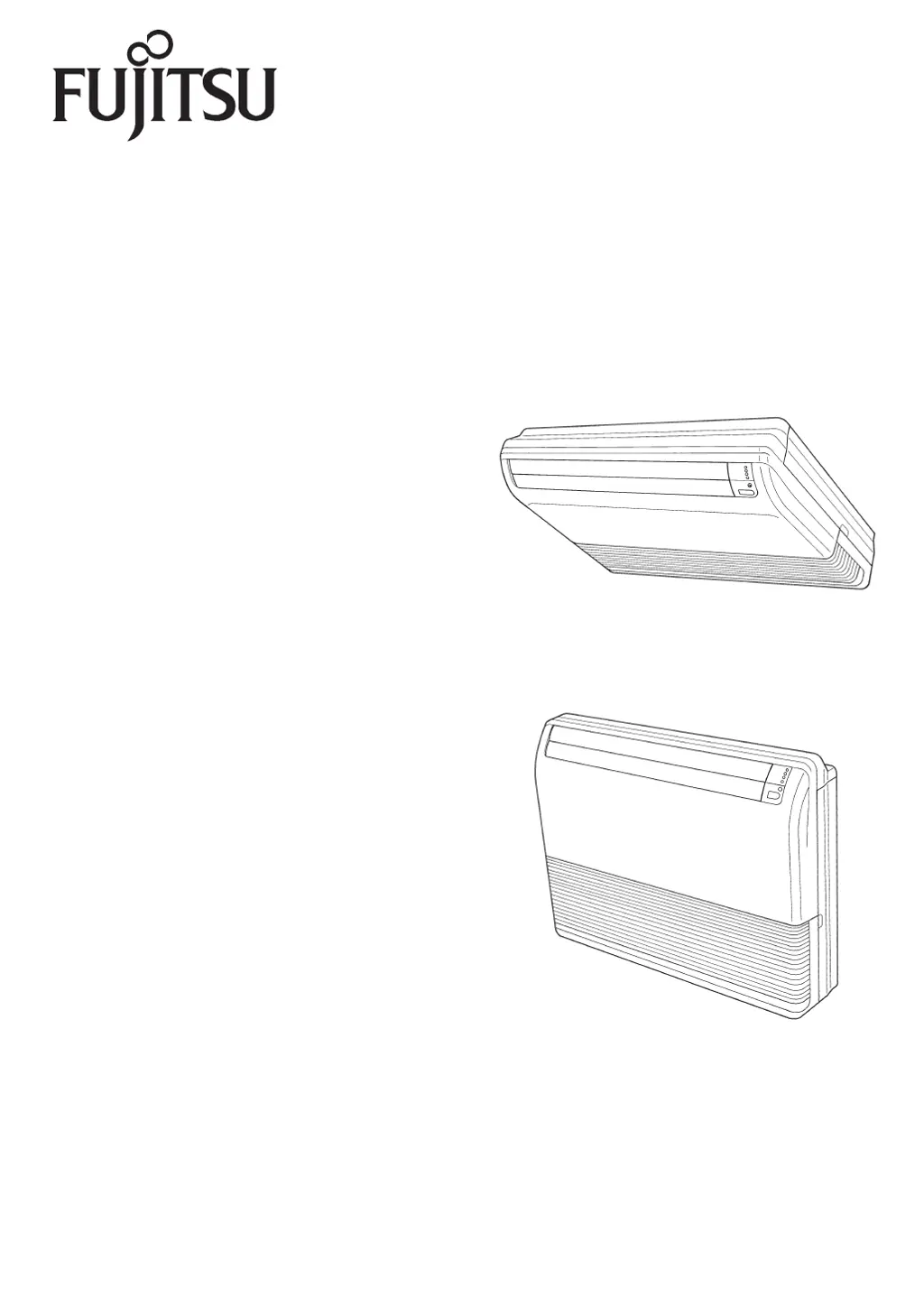
R OOM A IR CON DIT ION E R
FLO OR CON S OLE /
U N DE R CE ILIN G DU A L T Y PE
OP E R AT ING MA NUA L
K E E P T HIS OPE R AT ION M A N U A L
FO R FU T U R E R E FE R E N CE
FUJITSU GENERAL LIMITED

Questions and Answers

  • S
    Sandra SmithAug 20, 2025
    Why is my Fujitsu Air Conditioner cooling or heating poorly?
    • K
      Kimberly AdamsAug 20, 2025
      Poor cooling or heating performance in your Fujitsu Air Conditioner can stem from several factors: * A dirty air filter restricting airflow. * Blocked intake grille or outlet port. * Incorrect thermostat settings. * Open windows or doors compromising the room's insulation. * Bright sunlight entering the room during cooling operation (close the curtains). * Excessive heat-generating appliances or too many people in the room during cooling.
  • M
    Mary CastilloAug 22, 2025
    What to do if Fujitsu AOT24RN doesn't operate at all?
    • S
      Susan GarciaAug 22, 2025
      If your Fujitsu Air Conditioner doesn't operate at all, check the following: 1. Ensure the power supply plug is properly connected to the outlet. 2. Verify there hasn't been a power failure. 3. Check for blown fuses or tripped circuit breakers. 4. Confirm the timer is not in operation.
  • S
    Samuel HuertaAug 25, 2025
    Why is water produced from the outdoor unit of my Fujitsu Air Conditioner?
    • M
      Margaret HendersonAug 25, 2025
      During heating operation of your Fujitsu Air Conditioner, water may be produced from the outdoor unit because of the automatic defrosting operation.
  • G
    gregorycooperAug 26, 2025
    Why is my Fujitsu Air Conditioner not cooling well?
    • O
      Oscar WilliamsonAug 26, 2025
      If your Fujitsu Air Conditioner isn't cooling effectively, consider these potential causes: * Check if the air filter is dirty. * Ensure that the air conditioner’s intake grille or outlet port isn't blocked. * Verify that you've correctly adjusted the thermostat settings. * Make sure no windows or doors are open. * If it's during cooling operation, close the curtains to block direct sunlight. * Also, during cooling, check for heat-generating appliances or too many people in the room.
  • R
    Robert WaltonAug 27, 2025
    Why is the airflow weak or stopping in my Fujitsu Air Conditioner?
    • J
      Julie EdwardsAug 27, 2025
      If your Fujitsu Air Conditioner's airflow is weak or stops, it could be due to several reasons: * When heating starts, the fan speed is temporarily low to allow internal parts to warm up. * During heating, if the room temperature exceeds the thermostat setting, the outdoor unit stops, and the indoor unit operates at a very low fan speed. Set the thermostat higher to increase warmth. * The unit may temporarily stop (7-15 minutes) during heating for automatic defrosting; the OPERATION lamp will flash. * The fan may operate at very low speed during Dry operation or when monitoring the room's temperature. * In monitor AUTO operation, the fan runs at very low speed.
  • A
    Anthony GrossAug 29, 2025
    Why the Fujitsu AOT24RN Air Conditioner unit operates differently from the remote control unit’s setting?
    • R
      Robert MartinAug 29, 2025
      The unit operating differently from the remote control unit’s setting of your Fujitsu Air Conditioner can be caused by dead or improperly loaded batteries in the remote control.
  • M
    Matthew CunninghamAug 31, 2025
    What to do if signal is not received after replacing the batteries for the remote control unit of Fujitsu AOT24RN Air Conditioner?
    • E
      Edwin VelazquezAug 31, 2025
      If the signal is not received after replacing the batteries for the remote control unit of your Fujitsu Air Conditioner, ensure that you are using signal code A.
  • C
    Christopher WilsonSep 2, 2025
    How to fix Fujitsu AOT24RN Air Conditioner that doesn’t operate immediately?
    • J
      Jamie FullerSep 2, 2025
      Your Fujitsu Air Conditioner might not operate immediately due to these reasons: * If the unit was recently stopped and restarted, the compressor will wait about 3 minutes to prevent fuse issues. * If the power supply was recently disconnected and reconnected, a protection circuit will prevent operation for about 3 minutes.
  • A
    Alexander RandolphSep 4, 2025
    Why does my Fujitsu AOT24RN smell?
    • J
      jacksonaaronSep 4, 2025
      The smell emitted from your Fujitsu Air Conditioner may be due to room odors (furniture, tobacco, etc.) that have been drawn into the unit.
  • J
    Jo HarrisSep 6, 2025
    Why is mist or steam emitted from my Fujitsu Air Conditioner?
    • G
      Gina GarzaSep 6, 2025
      The mist or steam emitted from your Fujitsu Air Conditioner could be due to: * During cooling or dry operation, a thin mist may appear because of the sudden cooling of room air, resulting in condensation. * During heating, the outdoor unit's fan may stop, and steam may rise from the unit due to automatic defrosting.

Summary

Safety Precautions

DANGER!

Indicates procedures with the highest risk of death or serious injury.

WARNING!

Indicates procedures with the risk of death or serious injury.

CAUTION!

Indicates procedures with the risk of personal harm or property damage.

General Safety Instructions

General safety instructions for operation, installation, and handling.

Features and Functions

Automatic Operation

Describes automatic operation modes for cooling and heating.

Sleep Timer

Explains the sleep timer function for gradual temperature adjustment.

Wireless Remote Control Unit

Highlights the convenience of the wireless remote control unit.

Omni-Directional Air Flow (Swing Operation)

Details the three-dimensional air direction control via swing operation.

Mildew-Resistant Filter

Information about the mildew-resistant air filter for cleaner use.

Name of Parts

Indoor Unit Diagram

Diagram and labels for the indoor unit components.

Outdoor Unit Diagram

Diagram and labels for the outdoor unit components.

Remote Control Diagram

Diagram and labels for the remote control unit components.

Indoor Unit Components Explanation

Detailed explanation of indoor unit parts from Fig. 1.

Outdoor Unit Components Explanation

Detailed explanation of outdoor unit parts from Fig. 4.

Remote Control Components Explanation

Detailed explanation of remote control unit parts from Fig. 5 and 7.

Test Run Procedure

Procedure for performing a test run of the air conditioner.

Preparation

Load Batteries

Steps for loading batteries into the remote control unit.

Set Current Time

Instructions for setting the current time on the remote control.

Using the Remote Control Unit

Guidance on operating the remote control unit and its range.

Remote Control Unit Holder Installation

Instructions for mounting the remote control unit holder.

Operation

Select Mode Operation

Steps to select the operating mode (AUTO, HEAT, COOL, DRY, FAN).

Set Thermostat

Procedure for adjusting the thermostat setting for desired temperature.

Set Fan Speed

Instructions on how to adjust the fan speed settings.

Stop Operation

Procedure for stopping the air conditioner operation.

About Mode Operation

Explanation of different operational modes and their behavior.

Cooling Model Auto Operation

Details the automatic mode for cooling and drying operations.

Heat & Cool Model Auto Operation

Explains automatic mode selection for heating and cooling cycles.

Heating Operation Details

Information on using the heating mode to warm the room.

Cooling Operation Details

Guidance on using the cooling mode to cool the room.

Dry Operation Details

Instructions for using the dry mode for dehumidification.

Fan Operation Details

Explanation of using the fan mode for air circulation.

Timer Operation

ON;OFF Timer Operation

Steps to set the ON timer or OFF timer for automatic operation.

Program Timer Operation

Instructions for setting a programmed sequence of ON/OFF timers.

Cancel Timer

Procedure to cancel an active timer setting.

Change Timer Settings

Steps to modify existing timer settings.

Stop Operation During Timer

How to stop the unit while a timer is active.

Change Operating Conditions with Timer

How to alter mode, fan speed, or temp with timers set.

Program Timer Explanation

Details on how the PROGRAM timer sequence works.

ON Timer Explanation

Explanation of the ON timer's 'Nice-Morning Timer' feature.

Sleep Timer Operation

Use Sleep Timer

Steps to activate the SLEEP timer for automatic temperature adjustment.

Change Sleep Timer Settings

Procedure to modify the SLEEP timer settings.

Cancel Sleep Timer

How to cancel the SLEEP timer.

Stop Operation During Sleep Timer

How to stop the unit while the SLEEP timer is active.

About Sleep Timer

Details how the SLEEP timer adjusts temperature during sleep.

Manual Auto Operation

Use Main Unit Controls

Instructions for operating the unit using its main control panel.

Adjusting the Direction of Air Circulation

Vertical Air Direction Adjustment

Procedure for adjusting the vertical (up-down) airflow direction.

Horizontal Air Direction Adjustment

Procedure for adjusting the horizontal (right-left) airflow direction.

Airflow Direction Safety Warnings

Critical safety warnings regarding airflow adjustments and foreign objects.

Swing Operation

Vertical Airflow Swing

Steps to enable automatic vertical airflow swing.

Stop Vertical Airflow Swing

Procedure to disable automatic vertical airflow swing.

About Swing Operation

Details on how swing operation affects airflow direction.

Horizontal Airflow Swing

Steps to enable automatic horizontal airflow swing.

Stop Horizontal Airflow Swing

Procedure to disable automatic horizontal airflow swing.

Cleaning and Care

Cleaning Safety Precautions

Important safety precautions before cleaning the unit.

Cleaning the Air Filter

Step-by-step guide for cleaning the air filters.

Selecting the Remote Control Unit Signal Code

Selecting Signal Code

Procedure to select the signal code for operating specific air conditioners.

Troubleshooting

Malfunction Warning

Critical warning for immediate action in case of malfunction.

Normal Function Issues

Common problems and checks for normal operation issues.

Noise Issues

Explanation of normal operational sounds and potential noise sources.

Smell Issues

Information about potential smells from the unit.

Mist or Steam Emission

Explanation of mist or steam emission during operation.

Airflow Issues

Troubleshooting steps for weak or stopped airflow.

Outdoor Unit Water Production

Explanation of water production from the outdoor unit.

Unit Not Operating

Checks to perform when the unit does not operate at all.

Poor Performance

Troubleshooting steps for reduced cooling or heating performance.

Operation Mismatch

Addressing discrepancies between unit operation and remote settings.

Signal Reception Issues

Troubleshooting signal reception issues after battery replacement.

Operating Tips

General Performance Advice

General advice on the operational performance of the air conditioner.

Heating Performance

Information on heating performance and heat-pump efficiency.

High Temperature Operation

Notes on outdoor unit fan behavior during high temperatures.

Automatic Defrosting

Explanation of the automatic defrosting function.

Low Ambient Cooling

How low ambient temperatures affect cooling performance.

AUTO Restart

Explanation of the auto-restart function after power interruption.

Outdoor Temperature Ranges

Recommended outdoor temperature ranges for cooling and heating modes.

Indoor Temperature Ranges

Recommended indoor temperature ranges for operation.

Indoor Humidity Limits

Recommended indoor humidity levels for efficient operation.

Fujitsu AOT24RN Specifications

General IconGeneral
BrandFujitsu
ModelAOT24RN
CategoryAir Conditioner
LanguageEnglish

Related product manuals