4 - English Interfaces and connector
s
Interfaces and connectors
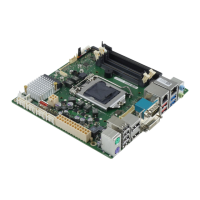
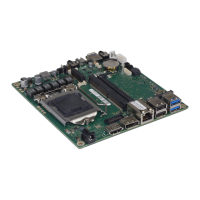
The location of the inte rfaces and connectors of your mainboard is specified
at the beginning of the manual.
The components an d connectors m arked are not necessarily p resent on the mainboard.
External p orts
The location of the externa l con nections of your mainboard is specified at the beginning of the manual.
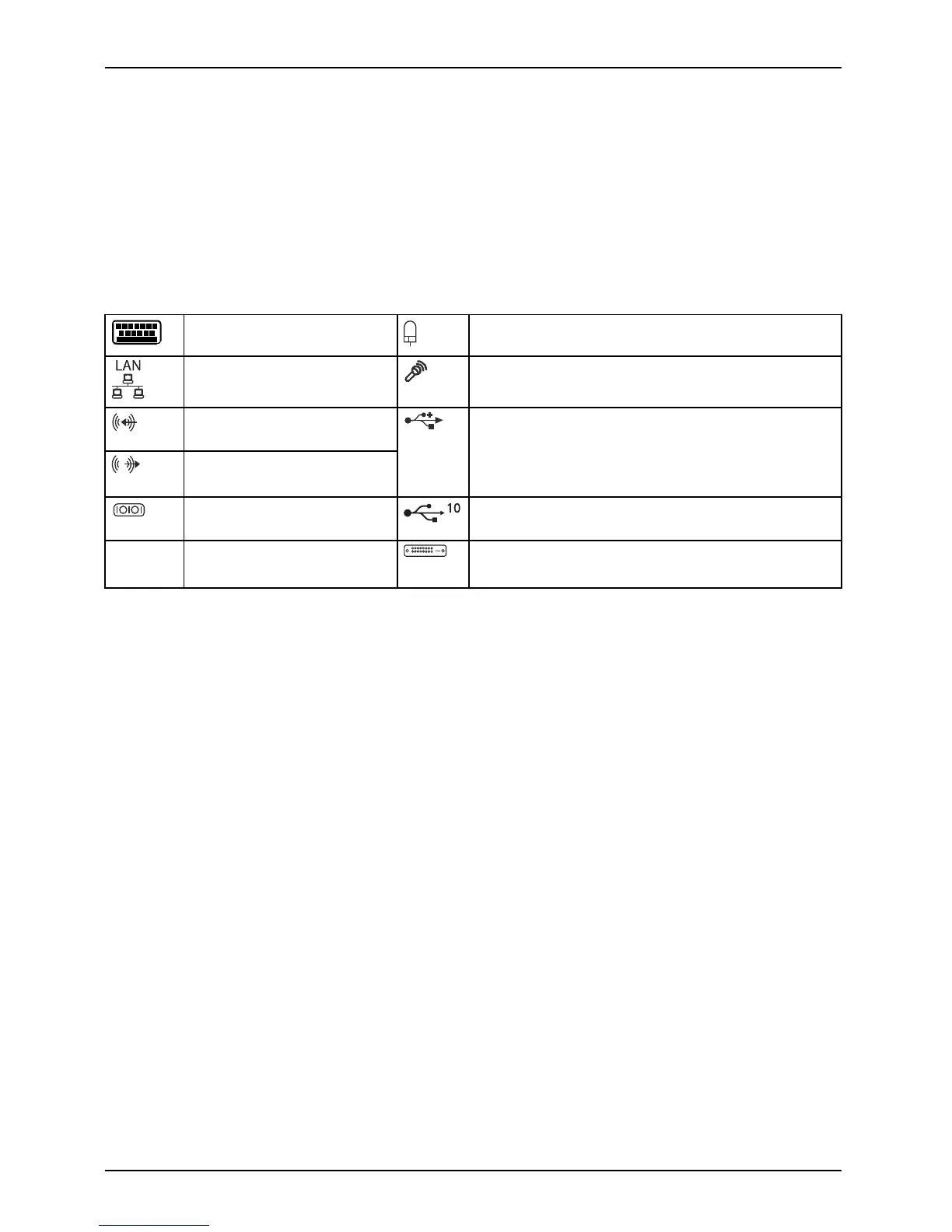
PS/2 keyboard port, purple PS/2 mouse port, green
LAN port ( RJ-45)
Microphone p ort, pink
Audio input (Line in), light
blue
Audio output (Line out),
light green
Socket type A, black: Universal Serial Bus –
USB 2.0
Socket type A, blue: Universal Serial Bus –
USB 3.1 Gen 1
Serial port, t urquoise Socket type A , r ed: Universal Serial Bus –
USB 3.1 Gen 2
DP DisplayPort DVI – D
20 Fujitsu



 To Next Page