Need help?
Do you have a question about the Fujitsu D3644 and is the answer not in the manual?
Diagrams illustrating the rear external connections for specific mainboard models.
Diagrams and descriptions of the front panel connectors on the mainboard.
Guidelines for handling boards safely, especially concerning Electrostatic Discharge (ESD).
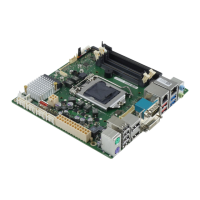
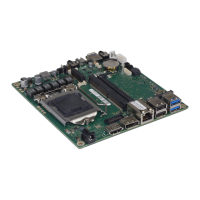
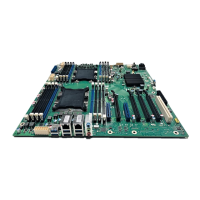
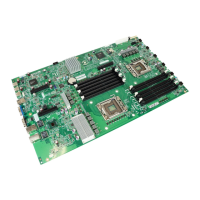
Overview of various mainboard configurations and supported features.
Identification and description of various external ports on the mainboard.
Key technical specifications and warnings related to processor installation.
Specifications and compatibility information for DDR4 memory modules.
Instructions for updating the BIOS using the DeskFlash program in Windows.
Instructions for updating the BIOS using a FAT32 formatted USB stick.
 General
| Form Factor | ATX |
|---|---|
| Socket Type | LGA 1151 |
| Memory Slots | 4 x DIMM |
| Maximum Memory | 64GB |
| Audio | Realtek ALC671 |
| Memory Type | DDR4 |
| Video Outputs | 1 x DVI-D |
| Network | Intel I219LM Gigabit LAN |


 To Next Page