Need help?
Do you have a question about the Fujitsu D3358 and is the answer not in the manual?
Provides critical safety and handling guidelines for the mainboard.
Details the technical specifications and features of the mainboard.
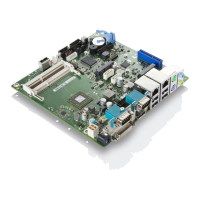
Visual representation of the mainboard's components and connections.
Information on security functionalities integrated into the system.
Guidelines for selecting and installing compatible CPU components.
Technical details on memory compatibility and interface specifications.
Advice on selecting and connecting appropriate power supplies.
Describes connections for front panel controls and indicators.
Overview of connectors for communication interfaces.
Details the SATA ports for connecting storage devices.
Step-by-step guide for properly installing memory modules.
Detailed steps for installing the CPU into its socket.
Instructions for correctly installing the CPU heatsink.
Identifies and describes the external connection ports on the mainboard.
Criteria and reasons for performing a BIOS update.
Explains the process and methods for updating the BIOS.
 General
| Brand | Fujitsu |
|---|---|
| Model | D3358 |
| Category | Motherboard |
| Language | English |


 To Next Page