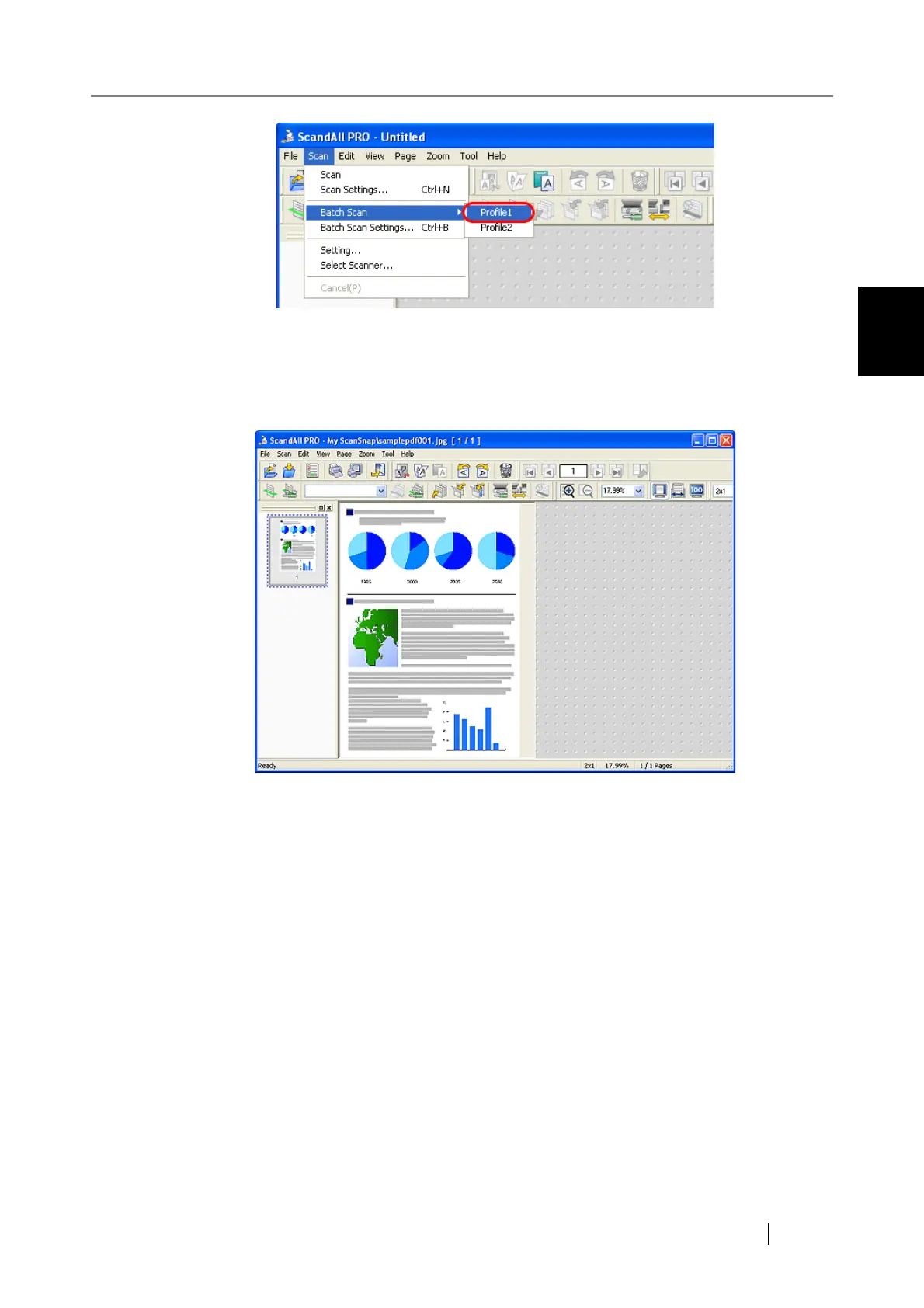
2.2 Batch Scan
How to use ScandAll PRO 17
HOW TO SCAN DOCUMENTS
2
⇒ A document is scanned with the scanner, and the scanned document image is displayed
on the ScandAll PRO window, and then the image is saved to file.
Depending on the settings of ScandAll PRO, images may not be displayed on the Scan-
dAll PRO window.
(3)Scanning by selecting a profile from the drop-down list
1. Place the document on the scanner.
2. From the [Scan] menu, select [Batch Scan Settings].
⇒ The [Batch Scan Settings] dialog box appears.



 To Next Page