18
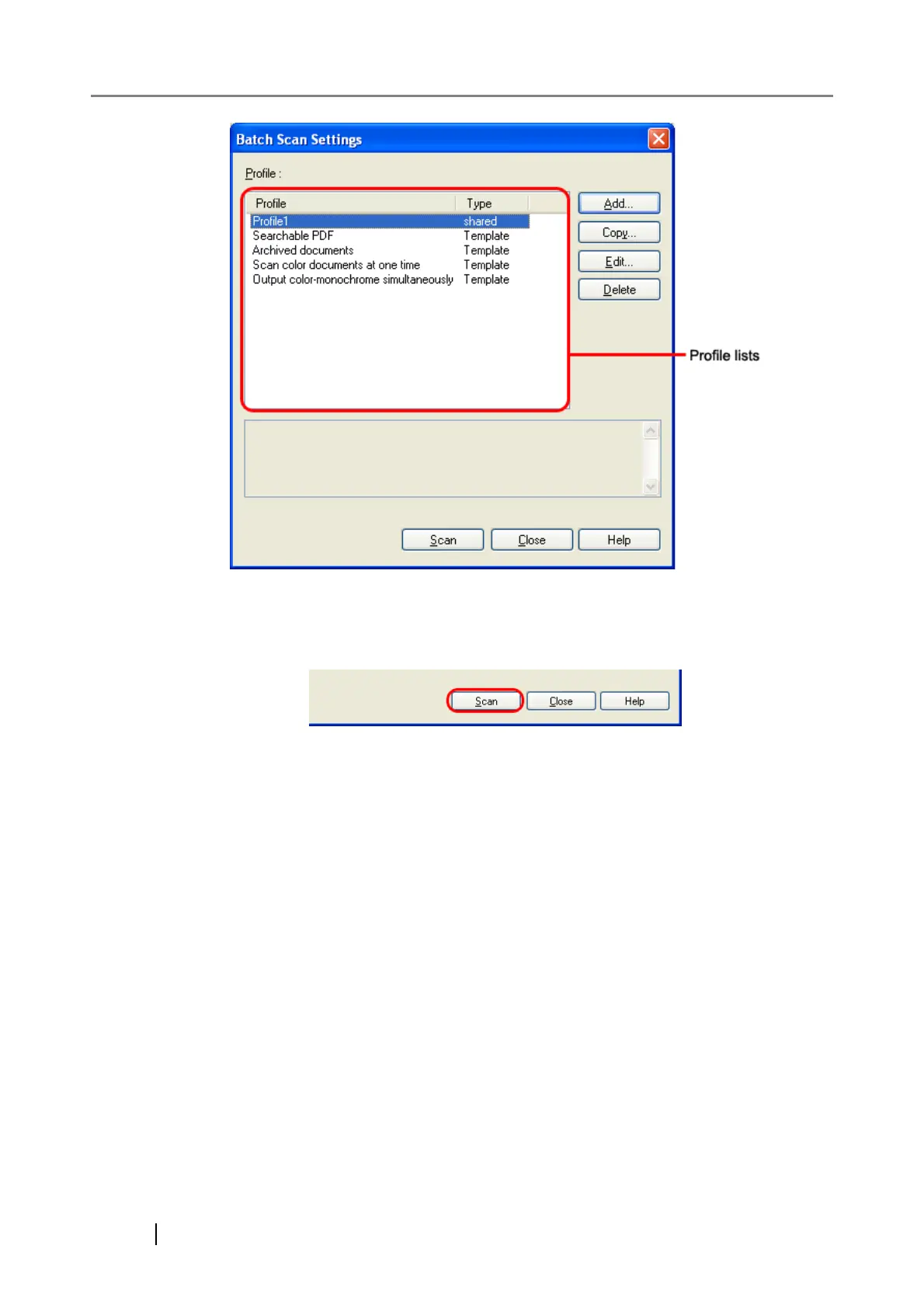
3. Select a profile you want to use for scanning.
4. Click the [Scan] button.
⇒ A document is scanned with the scanner, and the scanned document image is displayed
on the ScandAll PRO window, and then the image is saved to file.
Depending on the settings of ScandAll PRO, images may not be displayed on the Scan-
dAll PRO window.



 To Next Page