30
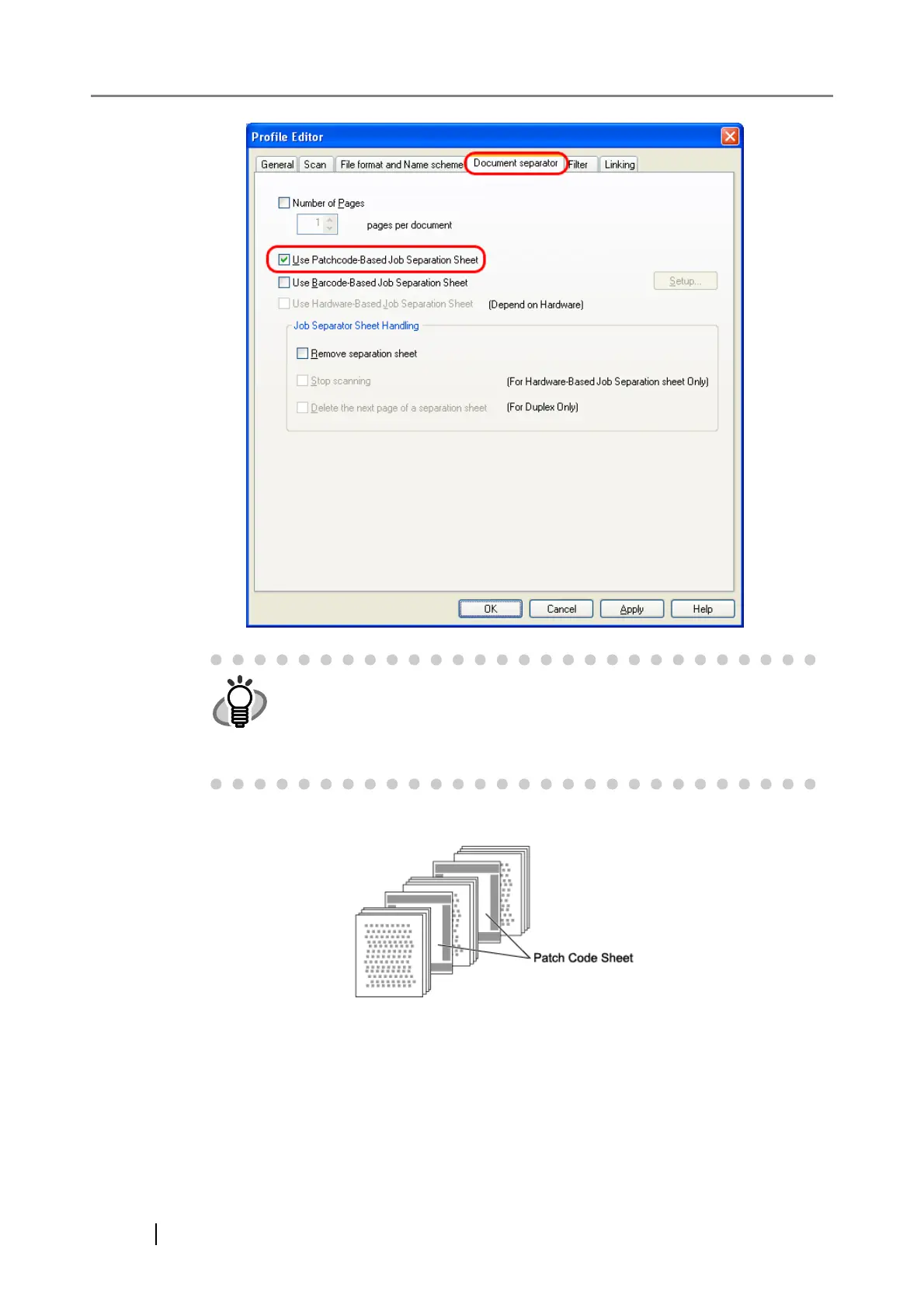
5. Insert patch code sheets to wherever you want the file/folder to separate.
6. Specify the created batch profile, and then perform the batch scan.
For how to perform the batch scan, refer to "2.2 Batch Scan".
HINT
• To suppress scanning the patch code sheet images, check the [Remove
separation sheet] checkbox.
• In duplex scan mode, you can disable scanning of the rear side of the
patch code sheet by selecting the [Delete the next page of a separation
sheet] checkbox.



 To Next Page