34
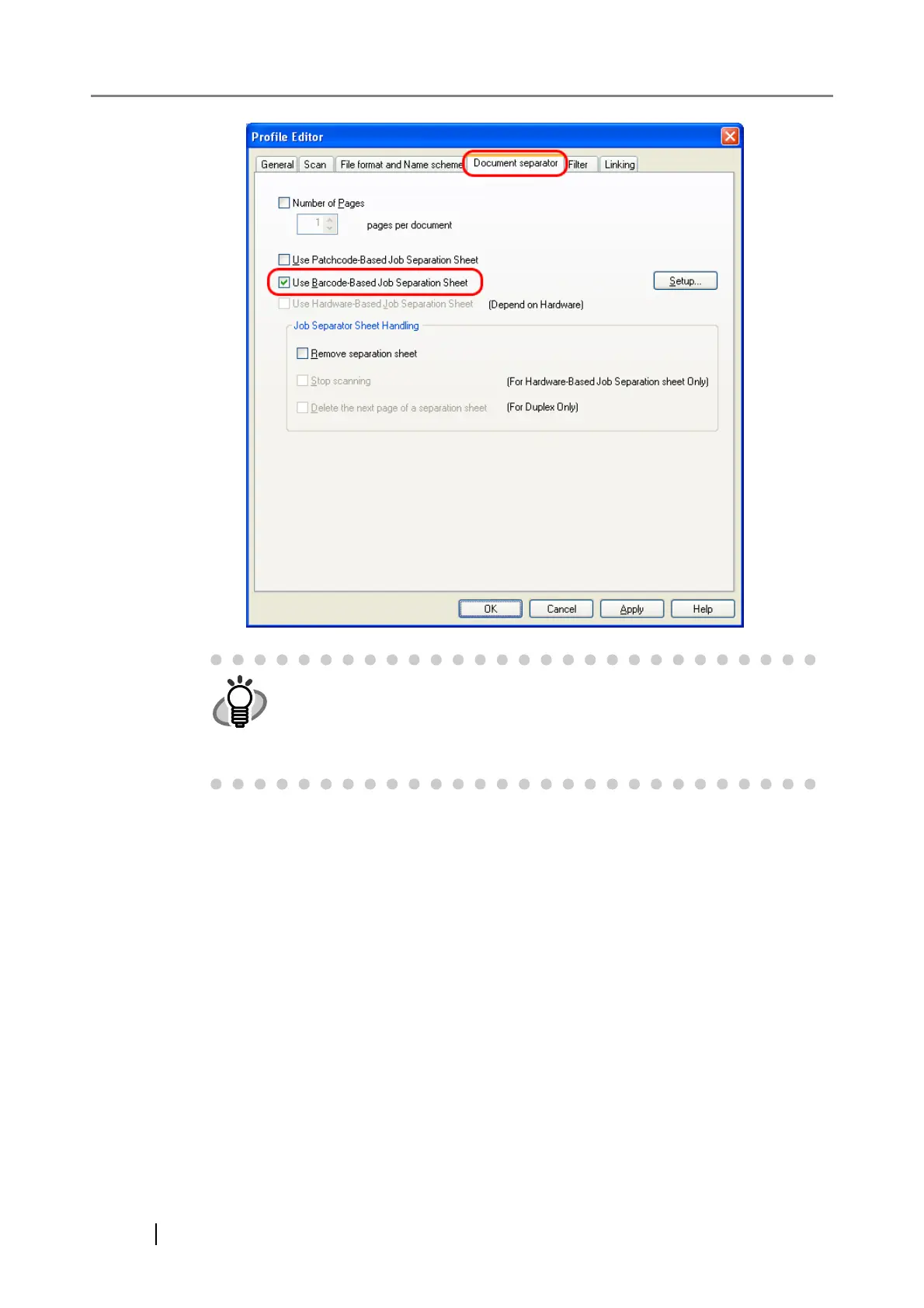
4. Click the [Setup] button.
⇒ The [Barcode Setting] dialog box appears.
HINT
• To suppress scanning the patch code sheet images, check the [Remove
separation sheet] checkbox.
• In duplex scan mode, you can disable scanning of the rear side of the
patch code sheet by selecting the [Delete the next page of a separation
sheet] checkbox.



 To Next Page