3.4 Scanning Using Barcodes
How to use ScandAll PRO 35
SCANNING VARIOUS TYPES OF DOCUMENTS
3
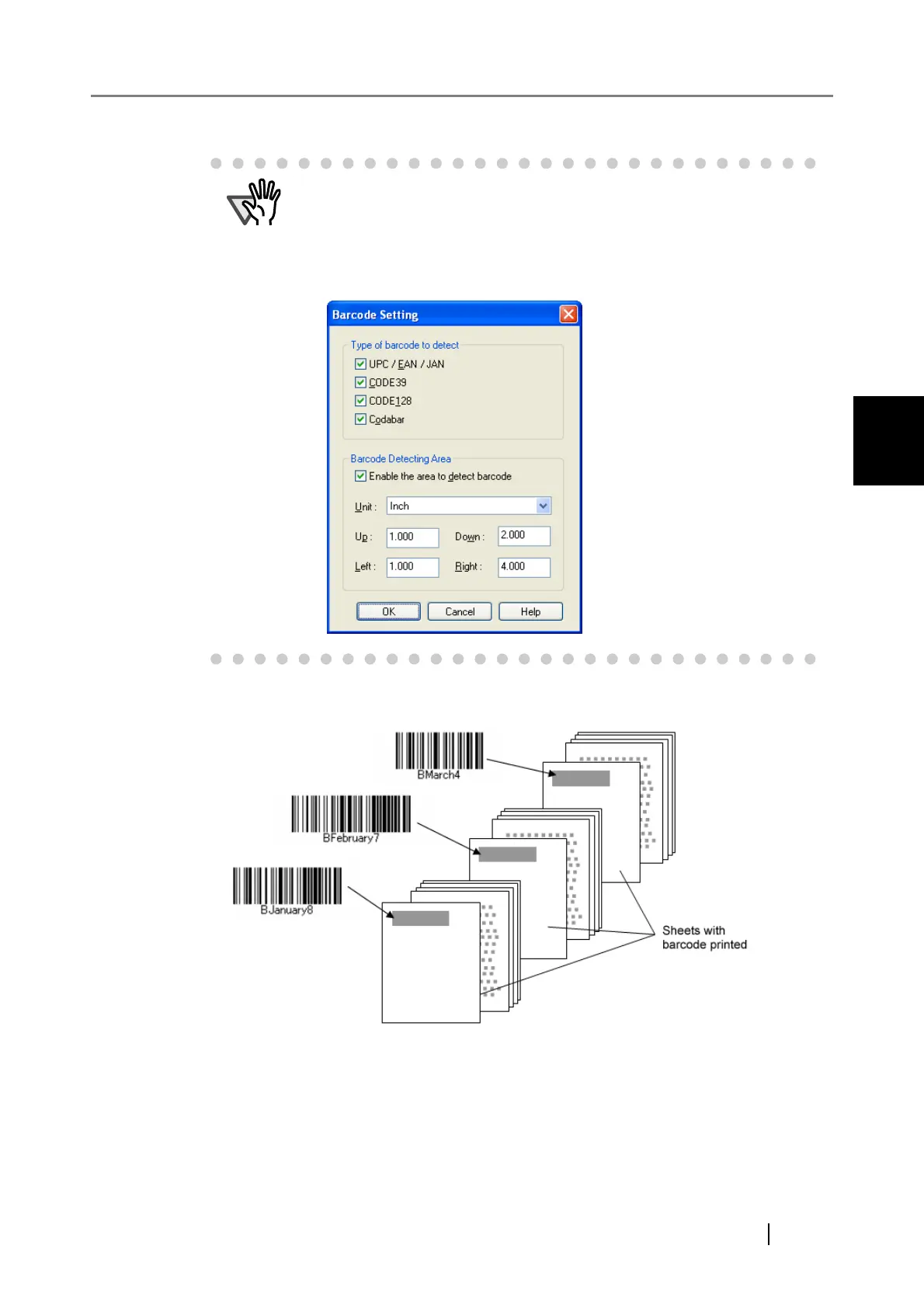
5. Insert the barcode-printed sheets to wherever you want the file/folder to separate.
6. Specify the created batch profile, and then perform the batch scan.
For how to perform the batch scan, refer to "2.2 Batch Scan".
ATTENTION
• If scanning performance deteriorates when barcode is used, reduce the
detected barcode types or narrow the barcode area to improve the
scanning performance.
• If there are multiple barcodes in the barcode detecting area, the one
recognized first will be enabled.



 To Next Page