ScanSnap fi-5110EOX Getting Started | 19
13. Right click the "ScanSnap Manager" icon
S
on the
task tray, and select [Check consumable supplies]
from the menu.
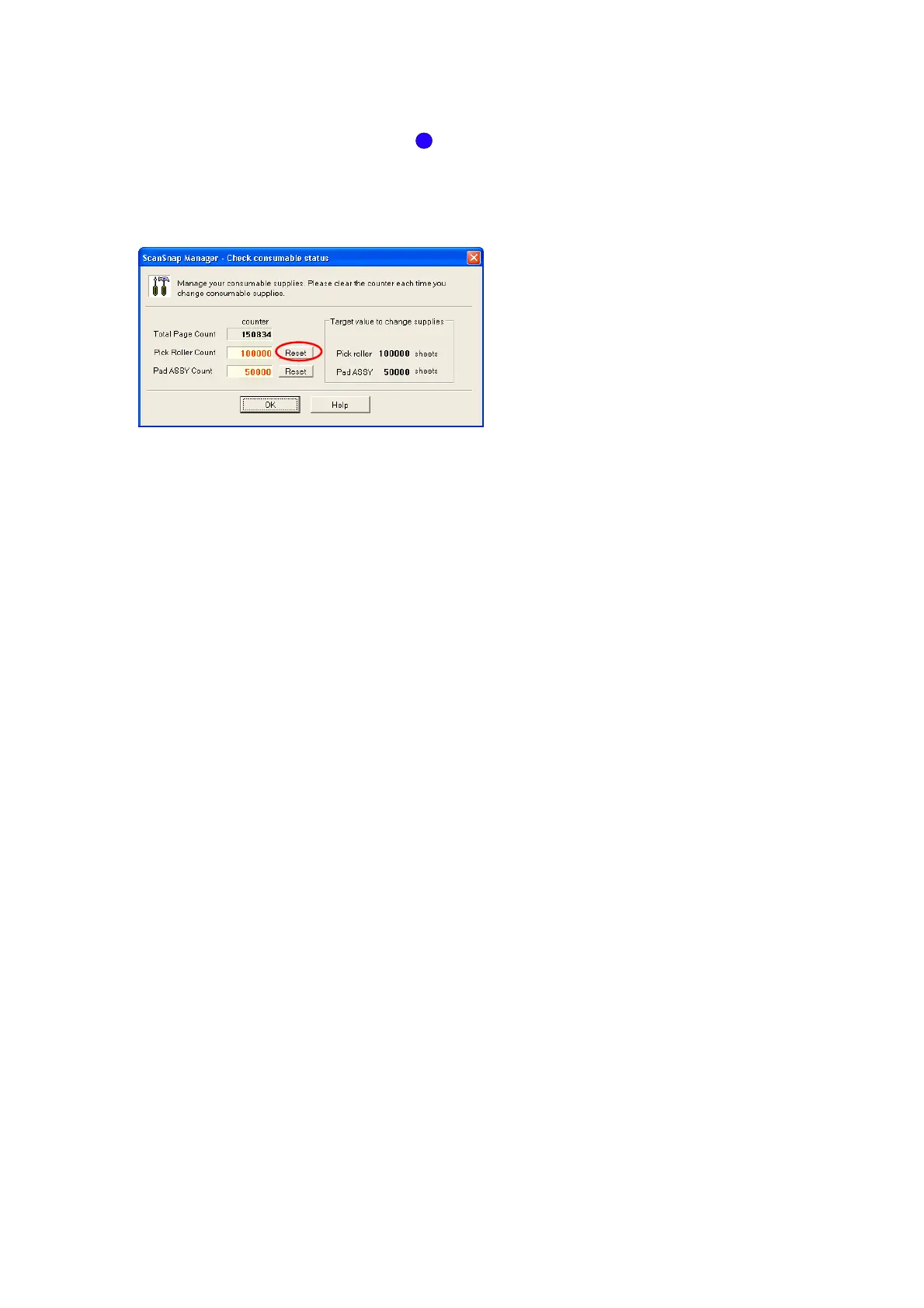
14. In the “Check consumable status” window, click the
[Reset] button of the consumable you have replaced.



 To Next Page
 Loading...











