(4) Pull the ADF release tab to open the ADF top section.
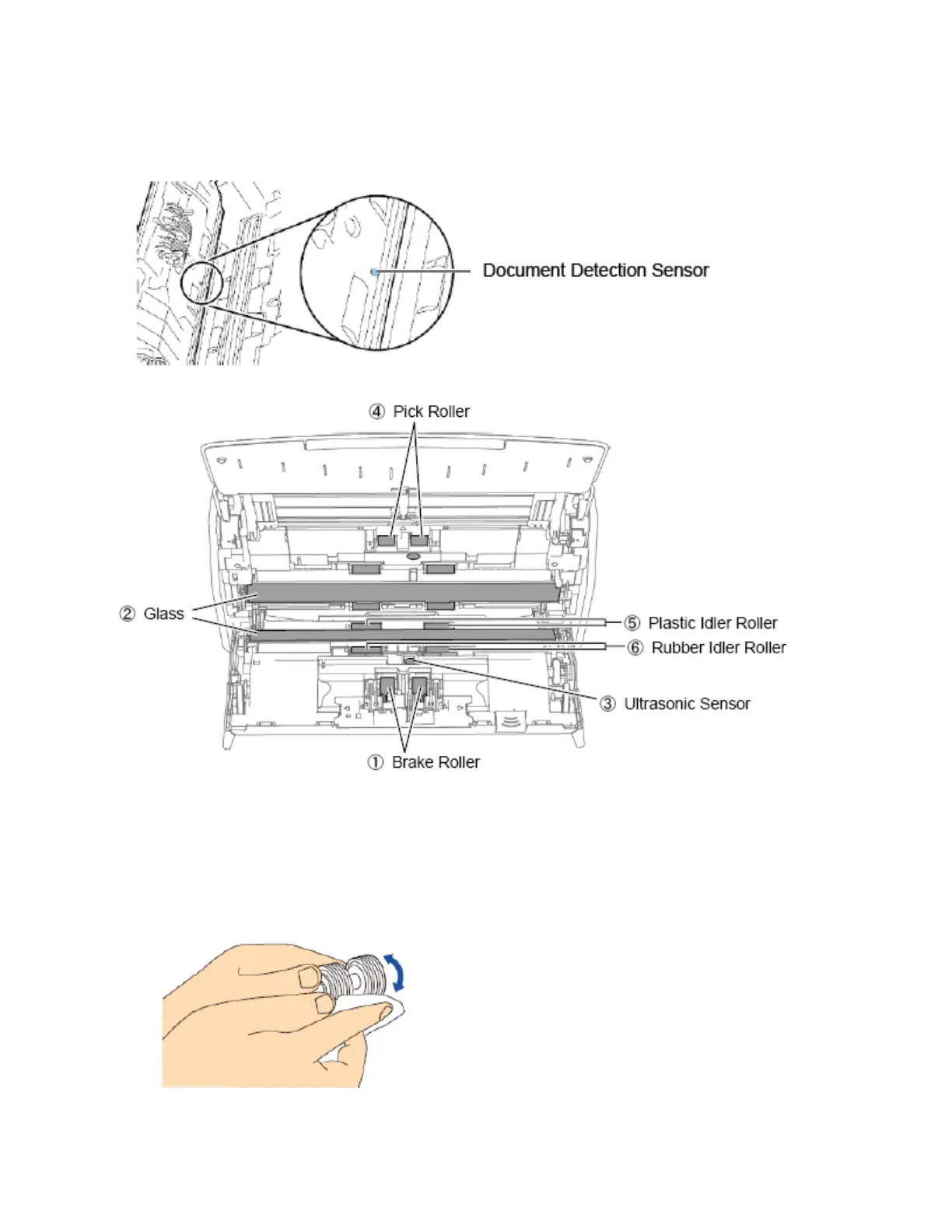
(5) Clean the following parts with a cloth moistened with Cleaner F1, or a cleaning wipe.
1. Brake roller (x2)
Remove the brake rollers from the scanner to clean.
Gently wipe the dirt and dust off from along the slots on the surface of the brake rollers. Be careful not to
damage the surface of the rollers.



 To Next Page
 Loading...










