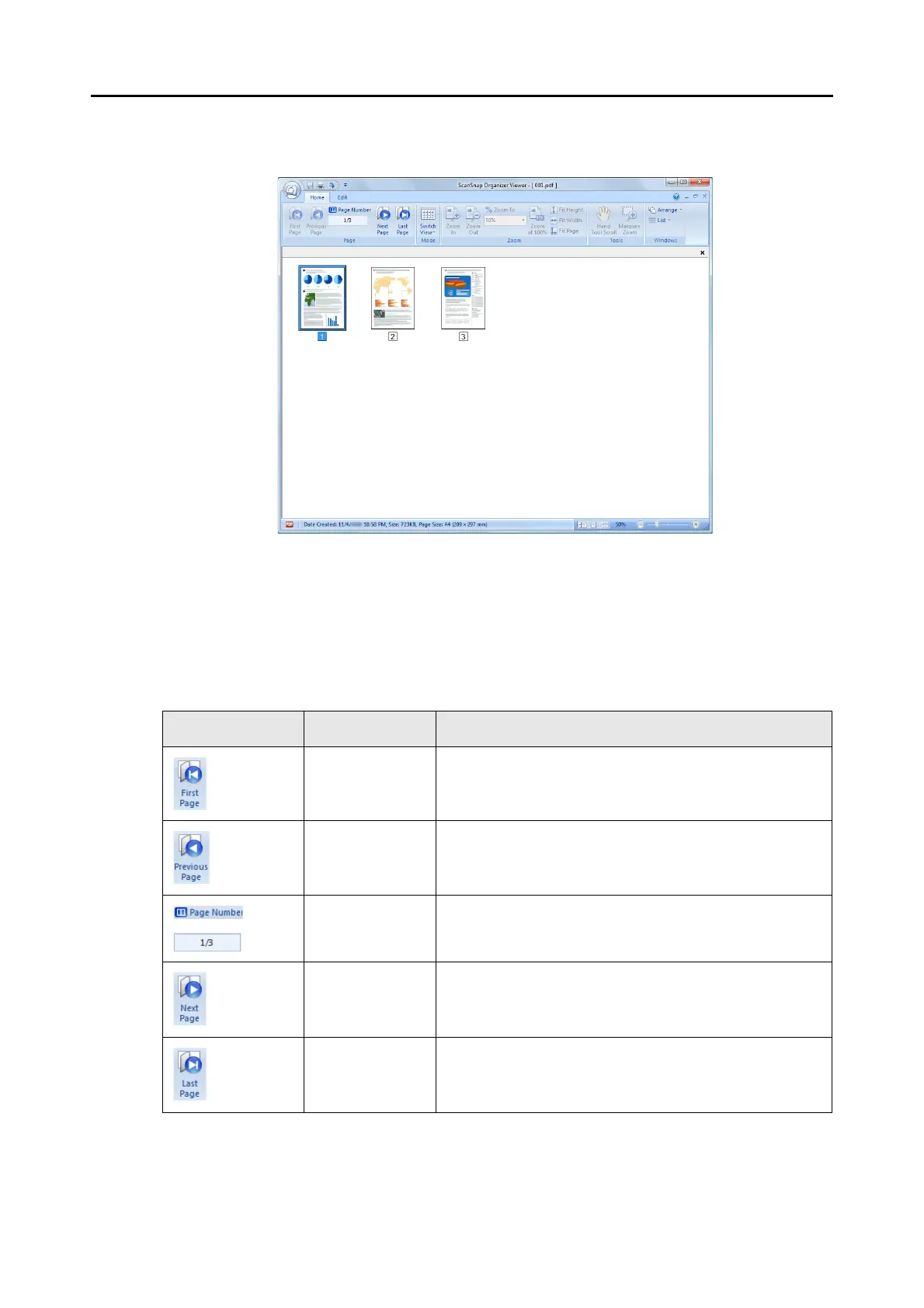
2.2 Viewer Window
30
Show Pages Panel
Displays pages in thumbnails.
■ Ribbon
The items and functions shown on the Ribbon of the Viewer Window are as follows:
[Home] Tab
Item Button name Description
First Page Shows the first page.
Previous Page Shows the previous page.
Page Number Shows a page specified by the number of the page.
Next Page Shows the next page.
Last Page Shows the last page.



 To Next Page
 Loading...











