2.2 Viewer Window
29
■ Viewer Window View Mode (Display Format)
In the Viewer Window, files are displayed according to the selected view mode.
For details about changing the view mode, refer to ScanSnap Organizer Help.
The following types of view modes are available.
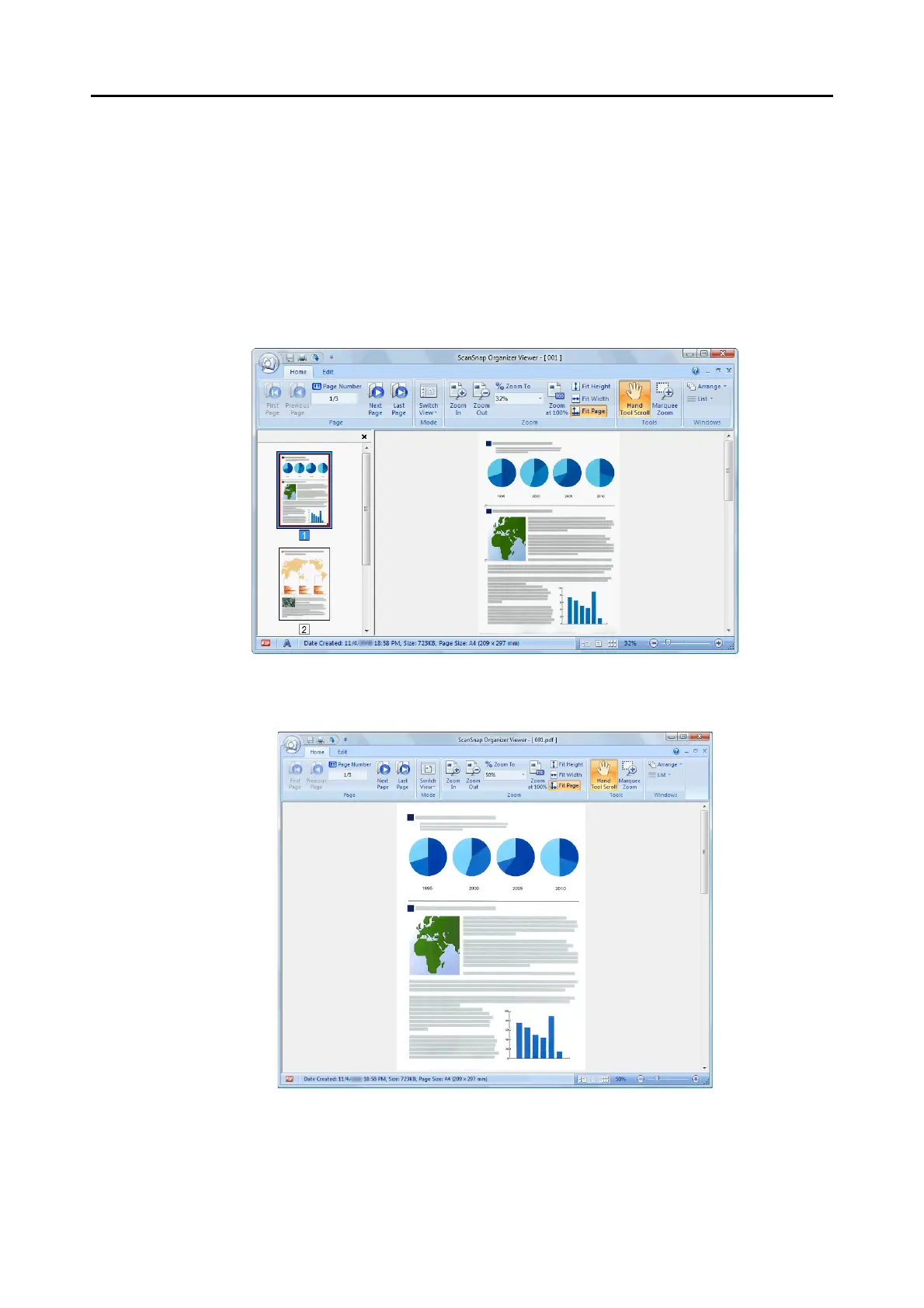
Show All (Pages Panel and Page View)
Displays all pages as thumbnails in the Pages Panel (left side), and the page currently
selected in the Page View (right side).
Show the Page Only
Displays a page in the single page mode.



 To Next Page
 Loading...











