2.2 Viewer Window
33
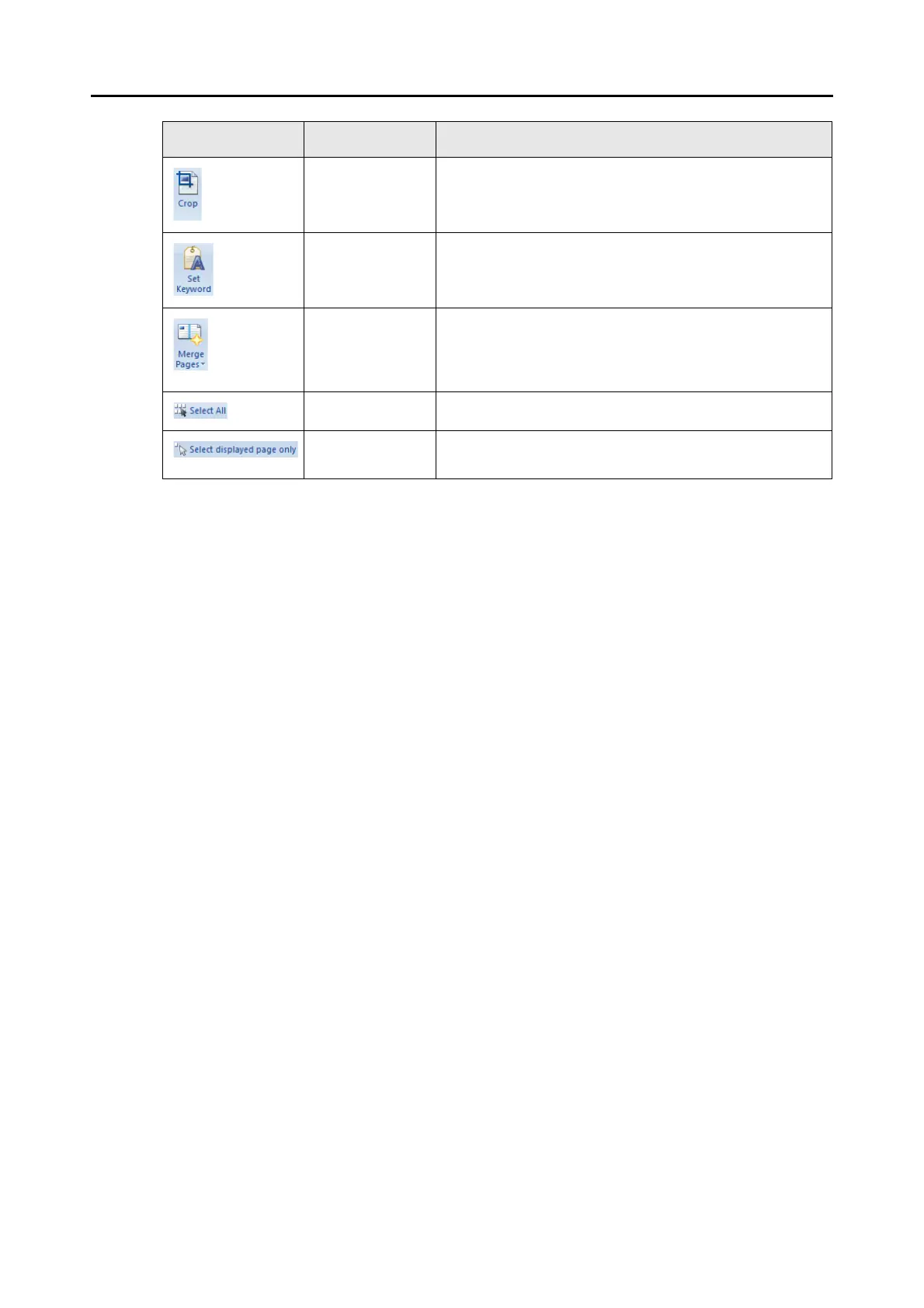
Crop Crops the selected page.
Set Keyword Sets a keyword for a PDF file.
A character string in the selected page can also be
recognized (OCR process) and set as a keyword.
Merge Pages Merges two pages together in the way selected from the
following to create a new page.
z Vertically
z Horizontally
Select All Selects all the pages.
Select displayed
page only
Selects the displayed page only.
Item Button name Description



 To Next Page
 Loading...











