15EN
CONNECTIONS
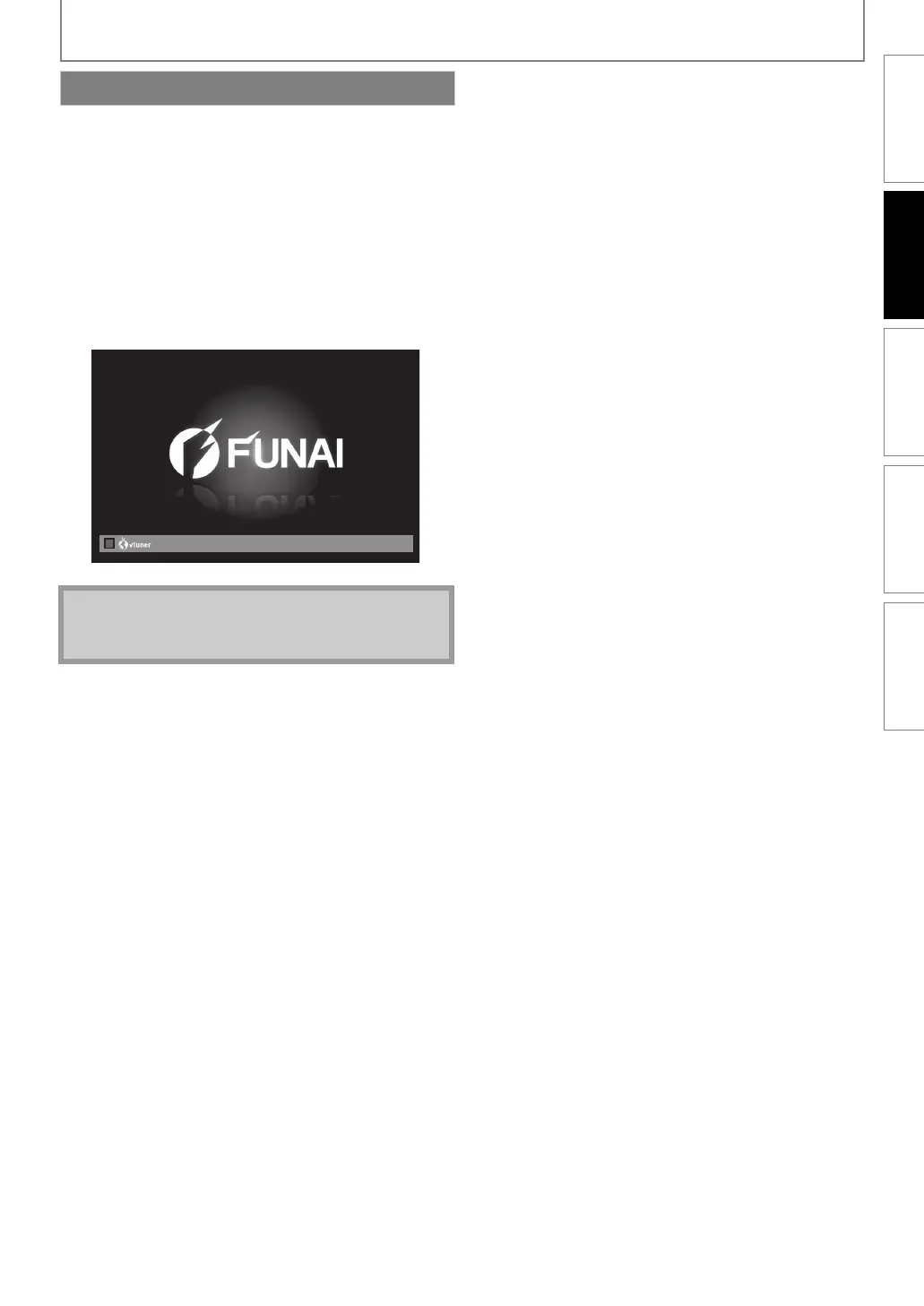
After you have complete d all the co nnections, you must find the c orrect vi deo channe l (external input chan nel) on your TV.
After you have completed all the connections, you must
find the correct video channel (external input channel) on
your TV.
1 After you have made all the necessary
connections, press [STANDBY/ON Q] to turn
on the unit.
2 Turn on your TV.
3 Press the button on the TV’s remote control
that accesses the external input channel. It
may be labelled “SOURCE”, “AV” or “SELECT”
(refer to your TV’s user manual).
Finding the Video Channel on Your TV
Note
• If the TV is connected by an HDMI cable, it may take a
while for the opening picture to come up.
INTRODUCTION CONNECTIONS PLAYBACK FUNCTION SETUP OTHERS
E1T12ED_EN.book Page 15 Tuesday, August 3, 2010 5:13 PM


 To Next Page