EasyManua.ls Logo

FUNAI NB500FX5 - User Manual

FUNAI NB500FX5
53 pages
Print Icon
To Next Page IconTo Next Page
Loading...
NB500FX5
NB500FX5F
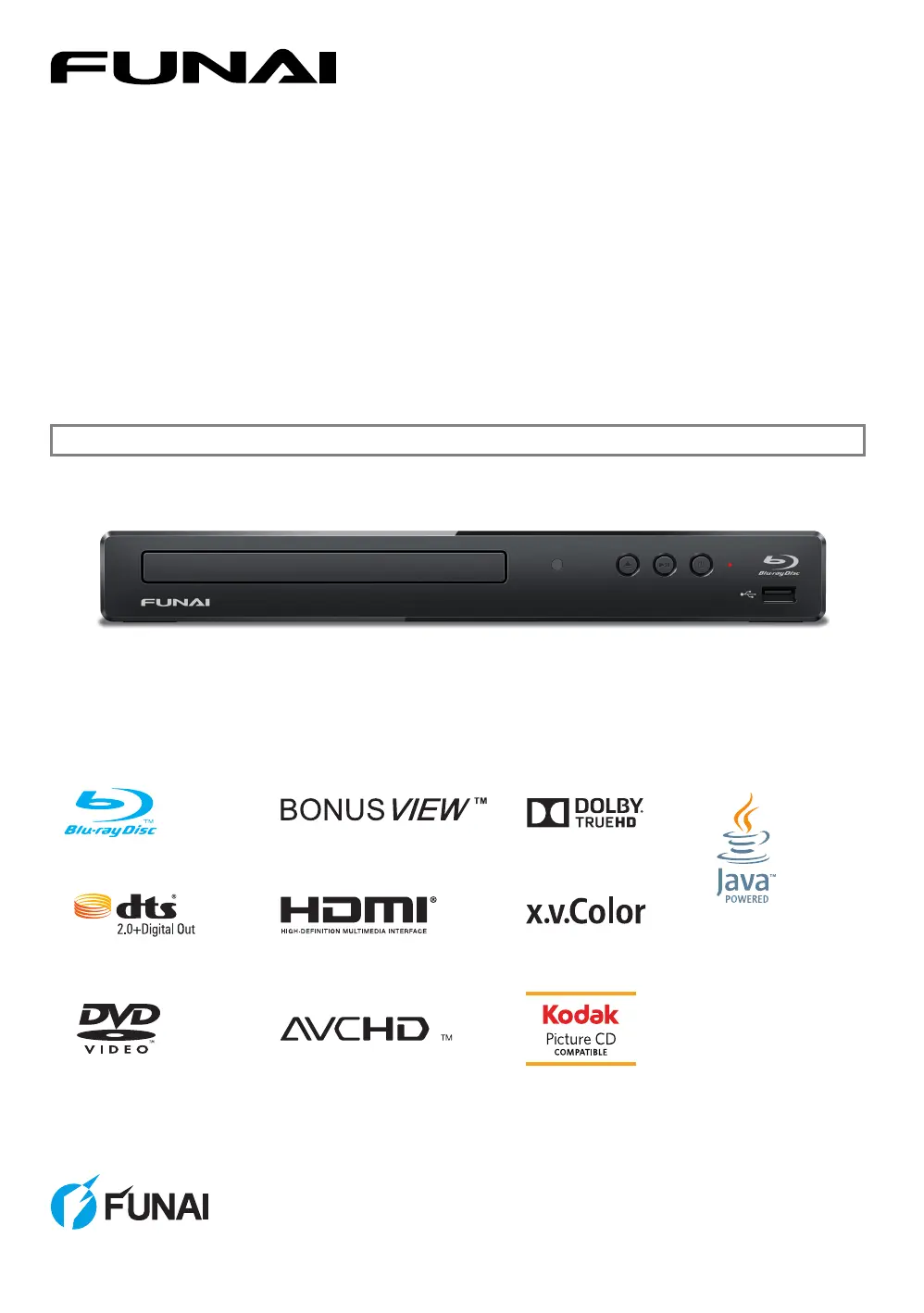
Blu-ray Disc™ / DVD Player
© 2014 Funai Electric Co., Ltd.
Owner's Manual
INSTRUCCIONES EN ESPAÑOL INCLUIDAS.

Questions and Answers

  • N
    ndavisAug 21, 2025
    Why is my FUNAI NB500FX5 Blu-ray Player remote not working?
    • R
      Ronald WiseAug 21, 2025
      If your FUNAI Blu-ray Player isn't responding to the remote control, try these steps: * Shorten the distance to the infrared sensor window. * Ensure the player's AC power cord is correctly plugged into a power outlet. * Verify the batteries in the remote are correctly inserted, matching the + and - symbols. * Aim the remote directly at the unit's remote receiver and confirm that the Power-On indicator dims and blinks when a button is pressed. You may need to check the IR signal.
  • K
    Kyle WarrenSep 4, 2025
    Why does the software update screen appear on FUNAI NB500FX5 Blu-ray Player after turning it on?
    • E
      ericmatthewsSep 4, 2025
      If the software update screen appears after turning on your FUNAI Blu-ray Player, complete the software update. If the update repeatedly fails, try updating via a USB Memory Stick with the update software in the root directory, renaming the file to “UPDATE10000FA1.BIN”.
  • L
    Lisa SpencerSep 2, 2025
    Why is my FUNAI NB500FX5 Blu-ray Player picture distorted?
    • B
      Brandon RamirezSep 2, 2025
      If your FUNAI Blu-ray Player displays a completely distorted or black and white picture with a Blu-ray Disc™ / DVD, make sure that the disc is compatible with the unit.
  • W
    William RothSep 1, 2025
    How to reset FUNAI Blu-ray Player when buttons do not work?
    • B
      Brian DukeSep 1, 2025
      If the buttons on your FUNAI Blu-ray Player aren't working or the unit stops responding, perform a soft reset by pressing and holding [ (POWER-ON)] on the front panel for 10 seconds to shut down the unit, or perform a hard reset by unplugging the AC power cord from the AC outlet for 5-10 seconds.
  • M
    maryburkeAug 30, 2025
    Why no sound or picture on FUNAI NB500FX5?
    • G
      Gregory MartinezAug 30, 2025
      If your FUNAI Blu-ray Player shows no sound or picture, ensure that both the TV and Blu-ray Disc™ player are turned on. Verify that the connections to the TV are correctly made. Also, confirm that the connected TV or device supports HDCP, as the unit requires HDCP support to output a video signal.
  • B
    Brian MasonAug 29, 2025
    How to fix no sound or distorted sound on FUNAI NB500FX5?
    • S
      Steven JohnsonAug 29, 2025
      If you're not getting any sound or the sound is distorted on your FUNAI Blu-ray Player, try adjusting the volume first. Check the speaker connections and the HDMI connection. Ensure the HDMI cable isn't plugged into an HDMI-DVI adapter or projector that doesn't handle digital sound. Also, review the settings in the “Audio Out” menu.
  • P
    petersonjohnAug 27, 2025
    Why FUNAI Blu-ray Player cannot play disc?
    • N
      nathanrossAug 28, 2025
      If your FUNAI Blu-ray Player isn't playing a disc, first check if the disc is compatible with the unit. Confirm the region code; this unit supports Blu-ray Disc™ region “A” and DVD region “ALL” or “1”. For DVD-RW/-R discs, ensure they are finalized. Finally, try cleaning the disc.
  • M
    Michelle CollinsAug 26, 2025
    What to do if no audio video signal on FUNAI NB500FX5 Blu-ray Player via HDMI?
    • U
      uriceAug 26, 2025
      If you're not getting any audio or video signal on your display device via HDMI cable with your FUNAI Blu-ray Player, it might be due to a non-certified HDMI device. Also, make sure your display device is set to the correct Input / Video source. Try performing an HDMI hotplug by disconnecting and reconnecting the HDMI cable with both devices turned on. Check for TV software updates and ensure you are using a certified HDMI cable.
  • S
    Shelby BraunAug 25, 2025
    How to fix no power on FUNAI NB500FX5?
    • N
      nathan46Aug 25, 2025
      If your FUNAI Blu-ray Player shows no power, ensure the AC power cord is securely connected. If it is, try a different power outlet. You can also try unplugging the AC power cord, waiting 5-10 seconds, and then plugging it back in before attempting to power on the unit again.
  • A
    Alejandro HarrellAug 23, 2025
    What to do if FUNAI NB500FX5 stuck loading and cannot open disc tray?
    • C
      Carolyn SchultzAug 23, 2025
      If your FUNAI Blu-ray Player is stuck in “Loading…” mode and you can't eject the disc, unplug the unit from the AC outlet for 20 seconds. Then, plug it back in and press the [ (OPEN/CLOSE)] button on the unit to eject the disc.

Summary

Introduction and Safety

1.1. Safety Instructions

Safety instructions to avoid electrical shock and fire, and proper handling.

Features Overview

2.1. Features

Details various features of the Blu-ray player, including media compatibility and connectivity.

Functional Overview

Remote Control Operation

3.3. Remote Control

Details the buttons and functions of the remote control unit.

On-Screen Display Guide

3.4. Guide to On-Screen Display

Explains the different menus and displays shown on the TV screen.

4. CONNECTIONS

4.1. Connection to a TV

Instructions for connecting the player to a television via HDMI.

Audio System Connection

4.2. Connection to an Audio System

Instructions for connecting the player to an audio system via HDMI.

HDMI Audio Output Settings

4.3. HDMI Audio Output

Details the HDMI audio output settings and format options.

5. BEFORE YOU START

5.2. Initial Setup

Guides through the initial setup process, including language selection.

6. INFORMATION ON PLAYBACK

7. BASIC PLAYBACK

7.1. Playing Back a Disc

Instructions for playing back discs, including auto-start and menu options.

Basic Playback Notes and USB Playback

7.2. Playing Back Contents from a USB Memory Stick

Instructions for playing back JPEG files from a USB Memory Stick.

Disc Menu Navigation

8. SPECIAL PLAYBACK

Subtitle Selection

Audio Soundtrack Selection

9. LIST OF SETTINGS

10. SETUPS

10.1. fun-Link (HDMI CEC)

Information and setup for the fun-Link (HDMI CEC) feature for system control.

HDMI Video Resolution Setup

10.2. HDMI Video Resolution

How to set and select the video resolution for HDMI output.

BD Parental Controls

10.3. Parental

How to set parental locks and rating levels for BD-video.

DVD Parental Controls and Password

DVD Rating Level and Password

How to set DVD rating levels and change the parental control password.

Software Update Procedure

10.4. Software Update

Instructions for updating the unit's software using a disc or USB memory stick.

Restore Default Settings

11. TROUBLESHOOTING

Troubleshooting Common Issues

Solutions for common problems like no power, no sound/picture, or remote issues.

Troubleshooting Disc and USB Problems

Disc Playback and USB Issues

Troubleshooting steps for disc playback errors and USB memory stick problems.

Advanced Troubleshooting Scenarios

Advanced Troubleshooting

Solutions for issues like BD-Live, 3D playback, software updates, and audio problems.

Spanish Initial Setup

FUNAI LIMITED WARRANTY

Warranty Duration and Coverage

Details the duration of parts and labor warranty and what is covered.

Warranty Limits and Exclusions

Outlines limitations, exclusions, and conditions that void the warranty.

Obtaining Warranty Service

Instructions on how to obtain warranty service and contact customer support.

FUNAI NB500FX5 Specifications

General IconGeneral
ModelNB500FX5
TypeBlu-ray Player
Video OutputHDMI
Video upscaling1080p
USB portYes
Region CodeA
Media typeBlu-ray, DVD, CD
ConnectivityHDMI
Audio OutputHDMI, Digital Coaxial

Related product manuals