EasyManua.ls Logo

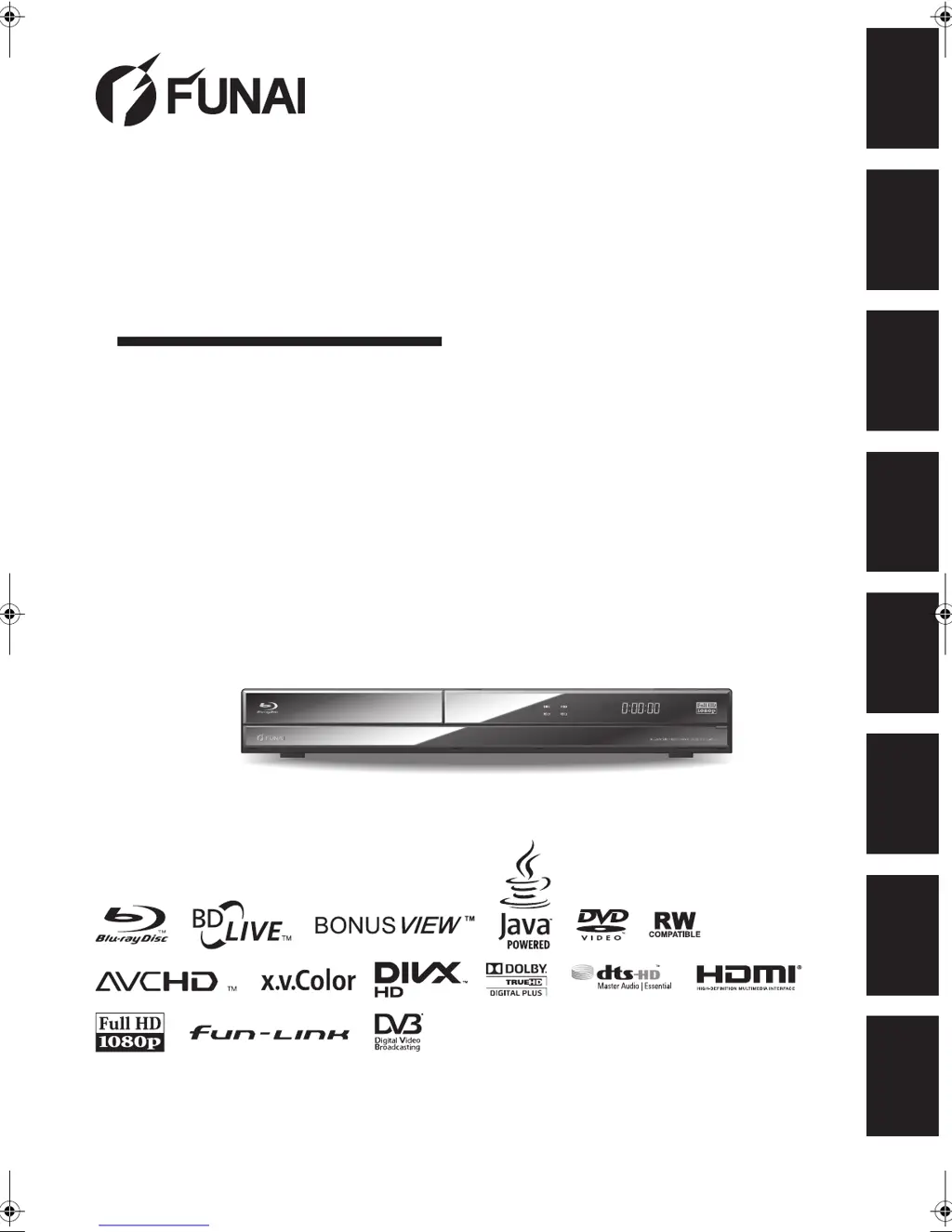
FUNAI BH2-M200 - User Manual

FUNAI BH2-M200
88 pages
Print Icon
To Next Page IconTo Next Page
Loading...
1
EN
HDD & BLU-RAY DISC™ RECORDER
BH2-M200
OWNER’S MANUAL
Introduction Connections
Basic Setup /
DVB Operations
Recording Playback Editing Function Setup Others
For Customer Use:
Carefully read the Model No. and Serial No. located at the
bottom of the unit and enter the information below. Retain
this information for future reference.
Model No. __________________________
Serial No. __________________________
E4V21ED_EN.book Page 1 Friday, June 3, 2011 2:07 PM

Table of Contents

Other manuals for FUNAI BH2-M200

Questions and Answers

  • N
    Nicole SmithAug 16, 2025
    Why is my FUNAI Blu-ray Player remote not working?
    • R
      Raymond KingAug 16, 2025
      If the remote control for your FUNAI Blu-ray Player isn't working, first, check the batteries. They might be missing or weak, so try replacing them. Make sure there's nothing blocking the path between the remote and the player. Also, try moving closer to the unit.
  • B
    Brian RodriguezAug 19, 2025
    What to do if my FUNAI Blu-ray Player has no picture, sound, or menu?
    • M
      Mark ReyesAug 19, 2025
      If your FUNAI Blu-ray Player is not functioning, displaying no picture, sound, or menu, verify that all connections are securely and correctly made. Check for any damage to the cables. Ensure that the correct external input channel is selected on your TV and that you have completed “Auto Tuning”. If moisture has condensed inside the unit, remove the disc and leave the unit turned on for about 2 hours until the moisture evaporates. Also, ensure that the AC power cord is securely connected. If you have a password set, try entering 4737 to cancel the current password and create a new one. Check the HDMI connection, and ensure the antenna cable is correctly connected before attempting tuning again.
  • J
    Jessica WalkerAug 22, 2025
    How to fix FUNAI BH2-M200 when it cannot connect to the network?
    • T
      Travis WoodAug 22, 2025
      If your FUNAI Blu-ray Player cannot connect to the network, check that the LAN cable is properly connected. Ensure that your modem or broadband router is turned on and correctly connected. Verify the network settings and the “BD-Live Setting.” Also, check your Internet service contract to ensure your provider allows multiple devices to connect simultaneously.
  • A
    Andrew RomeroAug 26, 2025
    What to do if FUNAI BH2-M200 Blu-ray Player recording is impossible?
    • T
      Thomas BakerAug 26, 2025
      If you are unable to record with your FUNAI Blu-ray Player, note that recording may be prohibited from 2 minutes before a scheduled timer recording. The unit cannot record programs with copy protection signals. Ensure that there is sufficient space on the recording media; delete unnecessary titles or use a new disc. If the maximum number of titles or chapters has been exceeded, delete unnecessary titles or insert new recordable media. Check that all connections are secure. Note that dual recording of Blu-ray Disc™ + Blu-ray Disc™ combinations or the same channel (except timer recordings) is not possible. You cannot record a DVB broadcast while recording external input, or vice versa. The maximum recording length for one title is 8 hours.
  • B
    Barbara PadillaAug 28, 2025
    Why won't my FUNAI BH2-M200 turn on?
    • C
      Cynthia LoganAug 28, 2025
      If your FUNAI Blu-ray Player does not turn on, ensure the AC power cord is securely connected. Also, check the batteries in the remote control, as weak batteries can prevent the unit from powering on.
  • Z
    Zachary MeyerAug 31, 2025
    What to do if the FUNAI BH2-M200 Blu-ray Player doesn't display image from external device?
    • K
      Kathy KnightAug 31, 2025
      If your FUNAI Blu-ray Player is not displaying the image from an external device, try pressing [INPUT SELECT] repeatedly to select the correct external input channel. Ensure that all connected devices are turned on and that all connections are securely and correctly made.
  • C
    Christopher PerkinsSep 3, 2025
    Why can't I do timer recording on my FUNAI Blu-ray Player?
    • D
      Dana WalkerSep 3, 2025
      If you are unable to perform timer recording on your FUNAI Blu-ray Player, the internal clock may have stopped due to a power failure lasting more than 30 seconds. Reset the clock.
  • C
    Colleen DixonSep 6, 2025
    What to do if recording or dubbing is impossible on FUNAI Blu-ray Player?
    • N
      nicolewilcoxSep 6, 2025
      If your FUNAI Blu-ray Player is unable to record or dub, note that TV programs or external input signals cannot be recorded directly onto DVD, but they can be dubbed. Copy-once titles can only be dubbed to CPRM compatible BD-RE/-R or VR mode DVD-RW. If a power failure occurs during recording, the disc may become unusable, so try a new disc. Check if the disc is protected or finalized; undo the protection or finalization. A Video mode DVD-RW formatted on another unit must be formatted in this unit before recording. Ensure all connections are securely made.
  • C
    Christopher MarquezSep 9, 2025
    Why can't my FUNAI BH2-M200 Blu-ray Player operate or read SD cards?
    • A
      Amanda LaneSep 9, 2025
      If your FUNAI Blu-ray Player is having trouble operating or reading SD cards, the card format might not be accepted, or the card may be incompatible. Ensure the card is properly inserted and has enough space (1GB or more). Check that the write-protect switch on the SD card is not enabled. Use an SD card (1GB or more) formatted on this unit. Some BD-Live™ discs require memory for playback. Do not remove the SD card during playback. Make sure the write-protect switch on the SD card is not enabled.
  • M
    melanie75Sep 12, 2025
    What to do if FUNAI Blu-ray Player USB device cannot be operated or read?
    • C
      Carla DickersonSep 13, 2025
      If your FUNAI Blu-ray Player is having trouble operating or reading a USB device, first check if the USB device is compatible with the unit and properly connected. If connecting a camcorder or digital camera via USB cable that uses an SD card, try inserting the SD card directly into the unit. Note that the USB device may not be recognized if connected during playback, recording, or dubbing.

FUNAI BH2-M200 Specifications

General IconGeneral
BrandFUNAI
ModelBH2-M200
CategoryBlu-ray Player
LanguageEnglish

Related product manuals