72
EN
Troubleshooting
Before requesting service for this unit, check the table below for a possible cause of the problem you are experiencing. Some
simple checks or a minor adjustment on your part may eliminate the problem and restore proper operation.
Others
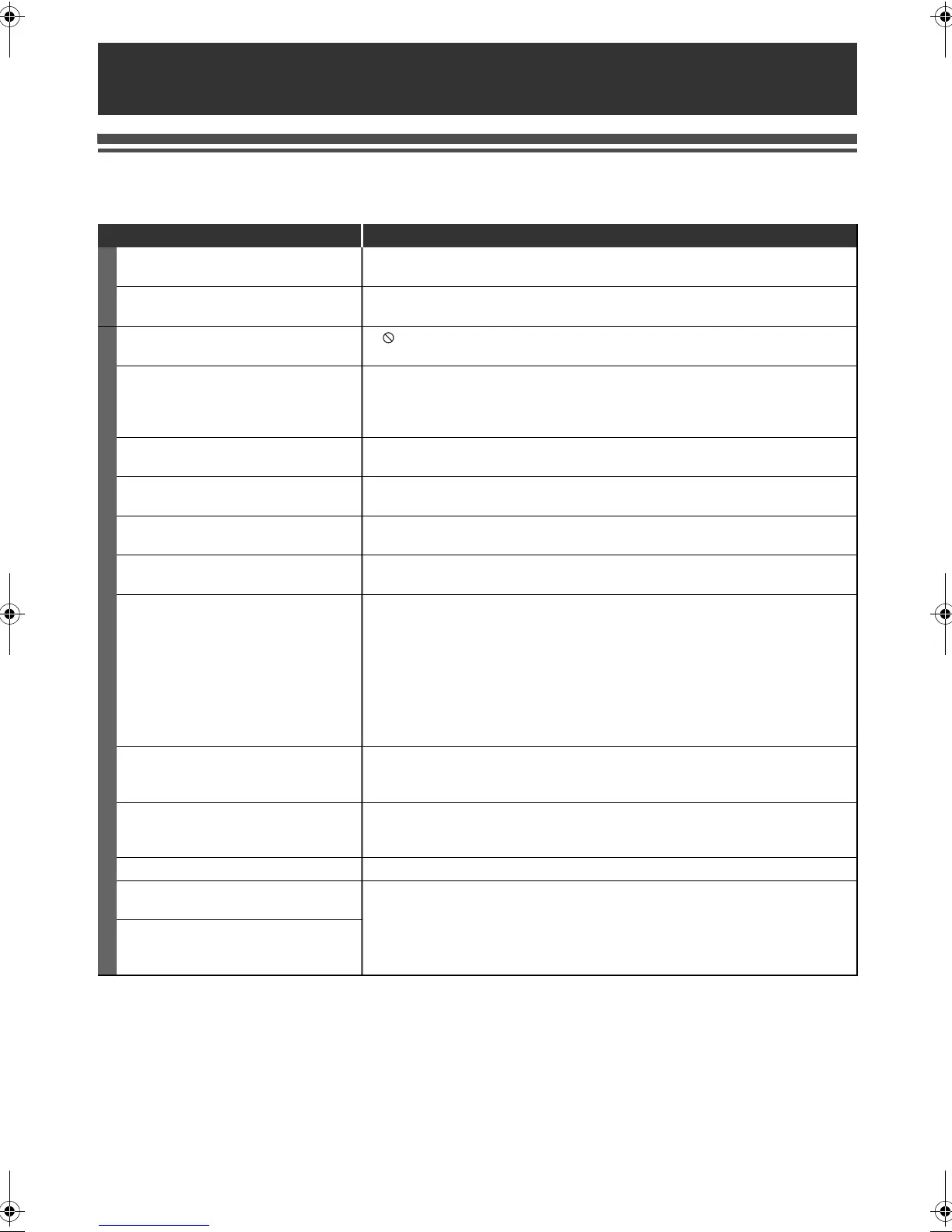
Symptom Remedy
POWER
The power does not turn on. • Check that the AC power cord is connected securely.
• Batteries of the remote control are weak.
The unit turns on automatically without
any operation.
• The unit turns on automatically 2 seconds before the timer recording.
GENERAL
The unit does not function. • “ ” or error message appears if the operation is prohibited.
• Batteries of the remote control are weak or exhausted.
No picture, sound or menu appears on
the screen.
• Check if the connections are made securely and correctly.
• Check if the cables are damaged.
• Check if a correct external input channel is selected on your TV. (See page 18.)
• Check if you have completed “Auto Tuning”. (See page 58.)
“Clock” setting and “Installation” setting
cannot be performed.
• If a recording is in progress, these operations cannot be performed.
The unit does not operate properly. • Moisture has condensed inside the unit. Remove the disc and leave the unit
turned on for about 2 hours until the moisture evaporates. (See page 3.)
The clock display does not appear on
the front panel display.
• Check that the AC power cord is connected securely.
• (In case of power failure) Check the breaker and “Clock” setting.
When you forget the password for
parental lock.
• Enter 4737 to cancel the current password, then create new one.
No image from HDMI connection. • Check the HDMI connection. (Check the status of the HDMI related indications.)
• Check whether the connected monitor device or other device supports HDCP.
(This unit will not output video signals unless the other device supports HDCP.)
• Check the setting of HDMI.
• Check whether the output format of this unit (HDMI FORMAT) matches the
supported input format of other connected device.
• If the unit is connected to the unauthorised display device with an HDMI cable,
the audio and video signals may not be output when playing back a commercial
BD-video or DVD-video.
TV channels cannot be changed. • Check if the connections are made securely and correctly.
• Check if the cables are damaged.
• Try “Auto Tuning”. (See page 58.)
Some settings are lost even though you
followed the procedure correctly.
• If you unplug the AC mains cable while the warning message, “Wait for a
moment...”, is displayed, some settings may be lost. Do not unplug the AC
mains cable while the message is displayed. (It will take about 1 minute.)
Only specific channels do not appear. • The channels may be set to be skipped. (See page 24.)
Though auto tuning was completed,
you cannot watch the DVB channels.
• Check whether an antenna cable is connected correctly and try tuning again.
• If you move to a different area, you need to perform auto tuning again.
The TV channel which you were able to
watch before has disappeared and “No
signal” is displayed.
E4V21ED_EN.book Page 72 Friday, June 3, 2011 2:07 PM



 To Next Page