EasyManua.ls Logo

Furrion FDUS50M7A - User Manual

Furrion FDUS50M7A
90 pages
Print Icon
To Next Page IconTo Next Page
Loading...
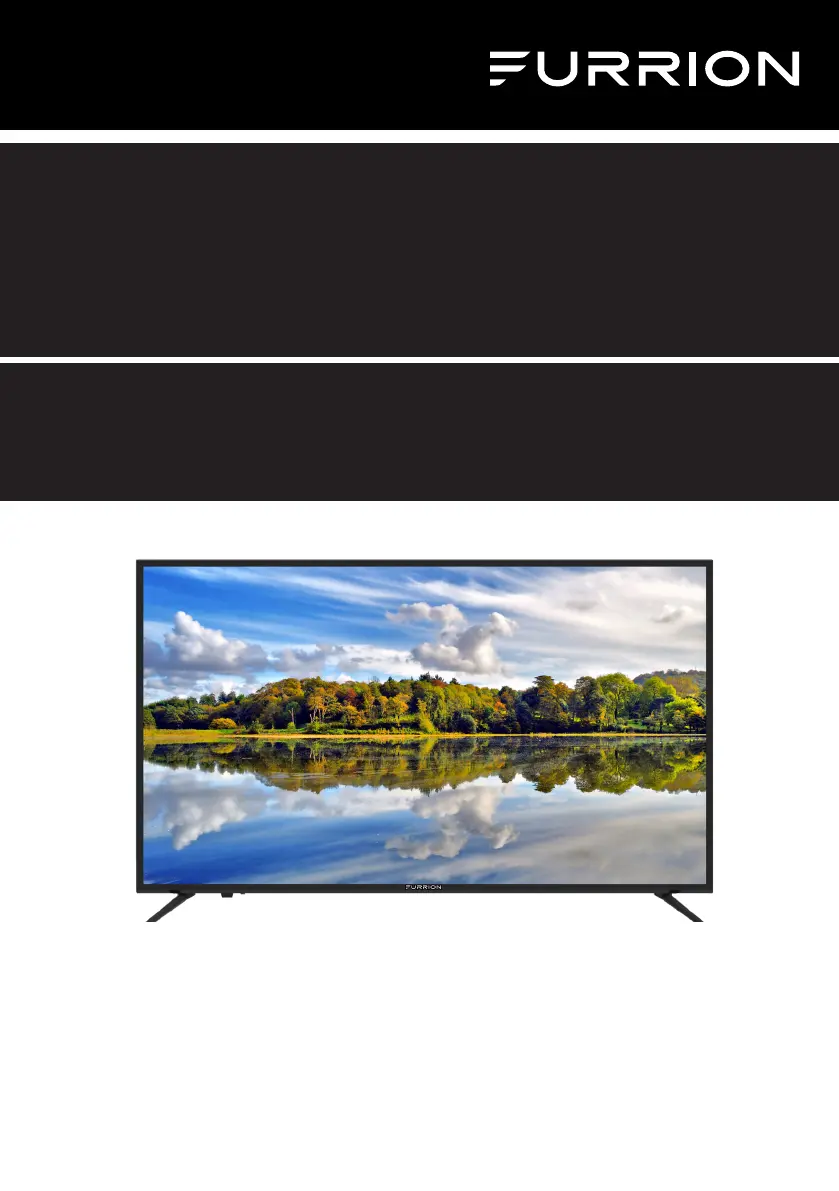
* Product picture is for reference only.
* L’image du produit est donnée uniquement à titre indicatif.
* La imagen del producto es solo una referencia.
50” 4K LED TV
Téléviseur 4K à DEL 50po
TV LED 4K DE 50”
Instruction Manual
Manuel d’instructions
Manual de instrucciones
Model/Modèle/Modelo: FDUS50M7A

Table of Contents

Questions and Answers

  • T
    Tammy HillAug 15, 2025
    What to do if my Furrion FDUS50M7A does not operate?
    • B
      Bonnie HernandezAug 15, 2025
      If your Furrion LED TV isn't turning on, there are several things you can check. First, ensure that the power cord is properly plugged into a working AC outlet. If it is, try a different outlet to rule out any power issues with the first one. Also, check your fuse or circuit breaker to ensure that power is being supplied to the TV. As a last resort, try unplugging the unit for an hour and then plugging it back in to see if that resolves the issue.
  • N
    nicholas62Aug 18, 2025
    Why is there normal picture but no sound on my Furrion LED TV?
    • C
      courtneymaldonadoAug 18, 2025
      If you're getting a normal picture but no sound on your Furrion LED TV, start by checking the volume settings to make sure it's not set too low or muted. Press the MUTE button to be sure the sound isn't muted. Try switching to another channel to see if the issue is specific to one channel. Finally, inspect the audio cable connections to ensure they are properly connected.
  • C
    Christopher PatelAug 21, 2025
    How to fix Furrion LED TV remote control that does not work?
    • J
      John LongAug 21, 2025
      If your Furrion LED TV remote control isn't working, first ensure that you're within range of the TV and that there are no obstructions blocking the signal. Next, check the batteries in the remote to make sure they aren't dead. Finally, verify that the remote is set to the correct operating mode (TV, VCR, etc.).
  • M
    Matthew GonzalezAug 25, 2025
    What causes poor sound or no sound on Furrion LED TV?
    • A
      Andrew BowmanAug 26, 2025
      If you're experiencing poor or no sound on your Furrion LED TV, try tuning to another station to rule out issues with the current broadcast or cable channel. Check your TV's sound adjustments, such as the volume and mute settings. Also, check for any potential sources of interference that might be affecting the audio signal.
  • K
    Kenneth JacksonAug 28, 2025
    What to do if my Furrion FDUS50M7A LED TV has poor picture or no picture?
    • M
      michaelquinnAug 28, 2025
      If you're experiencing poor or no picture quality on your Furrion LED TV, try tuning to another station to rule out issues with the current broadcast or cable channel. Make sure your channels are properly set into memory. Inspect your antenna or cable TV connections and adjust the antenna for optimal signal. Check for any potential sources of interference and review your picture control adjustments.
  • W
    Willie OlsonAug 31, 2025
    How to improve poor TV reception on Furrion FDUS50M7A LED TV?
    • J
      Justin WilliamsAug 31, 2025
      To improve poor TV reception on your Furrion LED TV: 1. Ensure the antenna amplifier is turned on if you are using Antenna TV. 2. Adjust the antenna position to find a stronger signal. 3. Check that the antenna connection is securely attached to the TV. 4. Verify that the antenna distribution box is receiving power. 5. Confirm that your incoming cable is connected to the correct cable/antenna wall connection inside your RV. 6. Ensure the internal RV coax jump cable is connected to the correct port.
  • L
    Laurie HarrisSep 3, 2025
    How to troubleshoot poor Cable / Satellite TV reception on Furrion LED TV?
    • C
      Charles FrederickSep 4, 2025
      To address poor Cable/Satellite TV reception on your Furrion LED TV: 1. Ensure the antenna amplifier is turned off for cable signal. 2. Check if the incoming cable is correctly connected to your RV. 3. Ensure the cable splitter box has power. 4. Verify the incoming cable is connected to the correct cable/Satellite wall connection inside your RV. 5. Ensure the internal RV coax jump cable is connected to the correct port. 6. Make sure there are no obstructions to your satellite dish.
  • W
    William LeonSep 7, 2025
    Why does my Furrion FDUS50M7A keep shutting off?
    • J
      Jennifer MillsSep 7, 2025
      If your Furrion LED TV is shutting off unexpectedly, the Sleep Timer may be activated. Also, check for any power interruptions that might be causing the TV to turn off.
  • K
    Kevin RamirezSep 12, 2025
    Why is my Furrion FDUS50M7A showing a black and white image from the connected AV device?
    • J
      Jennifer PerezSep 12, 2025
      If you're seeing a black and white image from a connected AV device on your Furrion LED TV, check the video connections on both the TV and the AV device. Ensure that the colors of the connectors and sockets match: green (Y), blue (Pb/Cb), and red (Pr/Cr) for component connections, and yellow (VIDEO) for composite connections. Also, make sure all video cables are firmly connected.

Furrion FDUS50M7A Specifications

General IconGeneral
BrandFurrion
ModelFDUS50M7A
CategoryLED TV
LanguageEnglish

Related product manuals