EasyManua.ls Logo

Furrion FDFS43M7A - User Manual

Furrion FDFS43M7A
94 pages
Print Icon
To Next Page IconTo Next Page
Loading...
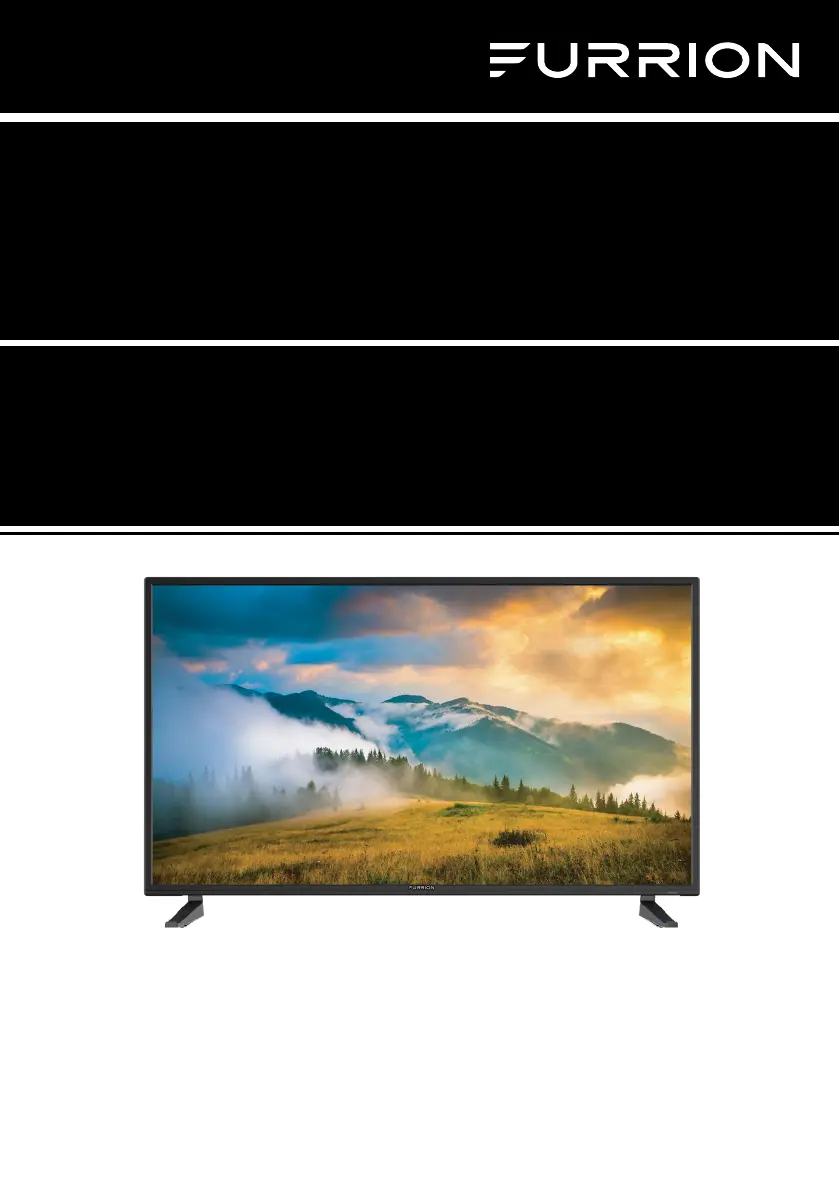
40"/43" FHD LED TV
Téléviseur FHD à DEL de 40/43 po
TV LED FHD 40"/43"
Instruction Manual
Manuel d’instructions
Manual de instrucciones
Model/Modèle/Modelo: FDFS40M4A
FDFS43M7A
* Product picture is for reference only.
* L’image du produit est donnée uniquement à titre indicatif.
* La imagen del producto es solo una referencia.

Table of Contents

Questions and Answers

  • W
    wvazquezAug 20, 2025
    Why Furrion FDFS43M7A LED TV has normal picture but no sound?
    • E
      Edward IbarraAug 20, 2025
      If your Furrion LED TV shows a picture but you can't hear any sound, here are a few things to check: * First, ensure that the volume isn't set too low or muted. * Next, try switching to another channel to rule out a channel-specific issue. * Also, verify that all audio cables are properly connected.
  • T
    Todd LopezAug 22, 2025
    What to do if Furrion FDFS43M7A LED TV does not operate?
    • J
      Joe BarnesAug 22, 2025
      If your Furrion LED TV isn't turning on, try these steps: * First, make sure the power cord is securely plugged into the outlet. * Try plugging the TV into a different AC outlet to rule out a faulty outlet. * Check the fuse or circuit breaker to ensure power is being supplied. * As a last resort, unplug the TV for an hour, then plug it back in to see if it resets.
  • J
    jblackAug 25, 2025
    Why Furrion FDFS43M7A LED TV remote control does not work?
    • T
      Terri ChapmanAug 25, 2025
      If the remote control for your Furrion LED TV isn't working, consider the following: * Ensure that you are within range of the TV and there are no obstructions blocking the signal. * Check the batteries in the remote and replace them if necessary. * Make sure the correct operating mode (TV, VCR, etc.) is selected on the remote.
  • A
    Alejandro LambAug 26, 2025
    What to do if Furrion LED TV has poor sound or no sound?
    • R
      Ryan BrooksAug 26, 2025
      If you're experiencing poor or no sound on your Furrion LED TV, here's what you can do: * First, try tuning to another station to rule out issues with the current broadcast or cable channel, as the station or cable TV might be experiencing problems. * Check your TV's sound settings, including volume and mute options. * Also, look for any potential sources of interference that might be affecting the audio quality.
  • C
    carrrobertAug 27, 2025
    What to do if Furrion FDFS43M7A has poor picture or no picture?
    • D
      Donald GonzalezAug 27, 2025
      If your Furrion LED TV has poor or no picture, consider these solutions: * First, try tuning to another station to rule out issues with the broadcast, as the station or cable TV might be experiencing problems. * Ensure that the channels are properly set into the TV's memory. * Check the connections for your antenna or cable TV and adjust the antenna if needed. * Also, check for any potential sources of interference and review your TV's picture control adjustments.
  • A
    Amanda Cole MDAug 29, 2025
    Why Furrion FDFS43M7A LED TV has black and white image from the connected AV device?
    • J
      jeromeandradeAug 29, 2025
      If you're seeing a black and white image from a connected AV device on your Furrion LED TV, check the video connections on both the TV and the AV device. Ensure that the colors match between the connectors and sockets: green (Y), blue (Pb/Cb), and red (Pr/Cr) for component connections, and yellow (VIDEO) for composite connections. Also, make sure all video cables are connected firmly.
  • J
    Julia GarciaAug 31, 2025
    How to improve poor TV reception on Furrion LED TV?
    • R
      Robert WilcoxAug 31, 2025
      To improve poor TV reception on your Furrion LED TV: * Ensure the antenna amplifier is turned on for Antenna TV. * Adjust the antenna position to a stronger signal receiving angle. * Check the Antenna connection is tight to the TV. * Check there is power supplied to the Antenna distribution box. * Confirm your incoming cable is connected to the correct cable / antenna wall connection.
  • W
    Wendy WalkerSep 2, 2025
    How to improve poor Cable / Satellite TV Reception on Furrion FDFS43M7A?
    • S
      Samuel CastilloSep 2, 2025
      To improve poor Cable / Satellite TV reception on your Furrion LED TV: * Ensure the antenna amp is turned off for cable signal. * Check the incoming Cable is connected correctly. * Ensure the cable splitter box has power. * Confirm the incoming cable is connected to the correct cable / Satellite wall connection.
  • J
    Jonathan RussellSep 4, 2025
    What to do if Furrion LED TV remote control does not work?
    • W
      William WilsonSep 4, 2025
      If the remote control for your Furrion LED TV isn't working, first ensure that there are no obstructions between the remote and the TV and that you are within range. Then, check the batteries in the remote. Finally, verify that the correct operating mode is set on the remote (TV, VCR, etc.).
  • J
    Jennifer CruzSep 6, 2025
    How to troubleshoot Furrion FDFS43M7A LED TV that does not turn on?
    • K
      Kent BellSep 6, 2025
      If your Furrion LED TV isn't turning on, start by making sure the power cord is properly plugged into the outlet. If it is, try plugging it into another AC outlet to rule out a faulty outlet. Also, check the fuse or circuit breaker to ensure power is being supplied to the TV. As a last resort, unplug the TV for an hour, and then plug it back in.

Furrion FDFS43M7A Specifications

General IconGeneral
Screen Size43 inches
Display TypeLED
Smart TVYes
HDMI Ports3
USB Ports2
Refresh Rate60 Hz
Built-in Wi-FiYes
BluetoothYes
Resolution1920 x 1080
Operating SystemAndroid

Related product manuals