EasyManua.ls Logo

Furrion FEFD22S0D - User Manual

Furrion FEFD22S0D
34 pages
Print Icon
To Next Page IconTo Next Page
Loading...
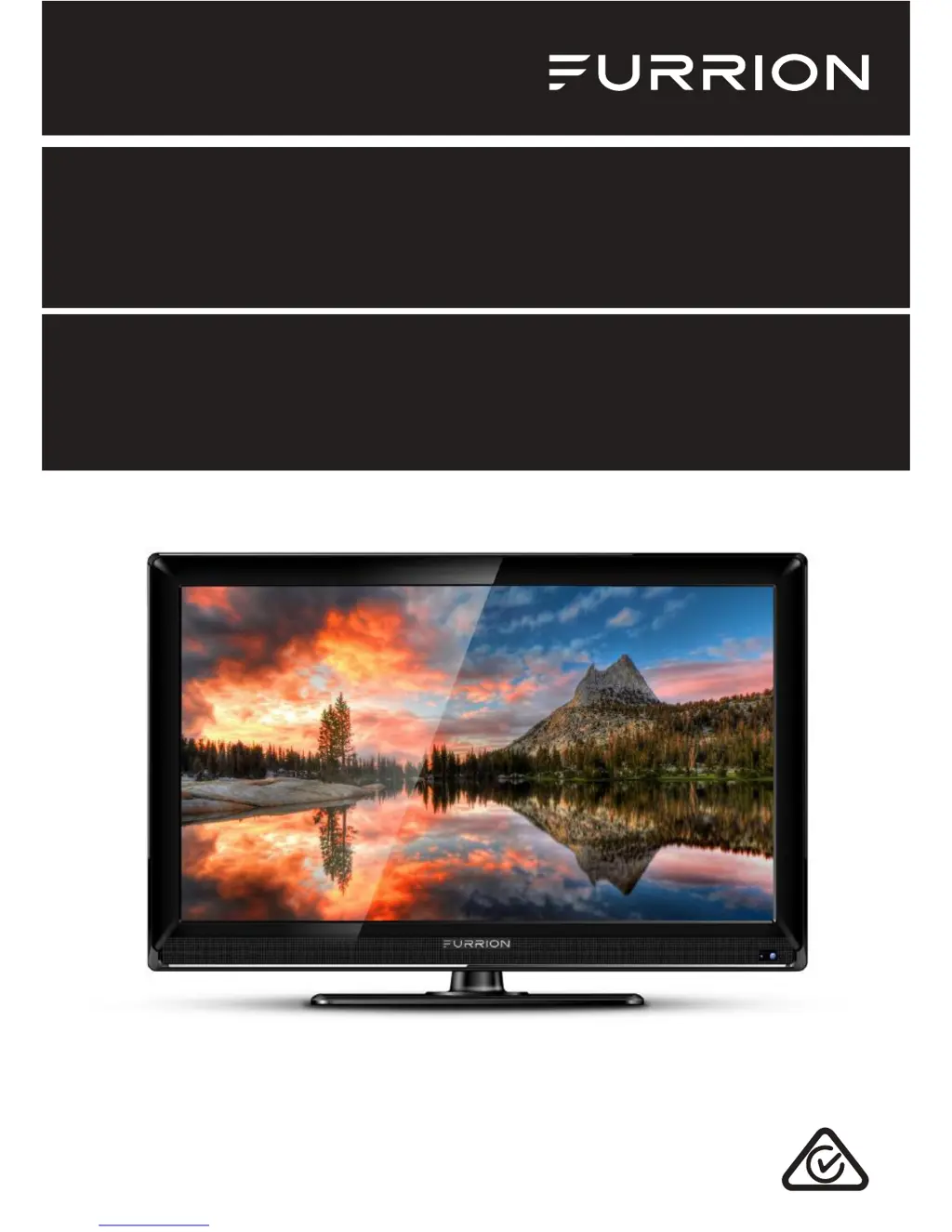
LED HD TV
Instruction Manual
Model: FEHD19S0N
FEFD22S0D
FEHD24S0D

Questions and Answers

  • J
    Jillian GuerreroAug 15, 2025
    What to do if my Furrion FEFD22S0D LED TV does not operate?
    • J
      Jared ParksAug 15, 2025
      If your Furrion LED TV isn't operating, try these steps: First, make sure the power cord is securely plugged in. If it is, try a different AC outlet to rule out an outlet issue. Also, check your fuse or circuit breaker to ensure power is being supplied to the TV. As a last resort, unplug the TV for an hour, and then plug it back in to see if it resets.
  • D
    Deanna SmithAug 18, 2025
    Why is there poor picture or no picture on my Furrion FEFD22S0D?
    • J
      Jennifer JonesAug 18, 2025
      If you're experiencing poor picture quality or no picture on your Furrion LED TV, it could be due to several reasons. It might be the station or cable TV provider experiencing issues, so try tuning to another station. Make sure the channels are correctly set into the memory. Verify the connections of your antenna or cable TV and adjust the antenna if needed. Also, check for any potential sources of interference. Finally, ensure that your picture control adjustments are properly configured.
  • R
    Russell FreemanAug 21, 2025
    Why is there normal picture but no sound on my Furrion LED TV?
    • M
      Maria ValentineAug 21, 2025
      If you see a normal picture but hear no sound on your Furrion LED TV, here are a few things to check: First, review the volume settings to ensure they are at an audible level. Make sure the sound isn't muted by pressing the MUTE button. Try switching to another channel to see if the issue is channel-specific. Finally, inspect the audio cable connections to confirm they are properly connected.
  • D
    Dr. Tyler JonesAug 25, 2025
    Why is the remote control not working on my Furrion LED TV?
    • R
      Raymond TerrellAug 26, 2025
      If the remote control isn't working with your Furrion LED TV, first ensure the remote is within range and has a clear line of sight to the TV, without any obstructions. Then, check the batteries in the remote and replace them if necessary. Finally, verify that the correct operating mode is set on the remote (TV, VCR, etc.).
  • M
    martinezstaceyAug 28, 2025
    What to do if Furrion LED TV has poor sound or no sound?
    • Z
      zcruzAug 28, 2025
      If your Furrion LED TV has poor or no sound, there are a few things you can check. First, the station or cable TV provider might be experiencing problems, so try tuning to another station. Also, check your sound adjustments, such as volume and mute settings. Finally, look for any sources of possible interference that might be affecting the sound quality.
  • A
    Anita ZamoraAug 31, 2025
    Why is there poor TV reception on my Furrion FEFD22S0D LED TV?
    • J
      jacksonchristianAug 31, 2025
      If you're experiencing poor TV reception on your Furrion LED TV, consider the following: Ensure that the antenna amplifier is turned on if you're using Antenna TV. Adjust the antenna position to find a stronger signal. Check that the antenna connection is securely attached to the TV. Verify that power is supplied to the antenna distribution box. Confirm that your incoming cable is connected to the correct cable/antenna wall connection inside your RV. Also, ensure the internal RV coax jump cable is connected to the correct port.
  • C
    Charles SmithSep 4, 2025
    Why is there poor Cable / Satellite TV Reception on my Furrion FEFD22S0D?
    • B
      Brenda JenningsSep 4, 2025
      If you're having trouble with cable or satellite TV reception on your Furrion LED TV, here are some things to check: Make sure the antenna amp is turned off for a cable signal. Verify that the incoming cable is correctly connected to your RV. Ensure the cable splitter box has power. Confirm that the incoming cable is connected to the correct cable/satellite wall connection inside your RV. Also, ensure the internal RV coax jump cable is connected to the correct port. Finally, check that your dish has no obstructions.
  • G
    George DuncanSep 7, 2025
    Why does my Furrion FEFD22S0D shut off by itself?
    • N
      Nathan TerrySep 7, 2025
      If your Furrion LED TV is shutting off unexpectedly, there are a couple of potential reasons. The sleep timer might be set, causing the TV to turn off automatically. Alternatively, the power supply might be interrupted.
  • D
    Donald BrooksSep 12, 2025
    Why does my Furrion LED TV AV input play in black and white?
    • J
      Johnny WilliamsSep 12, 2025
      If your Furrion LED TV's AV input is displaying in black and white, check the RCA connections on the back of the TV and from the source to ensure they are correctly connected. Make sure the yellow connection is in the correct port.

Summary

Safety Warnings

Important Safety Instructions

Crucial guidelines for safe usage and maintenance of the appliance.

General Safety Precautions

Covers placement, mounting, and general operating safety guidelines.

Function Overview

Control Panel Operations

Details the buttons and functions of the TV's physical control panel.

Rear Panel Connectivity

Identifies and explains the purpose of various input/output ports on the TV.

Remote Control Guide

Explains the buttons and operations of the TV's remote control.

Before Operation

Getting Started

Change Settings

Picture Menu

Details how to adjust picture quality settings like brightness, contrast, and color.

Sound Menu

Explains how to configure audio settings such as sound mode, bass, and treble.

Channel Menu

Guides on managing channels, including favorites, country, and auto search.

USB Operation

DVD Operation

Trouble Shooting

Furrion FEFD22S0D Specifications

General IconGeneral
Screen Size22 inches
Display TypeLED
HDMI Ports2
USB Ports1
Voltage120V
Aspect Ratio16:9
Refresh Rate60Hz
VGA Port1
Built-in SpeakersYes
Resolution1920 x 1080

Related product manuals