22
Change Settings
Feature-Timer - Edit
Recorder
Press OK or key to show the list, then use
or to select O or On.
Type
Press OK or
key to show the list, then use
or to select DTV or Radio.
Channel
Press OK or
key to show the list, then use
or to select your selection.
Start Time
Press OK or
key to edit the Start Time,
then use 0~9 button to edit Start Time
setting.
Press OK or key to enter the Start Time
setting.
Duration
Press OK or
key to edit the Duration, then
use 0~9 button to edit Duration.,
Press OK or key to enter the Duration.
(Only adjustable under Recorder mode is On)
Date
Press OK or
key to edit the Date, then use
0~9 button to edit Date.,
Press OK or key to enter the Date.
Mode
Press OK or
key to show the list, then use
or to select Once, Daily, Weekly or
Monthly.
Note:
− Press
or key to Move menu.
− Press 0~9 button to edit number.
− Press OK or key to enter your selection.
− Press Menu button to Save menu.
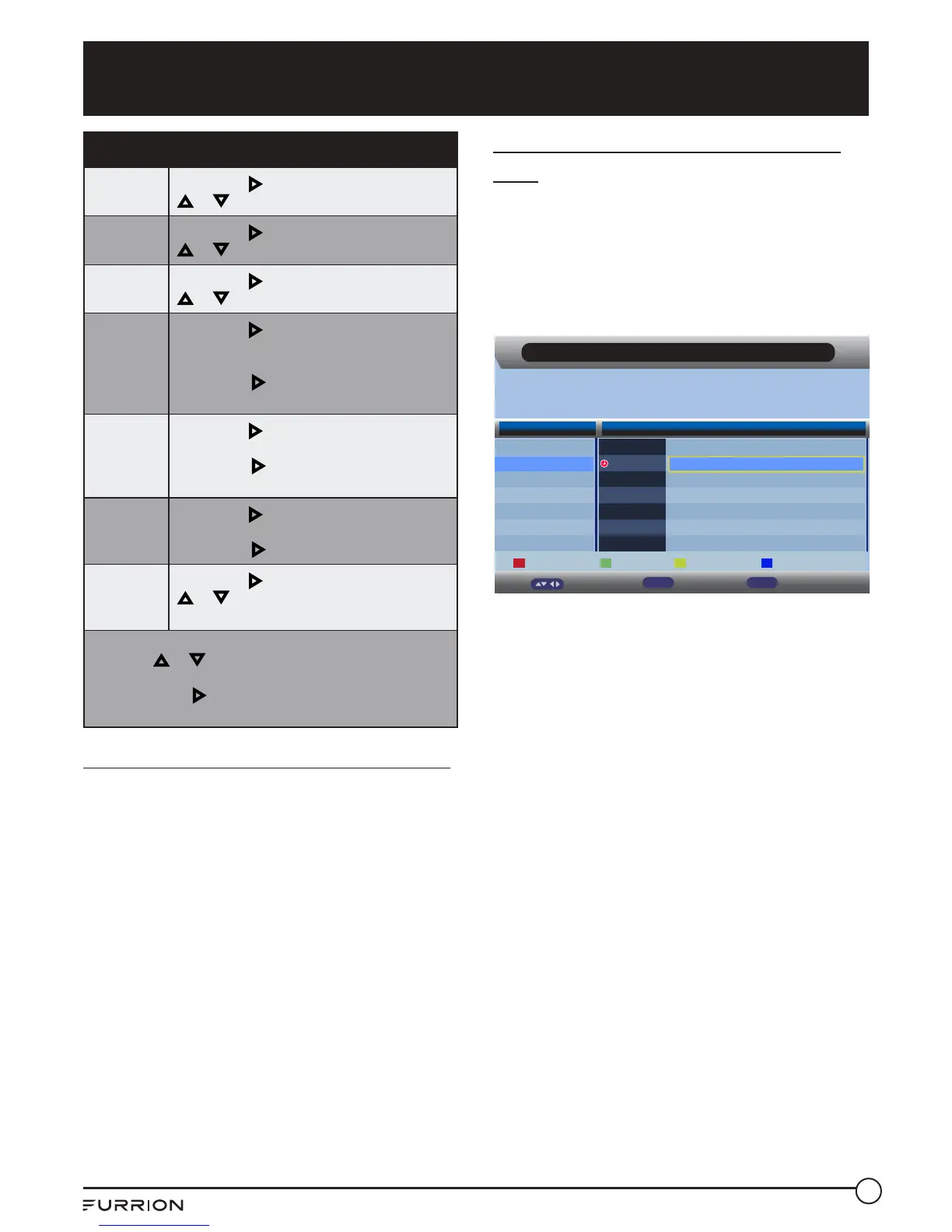
Scheduled Viewing using the EPG
Press the EPG button on the remote control,
navigate to the program you wish to record
then press the green button on the remote
control 1 time only. This will activate “Scheduled
Viewing” for that program, and a red clock
symbol will appear next to the program.
This function will not record but will change
channels at the scheduled time for viewing of
the program.
Scheduled Recording using the
EPG
Press the EPG button on the remote control,
navigate to the program you wish to record then
press the green button on the remote control 2
times only.
A red “R” symbol will appear next to the
program, indicating that it is set to record.
EPG Weekly Mode
Daily Recorder Prev Day Next Day
Move
Info
Display Exit
Exit
0070 7 HD Digital
28/07/2004 13:00-28/07/2004 14:00 PASSIONS
Gwen and Theresa continue to face-off. Sheridan remembers two key people from
her past.
Wed 28/07 Wed
7 Digital
7 HD Digital
7 Digital 1
7 Digital 2
7 Digital 3
BLUE HEELERS
12:00-13:00
13:00-14:00
PASSIONS
Thu Fri Sat Sun Mon Tue Wed



 To Next Page