8
Function Overview
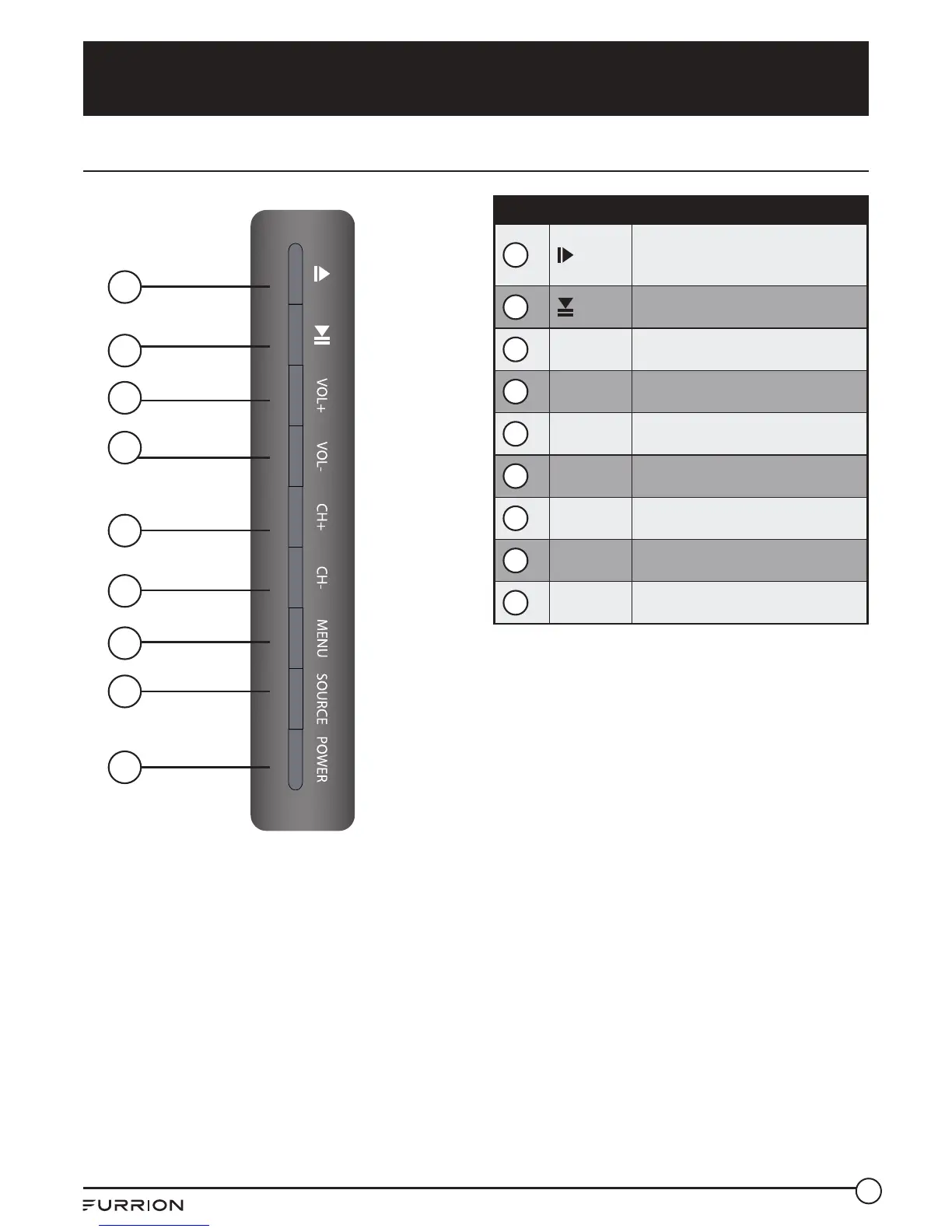
Control Panel
Control Panel
1
Ejects DVD/ CD
Press to directly enter the channel
search mode
2
Press to start or pause the playback
3
VOL+ Press to increase the volume
4
VOL- Press to decrease the volume
5
CH+ Press to skip to the next channel
6
CH- Press to skip to the previous channel
7
MENU Press to enter the main menu
8
SOURCE Press to select the input source
9
POWER Press to switch the TV on/o
1
2
4
5
6
8
9
7
3
* Please note that the button layout of the
controls may vary from model to model.



 To Next Page