1. OPERATION
23
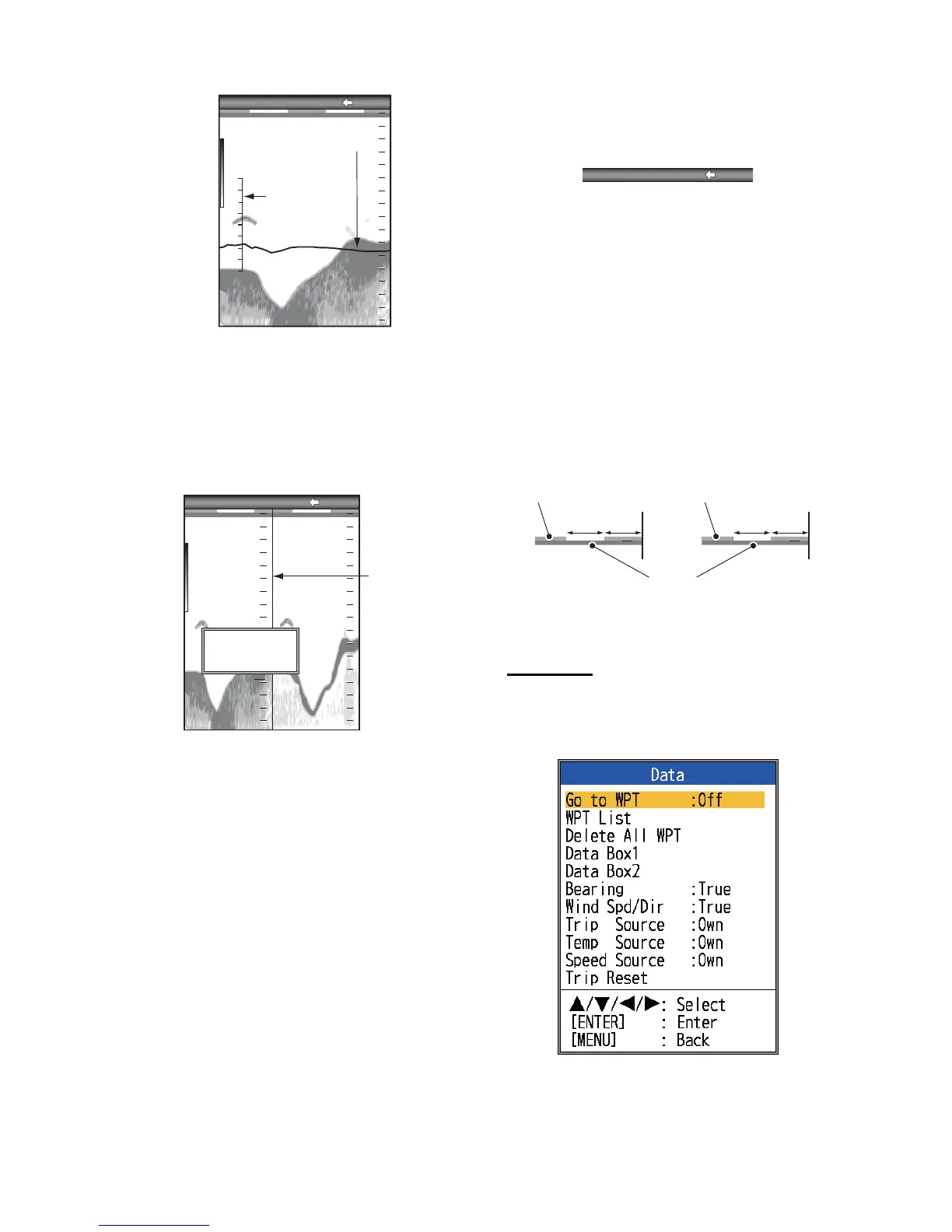
[Window Size]: Adjust the display area of the
dual frequency mode or zoom mode. This
function is inoperative with the single frequen-
cy, nav data mode or A-scope display.
1. Select [Window Size] and press the EN-
TER key.
Window size setting window
2. Use W or X to move the dividing line and
press the ENTER key.
[Battery]: Turn the battery voltage indication
(appears at the top of the screen) on or off.
When displayed, the battery indication replac-
es the picture advance speed indication.
[Color Bar]: Turn the color bar on or off.
[Palette]: Change the background color of the
screen in five colors: white, blue, black, mono,
and night.
[Header Info]: Turn the operational info dis-
play (appears at the top on the screen) on or
off.
Header info
[Header Scale]: The header scale (below the
header info) provides an estimate of time or
distance.
• Time: An orange bar and a “blank” bar
scroll across the screen for 30 seconds
each. (One set is one minute.)
• Distance: An orange bar and a “blank” bar
scroll across the screen. Each bar is equal
to 0.03 NM. (One set is 0.06 NM.) Requires
speed and position data.
[Nav Data1, Nav Data2]: Set the division con-
figuration of respective displays.
Data menu
This menu mainly sets up how to display data
input by external equipment.
[Data Box1(2)]: Show or hide the Data Box1,
Data Box2 indication, which appears below
the header info. You can select multiple indi-
Temperature
Graph
Temperature
Scale



 To Next Page