3. MAINTENANCE, TROUBLESHOOTING
31
3.8 LCD Test
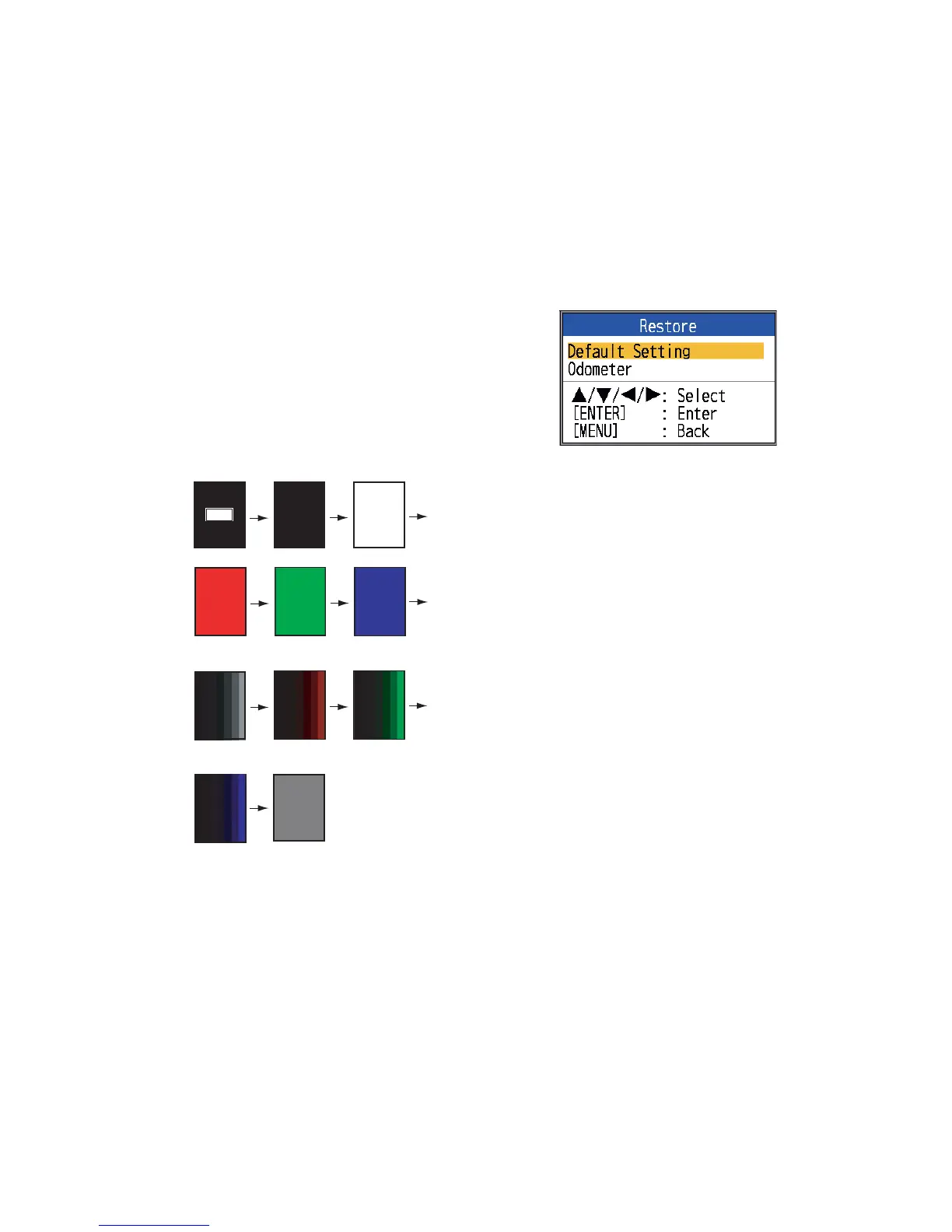
This feature tests the LCD for proper display
of colors.
Note: To review the seven-tone screen easi-
ly, set the brilliance to maximum before start-
ing the test.
1. Open the menu and select [Tests] (under
[System]) and press the ENTER key.
2. Use S or T to select [LCD Test] and
press the ENTER key.
3. Press any key except MENU/ESC key to
start the test. The entire screen changes
as below with each press of any key ex-
cept MENU/ESC key. After the checkered
pattern, the [Tests] menu appears.
3.9 How to Clear the
Memory, Reset the
Odometer
You can restore default menu settings and re-
set the odometer (trip distance indication) as
follows.
1. Open the menu and select [Restore] (un-
der [System]) and press the ENTER key.
2. Select [Default Setting] or [Odometer] as
appropriate and press the ENTER key.
[Default Setting]: Restore all default menu
settings (excluding language).
[Odometer]: Reset the odometer to zero.
3. Use S to select [Yes] and press the EN-
TER key.
For [Odometer], the unit beeps after the
reset is completed. For [Default Setting],
the unit beeps and then the startup
screen appears followed by the [Installa-
tion] menu. Select appropriate language
and press the MENU/ESC key twice.
[M E NU ] : Q ui t
Other Keys : Next
Operating
description Black White
Red Green
Blue
Seven tone
(black)
Seven tone
(red)
Seven tone
(green)
Seven tone
(blue)
Checkered
pattern



 To Next Page