i
1. i Press the POWER Switch.
Self-test starts, showing the condition of the
logic circuits. The program number is
displayed.
ROM O
DRAM O
SRAM O
BATTER O
PROGRAM NO. 02522970
2. Select a mode with the MODE Selector. The
position of the selector is recommended
for general use. Display color is amber by
default but may be customi ed. The unit of
measurement is meters. ou can freely
select another mode at any time.
3. i Press the POWER Switch
again.
Wait at least 5 s before reapplying the power.
When two transducers are installed, make
sure which transducer is used.
When lat/long data input error occurs,
EPFS ERROR appears on the screen.
EPFS Electronic Position-Fi ing System
such as GPS receiver
ii
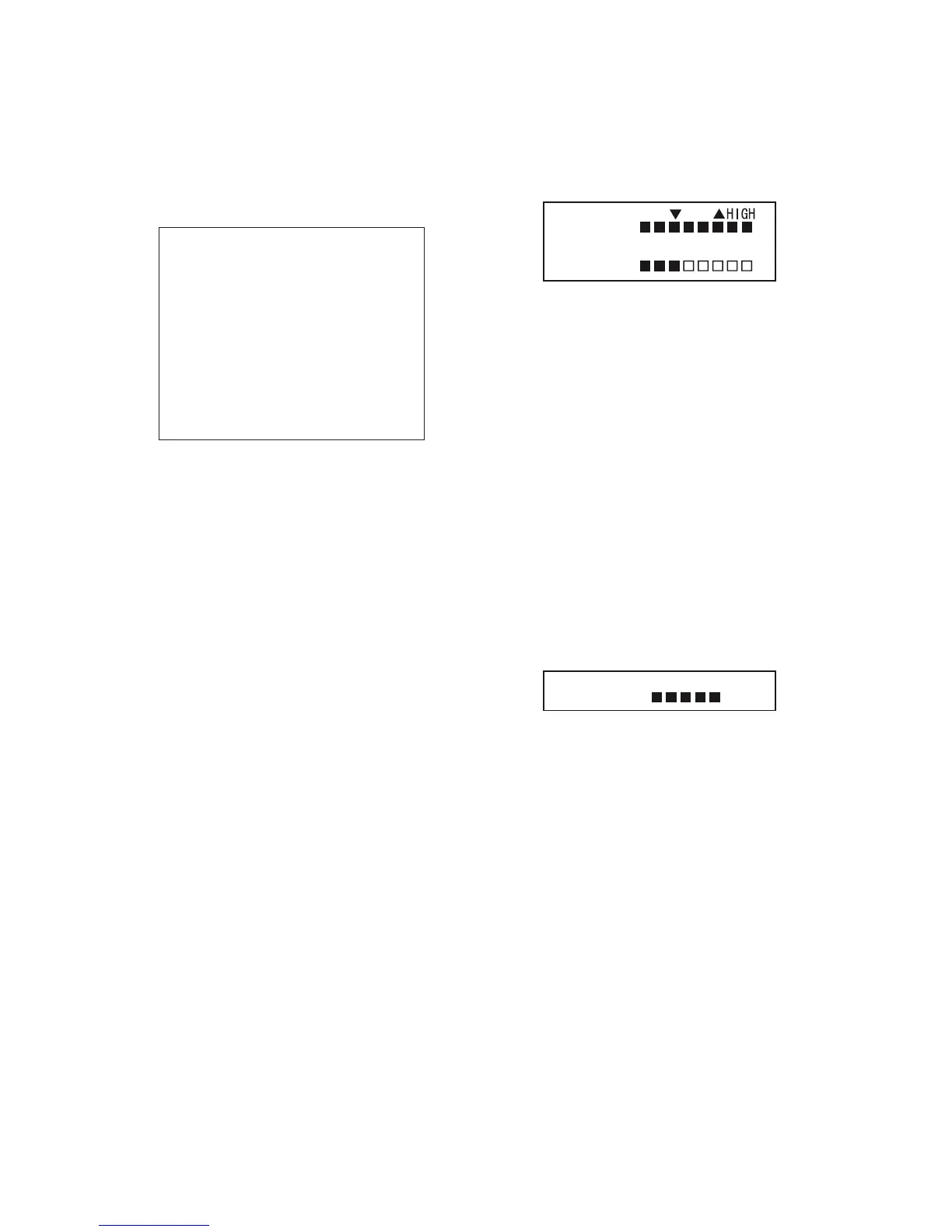
1. Press the BRILL key. The tone and brilliance
setting window appears.
BRILL: 8
TONE: 3
LOW
LOW- +HIGH
2. Press the or
-
key for desired tone in
reality, Contrast .
3. Press the 䦱 or 䦻 key for desired
brilliance. Pressing the BRILL key also
changes the brilliance from minimum to
ma imum and vice-versa.
Tone or brilliance must be ad usted within
10 seconds after pressing the BRILL key.
Otherwise the tone and brilliance window
will be erased.
i
1. Press the DIM key. The panel dimmer setting
window appears.
DIMMER: 5
LOW- +HIGH
2. Press the or
-
key for desired
illumination of the control panel. Pressing
DIM key also changes the illumination level.



 To Next Page
 Loading...










