4.4 Updating Program
4-4
4.4 Updating Program
The followings show how to update each program.
4.4.1 T-CPU and C-CPU
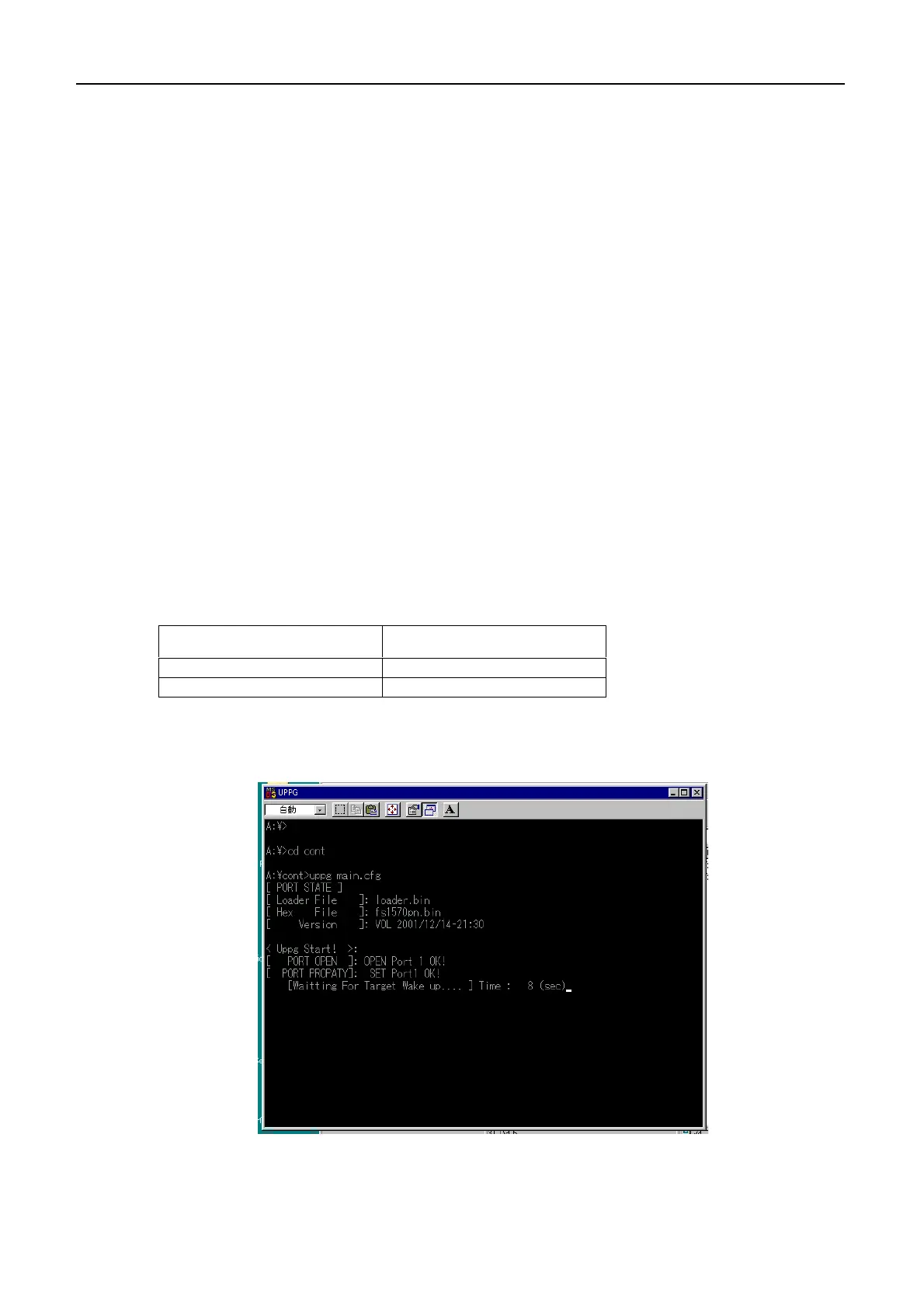
To update the program;
1. Turn off the system. FS-1570/FS-2570
2. Connect the PC. See 4.2 Connection.
3. Confirm that DIP switch S3-#3 and #4 is ON and S3-#1 and #2 is OFF on T-CPU
board when T-CPU program is updated.
4. Insert the floppy disk which contains the latest program into the drive A.
5. Double click the batch file icon of the program to be updated.
When updating by using DOS window, enter the batch file name to be
updated.
6. Updating program runs automatically.
Program to be updated Command
C-CPU UPCONT.BAT
T-CPU UPTRX.BAT



 To Next Page
 Loading...











