HANDLING COMPACT DISCS (CD/CD-R/CD-RW)
- Avoid touching the surface
- Avoid exposing the disc to direct sunlight
- Ensure the disc is clean
- Ensure the disc is not scratched or damaged.
PLAYBACK OF CD-R/CD-RW
- If your CR-R/CD-RW will not play. Ensure that the last recording session was closed or finalised.
SUPPORTED MEDIA
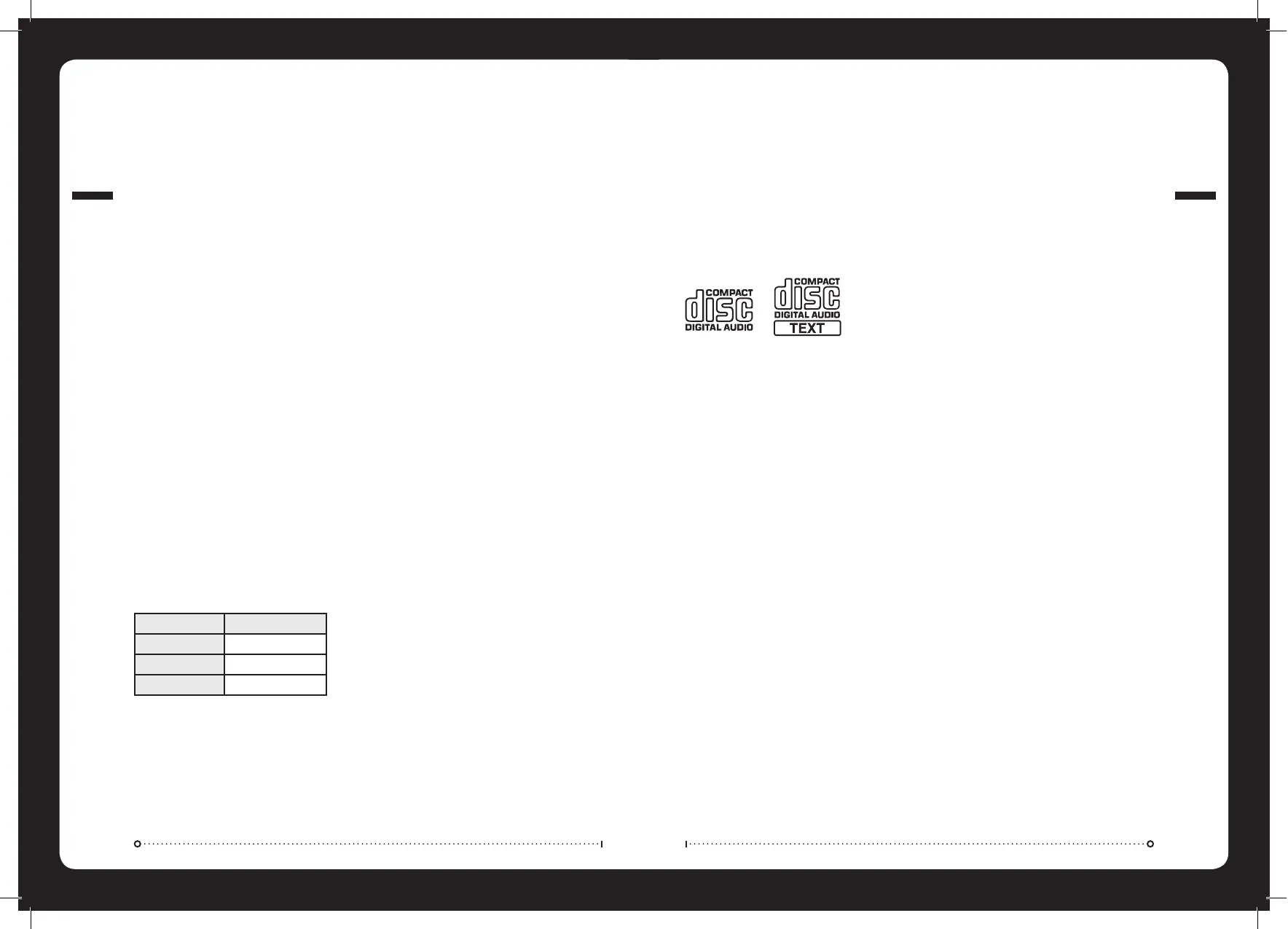
- Only use compact discs with the CD logo’s on the label as listed below.
- If you use compact discs without the above logo’s, correct performance cannot be guaranteed
- You can play audio discs recorded on CD-R (Recordable) and CD-RW (Re Writable) media
Windows Media and the Windows logo are trademarks, or registered trademarks of Microsoft Corporation in the United States and/or other
countries. Apple, the Apple logo, iPod and iTunes are Trademarks of Apple Computer, Inc, registered in the U.S. and other countries.
“MPEG Layer-3 audio coding technology licensed from Fraunhofer IIS and Thompson.”
“Supply of this product only conveys a licence for private, non-commercial use and does not convey a licence nor imply any right to use this
product in any commercial (i.e. revenue generation) real time broadcasting (terrestrial, satellite, cable and/or any other media), broadcasting/
streaming via internet, intranets and/or other networks or in other electronic content distribution systems, such as pay-audio or audio-on-
demand applications. An independent license for such use is required. For details, please visit
http://www.mp3licensing.com”
53"/0%2!4)/.
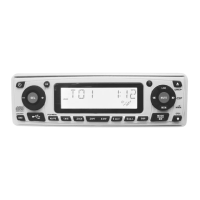
Connect the USB device via the USB interface (26) and playback of MP3/WMA files will start automatically. USB
mode can be selected with the MODE button (6). Operation of the USB is identical to MP3 operation. (see page 10
CAUTION: To safely eject the USB device ensure you change the mode to another source before removing the device.
NOTE: This product does not support all USB/MP3 players.
WARNING: Ensure when connecting an MP3 player via the USB interface that it has rechargeable batteries NOT standard
batteries in use as this may cause the batteries to explode.
3500/24%$-07-!
&/2-!43
NOTES ON MP3 FILES
1. The disc must be in the ISO9660 level 1 or level 2 format.
2. When naming a MP3 file, be sure the file name extension is “MP3”.
3. For a non-MP3 file, even though the file name extension is “MP3”, the unit cannot recognise it.
1) MP3: Compliant with layer 3 of MPEG1
-Sampling rates (kHz): 44.1
-Bit rates (kbps): 16, 24, 32, 40, 48, 56, 64, 80, 96, 112, 128, 144, 160, 192, 224, 256, 320 variable bit
rates supported.
2) WMA: Compliant with Windows Media Audio 9
-Sampling rates (kHz): 44.1
-Bit rates (kbps): 32 to 192 does not support DRM and Lossless, Professional and Voice of WMA9
MP3/WMA
Max Files 999
Max Folders 500
Folder Depth 8
HANDLING CD’S
USB OPERATION


 To Next Page