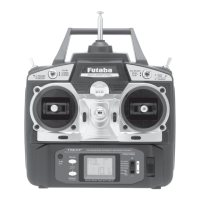
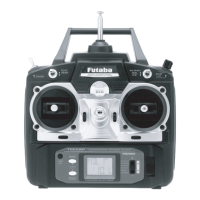
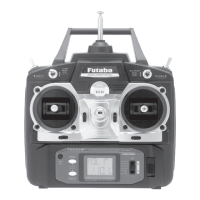
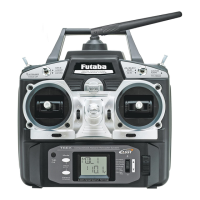
FLOW CHART
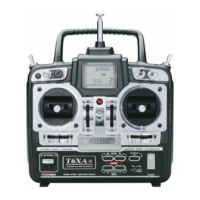
6EXA FUNCTIONS
Simultaneously Press the “MODE” and “SELECT” keys and hold them down for one second to enter the programming mode.
Press the keys again (or turn off the transmitter) to exit the programming mode.
16
Stick Mode
(Screen at Startup)
To enter or leave Programming Mode,
press MODE and SELECT keys
simultaneously for one second.
To change the Stick Mode, turn on
the transmitter holding MODE and
SELECT keys down simultaneously.
Use the DATA INPUT lever to display
the desired stick mode.
(press MODE and SELECT keys for one second)
MODE key
MODE key
SELECT key
DATA INPUT
lever
[CH 2-5]
[CH 2-5]
[CH 2-3]
[Model 2-5]


 To Next Page