Printer Cleaning Guide
(GEN2™, GEN2 Universal™, and GEN3 Evolution® Printers)
2010 – 2012 FutureLogic, Incorporated. All Rights Reserved. PUBN Page 2 11/14/2012
MNL-000054 REV.D
2 Printer Cleaning
Introduction
This chapter covers cleaning the printer. Most illustrations show a GEN2 Universal printer. Wherever
there is a difference for the GEN3 Evolution printer, additional illustrations are shown.
Cleaning and Maintenance Do’s and Don’ts
Do Not store spare media (tickets) stacks inside the game. Ambient heat
within the game may cause stored tickets to experience print quality and/or
paper jam issues over time.
Do Not use sharp or abrasive objects when cleaning the Print Head, Platen
Roller, Pinch and Presenter Rollers.
Do Not use non-approved cleaners or detergents.
Do Not use the Cleaning Card more than once.
Do Not use the Cleaning Swab more than once.
Do Not use the Cleaning Wipe more than once.
Do use the Cleaning Card method every 3 months. (See page 4.)
Do perform the manual cleaning method generally two (2) times per year or
as required depending upon game and media conditions. (See page 6.)
Do use FutureLogic approved Cleaning Cards, Cleaning Wipes, and
Cleaning Swabs.
Required Cleaning Supplies
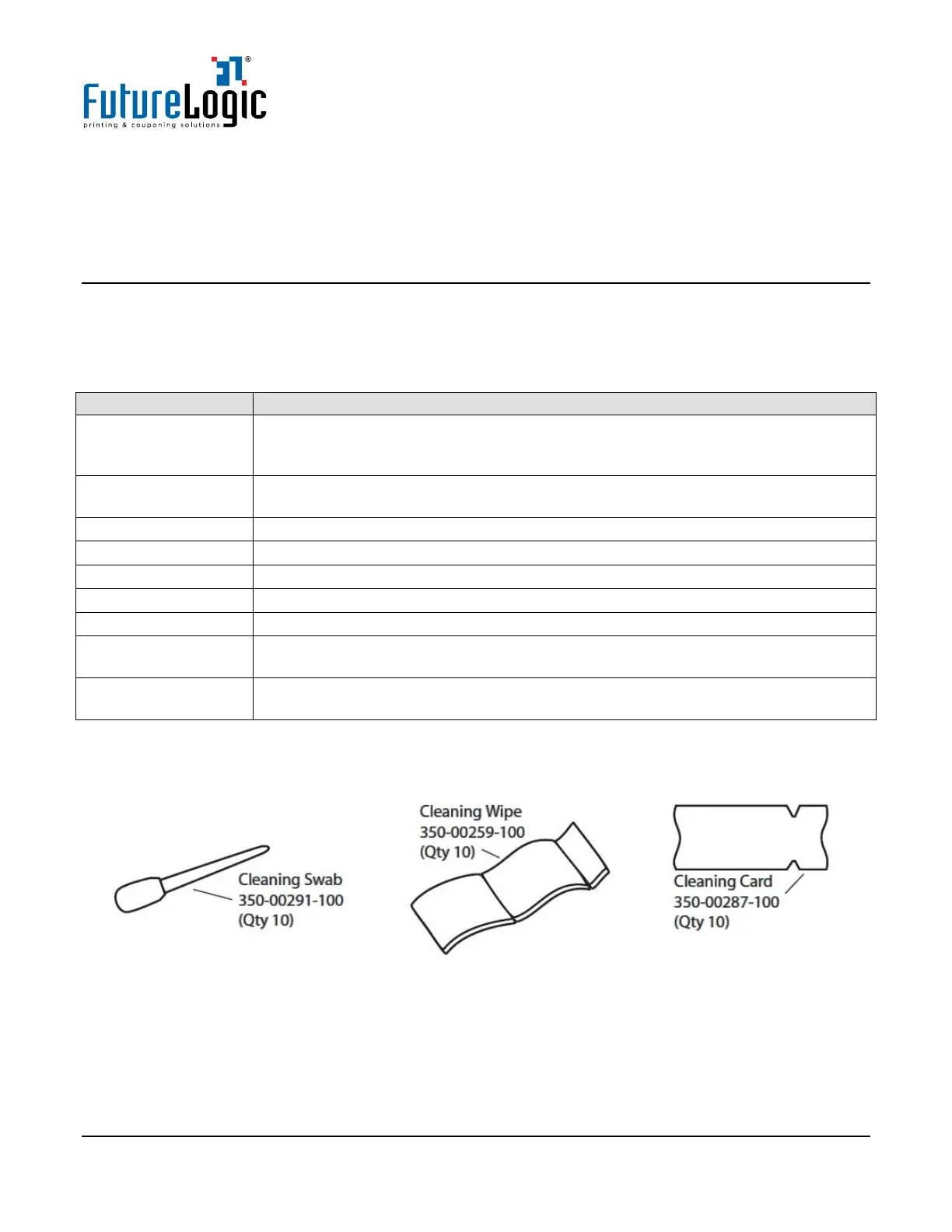
The Printer Cleaning Kit (P/N 350-00292-100) contains 10 each of Cleaning Swab, Cleaning Wipe, and
Cleaning Card.
Use the Cleaning Swabs and Cleaning Wipes with the Manual Cleaning Method. (See page 6.)
Additionally, have on hand if needed:
• Isopropyl Alcohol (I.P.A.) 99% or greater
• Compressed Air to blow out dust from the print mechanism and sensors



 To Next Page