Printer Cleaning Guide
(GEN2™, GEN2 Universal™, and GEN3 Evolution® Printers)
2010 – 2012 FutureLogic, Incorporated. All Rights Reserved. PUBN Page 4 11/14/2012
MNL-000054 REV.D
Cleaning Card Method
Use these procedures to quickly clean the Paper Path and Sensors. Perform these steps every three (3)
months or as necessary.
Note: Steps 1 and 2 apply only if the
printer is in a game.
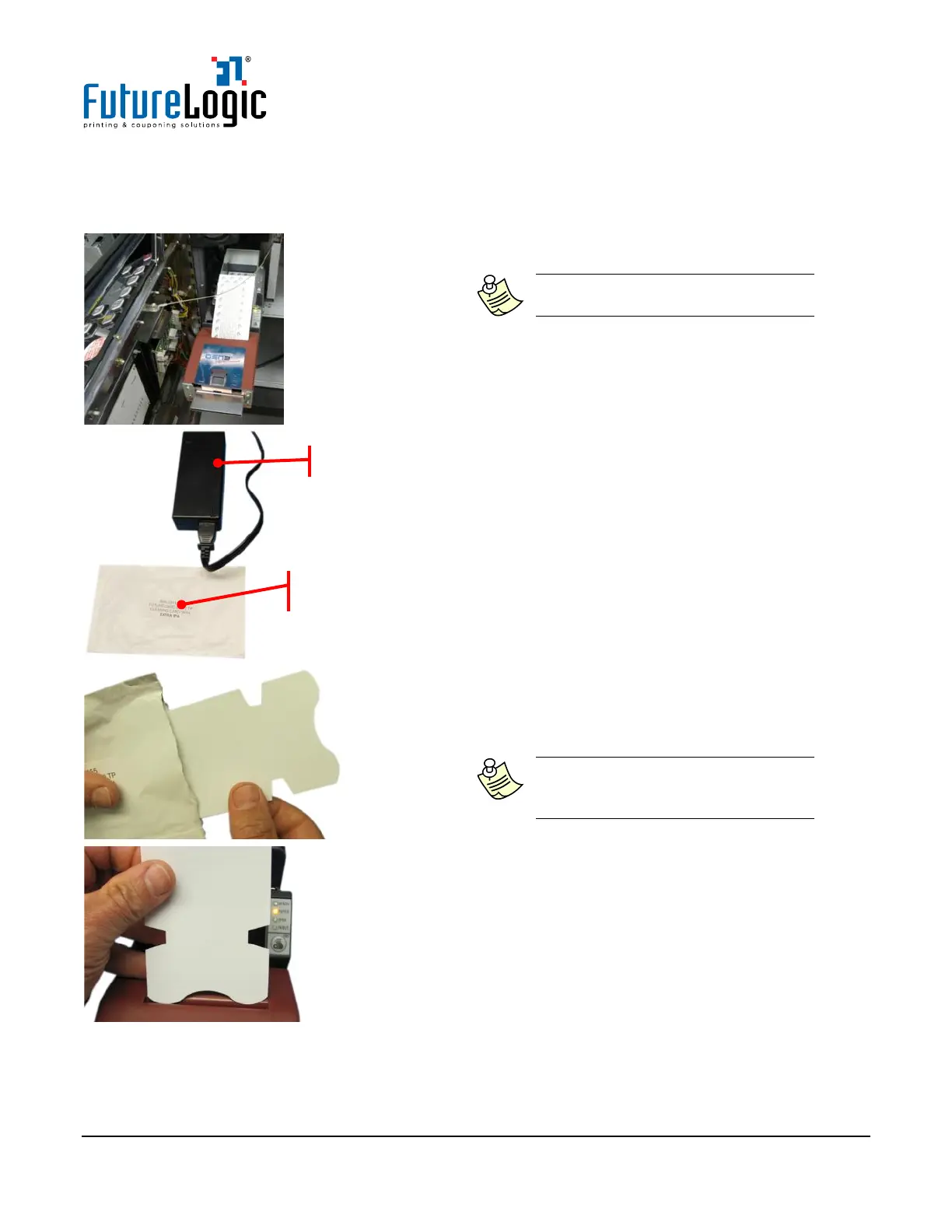
1. Slide the printer out.
2. Remove any loaded tickets from the printer.
3. Confirm that the printer has power.
4. Remove the Cleaning Card from the packaging.
Note: This custom Cleaning Card is
made for the printer sensors and for
feeding through the Paper Path.
5. Insert the Cleaning Card into the Paper
Loading Slot.
Power Source (if not in game)



 To Next Page