Printer Cleaning Guide
(GEN2™, GEN2 Universal™, and GEN3 Evolution® Printers)
2010 – 2012 FutureLogic, Incorporated. All Rights Reserved. PUBN Page 5 11/14/2012
MNL-000054 REV.D
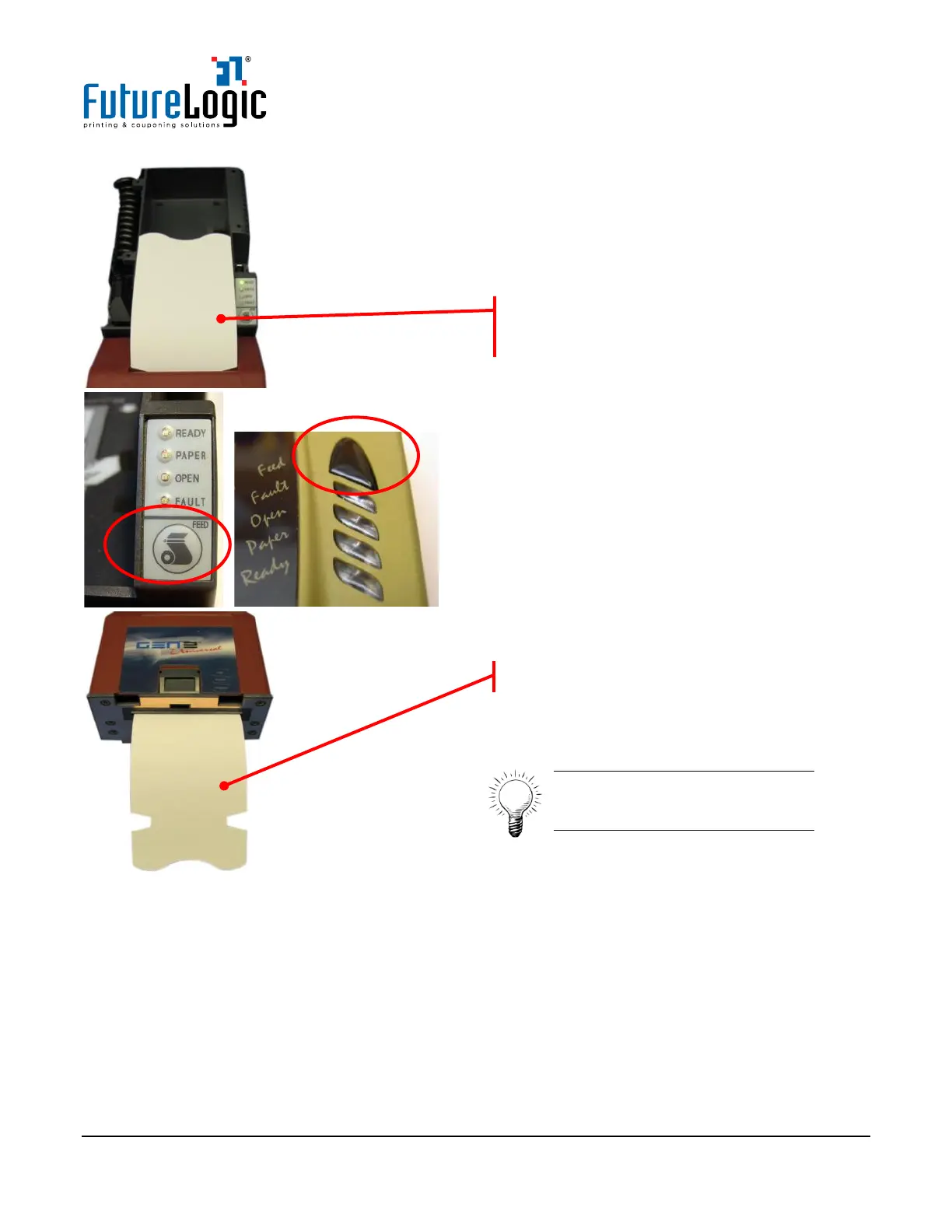
6. Press the FEED button on the Keypad to feed
the Cleaning Card through the Paper Path.
7. Remove the Cleaning Card.
Tip: Flip over the Cleaning Card
and feed through the printer for
a second cleaning cycle.
The printer will feed the Cleaning Card to the
loading point
.
The Cleaning Card advances to this position.



 To Next Page