12
9 PHOTOCAMERA
9.1 Introduction:
The FM-8800 has a built-in camera. Through the
‘Camera’ menu, resolution and some special settings
can be changer.
9.2 Making a picture:
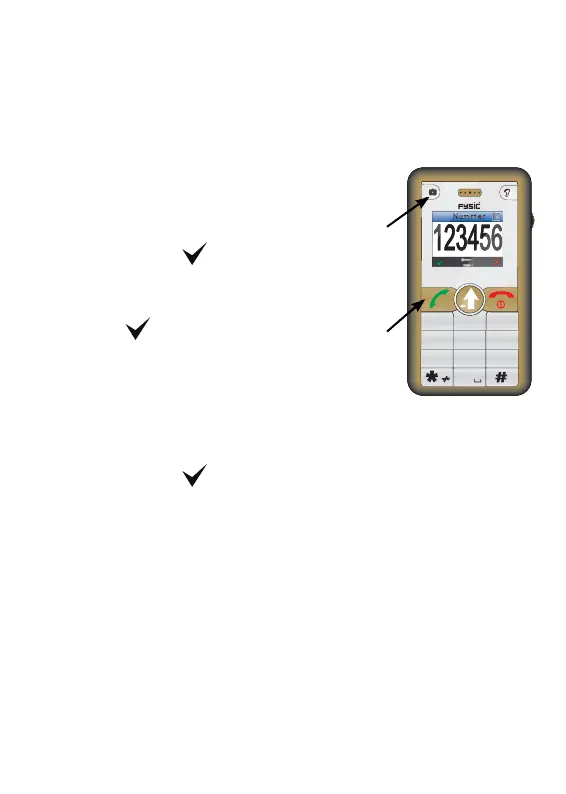
1. Press the camera key shortly
2. Press the
key, the camera
will be activated
3. aim the camera and press
the key to make and
save a photograph.
9.3 Viewing a picture:
1. Open the ‘Archive’-option through the menu and
use the wheel to select the photo
2. Press the key to view the photo
9.4 Use the camera as a magnifying glass:
When you push the switch on the back of the phone
down, you can use the camera as a magnifying glass
to view close object or text.
1
2 and 3
Num
1
2
3
7
56
4
89
0
ABC
DEF
GHI
JKL MNO
PQRS
TUV
WXYZ



 To Next Page