9
5 Emergency Number
5.1 Introduction:
It is possible to program a phone number that will be
dialled after the emergency button has been pressed
for over 2 seconds.
This number can be any emergency number, but
also personal numbers of family or friends.
5.2 Programming:
Select the option ‘Emergency Call’ and enter the
telephone-number to be dialled in an emergency
sitation under the option ‘Emergency Number’.
The option ‘Delay’ can be used to set the delay-time
(3, 5 or 8 seconds) before the number will actually be
dialled. During this delay time, the call can be
aborted by pressing the phone OFF key.
5.3 Using alarm function:
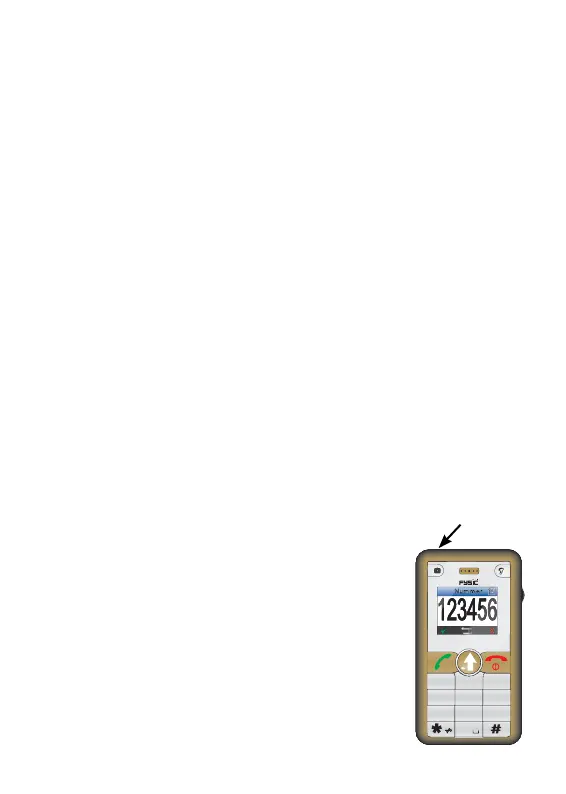
Press and hold the alarm button for
2 seconds. The display will now start a
countdown according to the delay time
set. For the call itself, you do need to
hold the phone to your ear or use a
headset.
alarm key
Num
1
2
3
7
56
4
89
0
ABC
DEF
GHI
JKL MNO
PQRS
TUV
WXYZ



 To Next Page