13
10 Settings
10.1 Introduction:
Setting and programming your telephone is done
by using a menu to select any options.
1. The menu is opened by holding the MENU
key for two seconds
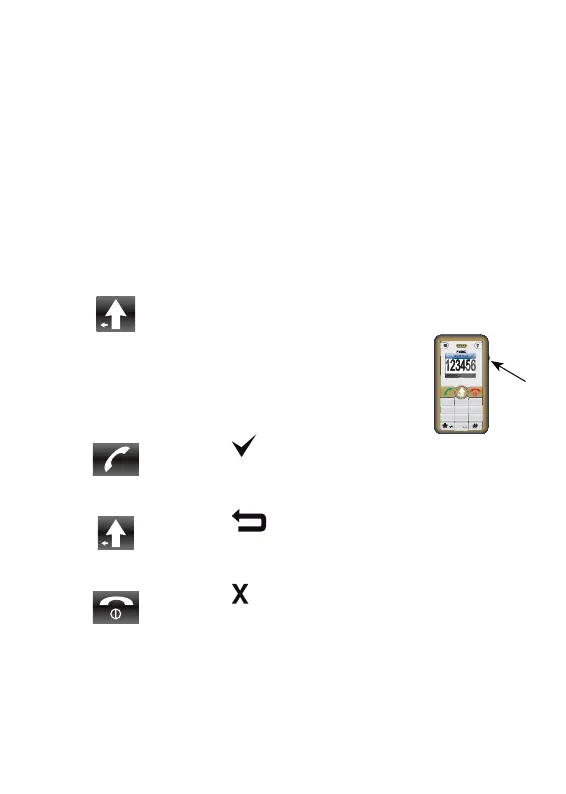
2. Use the wheel on the right side of the
phone to choose the desired option.
3. Press the
key to confi rm your input or
choice.
Press the key to delete or correct any
wrong input
Press the key to close the menu and
return to the stand-by state of the telephone.
2 sec
Num
1
2
3
7
56
4
89
0
ABC
DEF
GHI
JKL MNO
PQRS
TUV
WXYZ



 To Next Page