8
3 CALLING
3.1
CALLING WITH THE PHONE OR USING THE HANDS-FREE FUNCTION:
You can make calls holding the handset against your ear or you can use
the speaker function allowing other household members to listen in or to
keep your hands free for e.g. making notes
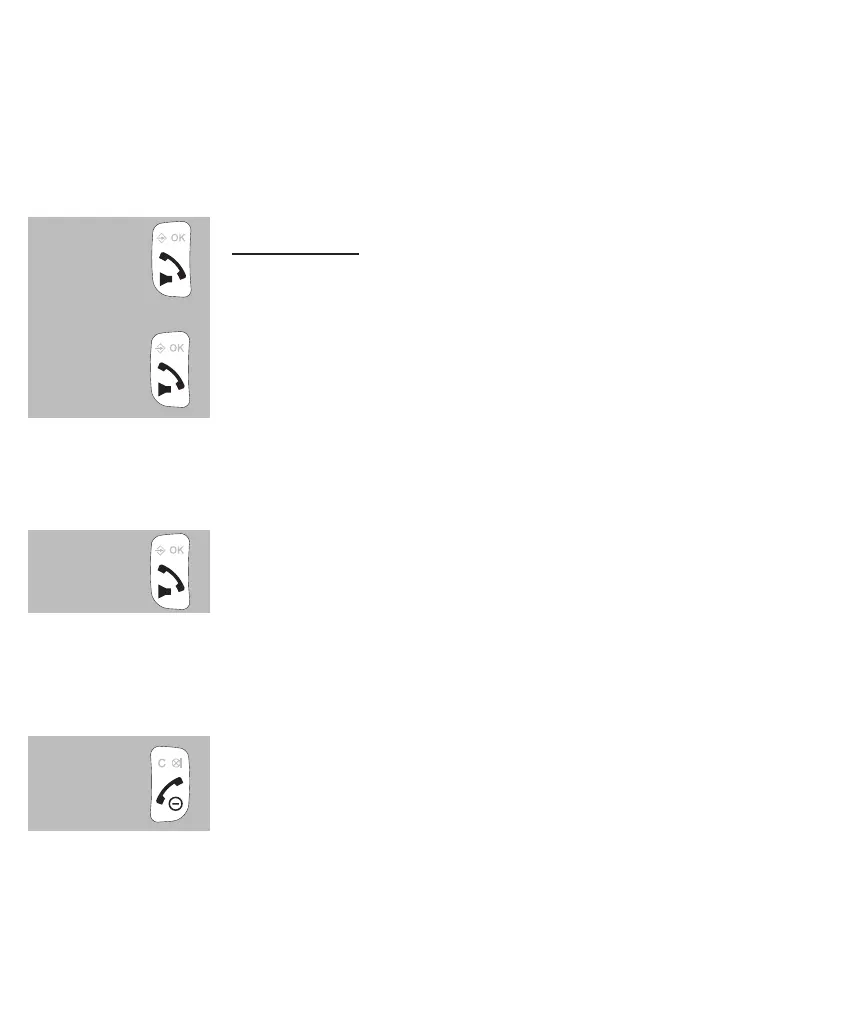
during a call, press the Call button again to switch on the
speaker function
press the Call button again to switch the speaker func-
tion back off
3.2 RECEIVING CALLS:
when you receive a call, the display lighting of the handset will switch on
and the indicator at the top of the handset starts ashing
press the Call button to answer this call
• see paragraph 10.2, item [ Auto antw ] answering calls by only from the base station
3.3 ENDING CALLS:
press the End button to disconnect your call
• you can also place the handset back onto the base or cradle/charger to disconnect a
call


 To Next Page