36
[ MAILBOX ]
The number you can enter here will be saved underneath button 1. By press-
ing and holding the 1 button for at least 2 seconds in standby mode, this
number will be dialled. Usually the phone number for your voicemail is stored
underneath the 1 button, but you may store any frequently used number.
11 BASE PREFERENCES
11.1 INTRODUCTION:
Via the menu [ BS voorkeuren ] you can, amongst others, deregister other
handsets, adjust the FLASH interruption time and change your PIN code.
11.2 MENU FOR BASIS PREFERENCES:
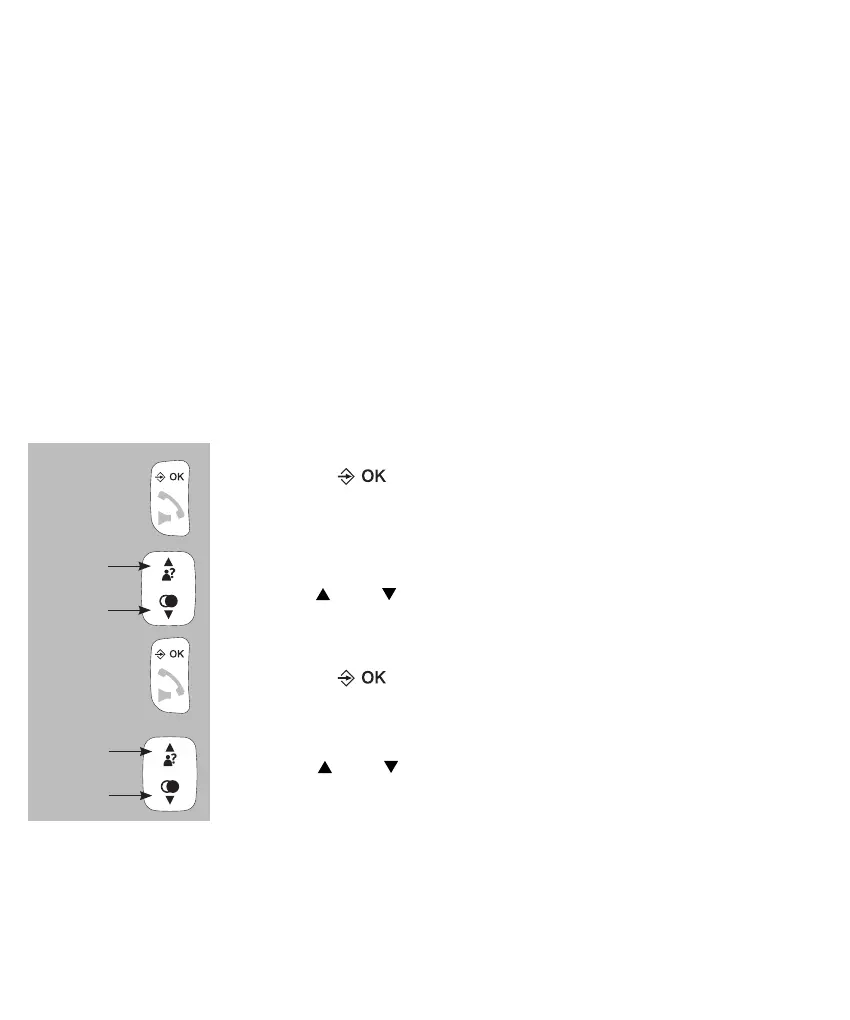
press the button
use the and buttons to select the option [ BAS INST ]
press the button
use the and buttons to choose from the following
options:
[ HS AFMEL ]
Here you may deregister faulty or lost handset. Keep in mind that you can
only deregister other handsets, you cannot deregister your own handset.
See also paragraph 13.4.


 To Next Page