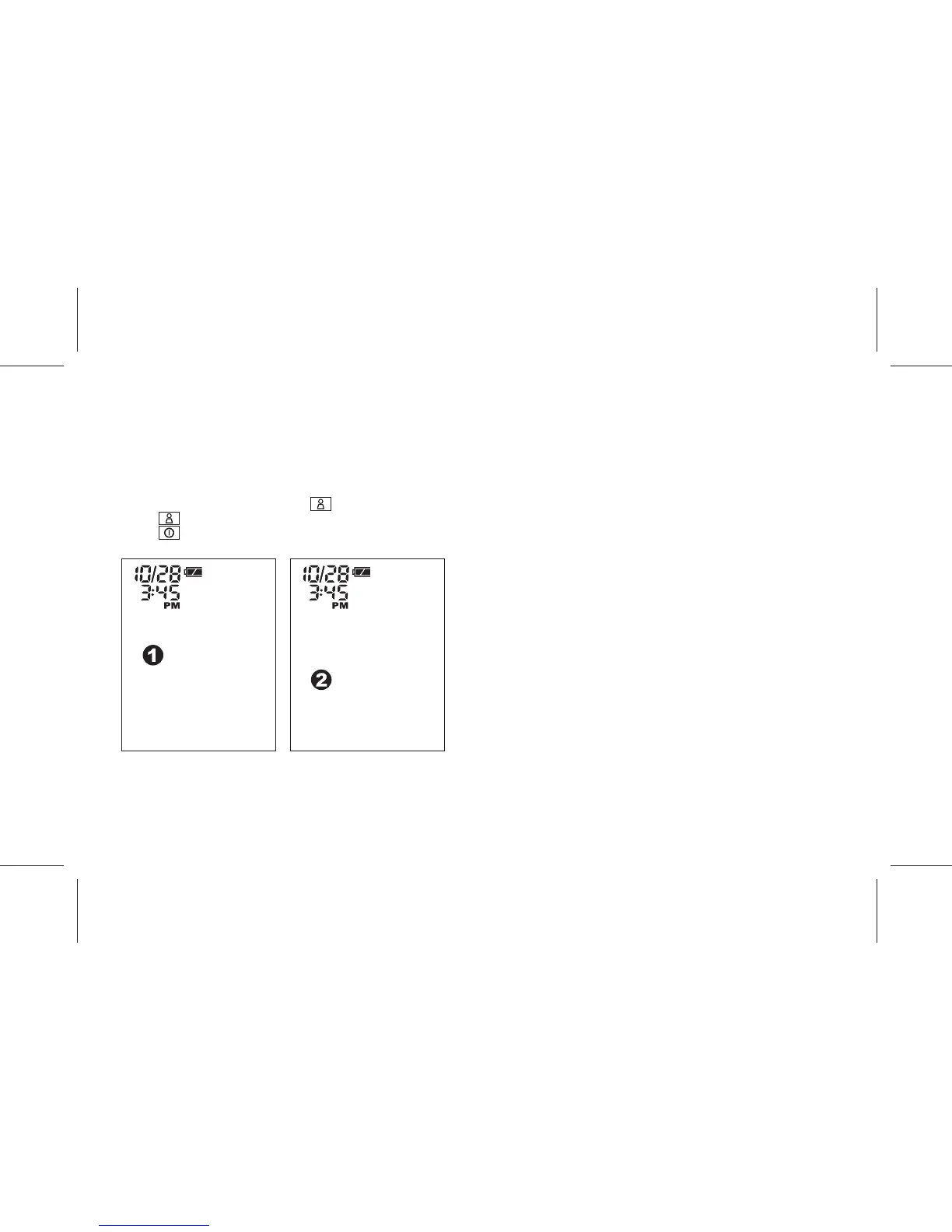
User 1 is selected User 2 is selected
SELECT USER
The device has a memory capability to store the measurement data for
2 users – User 1 and User 2. Every time you complete the
measurement, the device automatically stores the measurement
result.
1. If the device is in "OFF" status, press key to turn on the device.
2. Press key to select User 1 or User 2.
3. Press key to confirm and turn off the device.
- 10 -



 To Next Page